⚠️ WARNING (California Proposition 65): This product may contain chemicals known to the State of California to cause cancer, birth defects, or other reproductive harm. For more information, please visit www.P65Warnings.ca.gov.
Frequently Asked Questions
Q: What materials are used in the iMicro USB Dual Headset?A: The iMicro USB Dual Headset is made of leather and plastic materials. This combination ensures both comfort and durability during use.
Q: What are the dimensions of the iMicro USB Dual Headset?A: The headset measures nine point nine inches in length, seven point five two inches in width, and two point four inches in height. Its compact size makes it easy to store and transport.
Q: What is the audio output specification for the headset?A: The headset offers stereo sound output with a frequency response range of twenty to twenty thousand hertz. This range ensures clear and high-quality audio for calls and music.
Q: How do I connect the iMicro USB Dual Headset?A: To connect the headset, simply plug the USB type A connector into your PC, laptop, or computer. It is a plug-and-play device, so no additional software is needed.
Q: Is this headset suitable for online calls?A: Yes, this headset is ideal for online calls. The noise-cancelling microphone effectively eliminates background noise, ensuring your voice is clear during conversations.
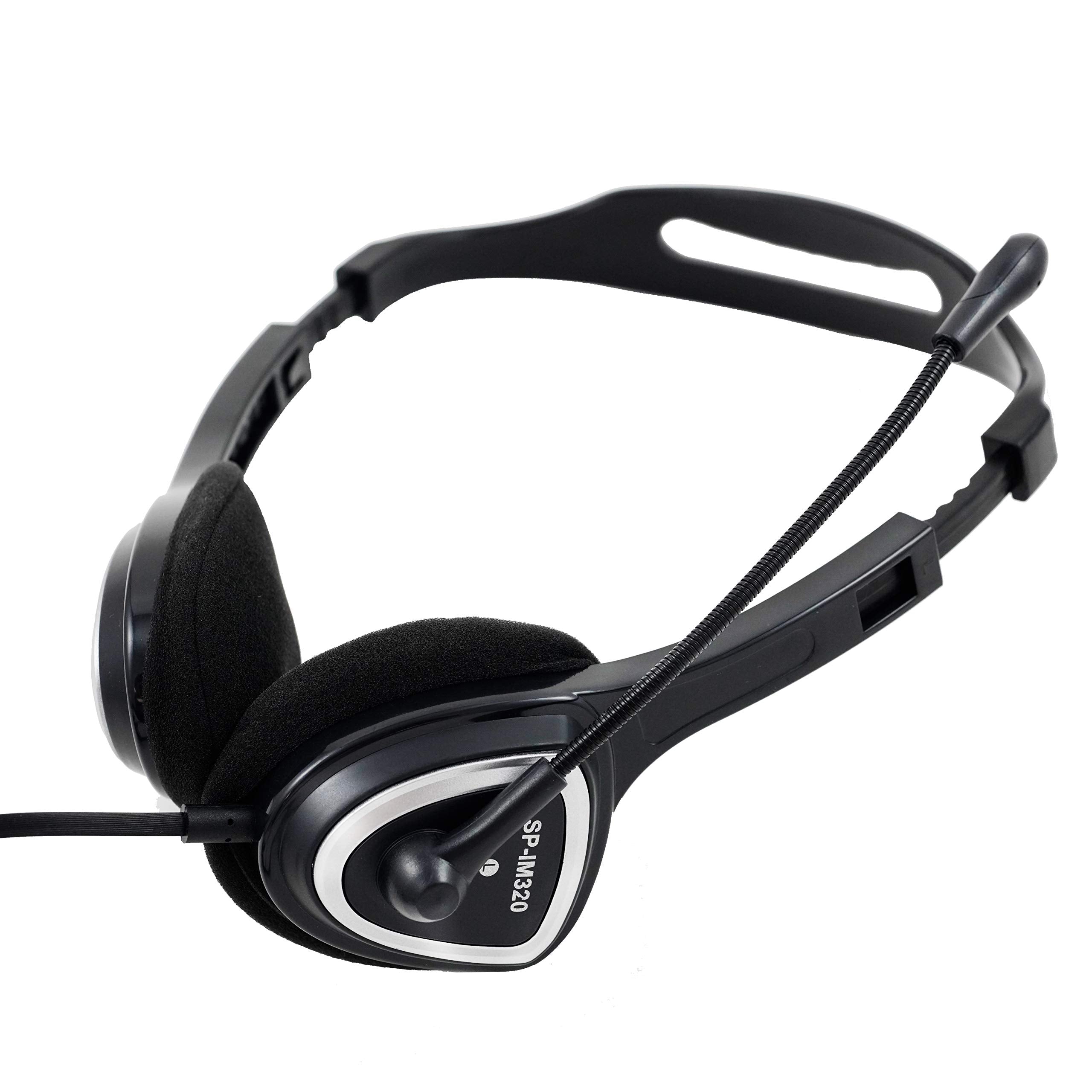
Q: Can I adjust the headband for a better fit?A: Yes, the iMicro headset features an adjustable headband. This allows you to customize the fit for maximum comfort during extended use.
Q: How do I maintain the iMicro USB Dual Headset?A: To maintain the headset, wipe it down with a soft, dry cloth after use. Avoid using harsh chemicals that could damage the leather material.
Q: Is the iMicro USB Dual Headset safe for long-term wear?A: Yes, the headset is designed for long-term wear. Its padded ear cups and adjustable headband provide comfort even during extended use.
Q: What is the length of the headset cable?A: The headset cable measures six point six feet in length. This allows for flexibility and ease of movement while using the headset.
Q: What should I do if the headset doesn't work upon connection?A: If the headset doesn't work when connected, first check the USB connection. Try using a different USB port on your device or restarting your computer.
Q: Is there a warranty on the iMicro USB Dual Headset?A: Yes, the iMicro USB Dual Headset comes with a standard manufacturer's warranty. Be sure to check the warranty details provided with your purchase.
Q: Can I use this headset with gaming consoles?A: No, the iMicro USB Dual Headset is not designed for gaming consoles. It is primarily compatible with PCs and laptops via USB.
Q: What is the sensitivity of the microphone?A: The microphone has a sensitivity of negative fifty-eight decibels. This allows for clear voice capture while minimizing ambient noise.
Q: Does the headset have in-cord volume control?A: Yes, the headset features in-cord volume control. This allows you to easily adjust the sound level without needing to access your device.
Q: Can I use this headset for music listening?A: Yes, the iMicro USB Dual Headset is suitable for music listening. Its stereo sound output provides an enjoyable audio experience for music as well as calls.