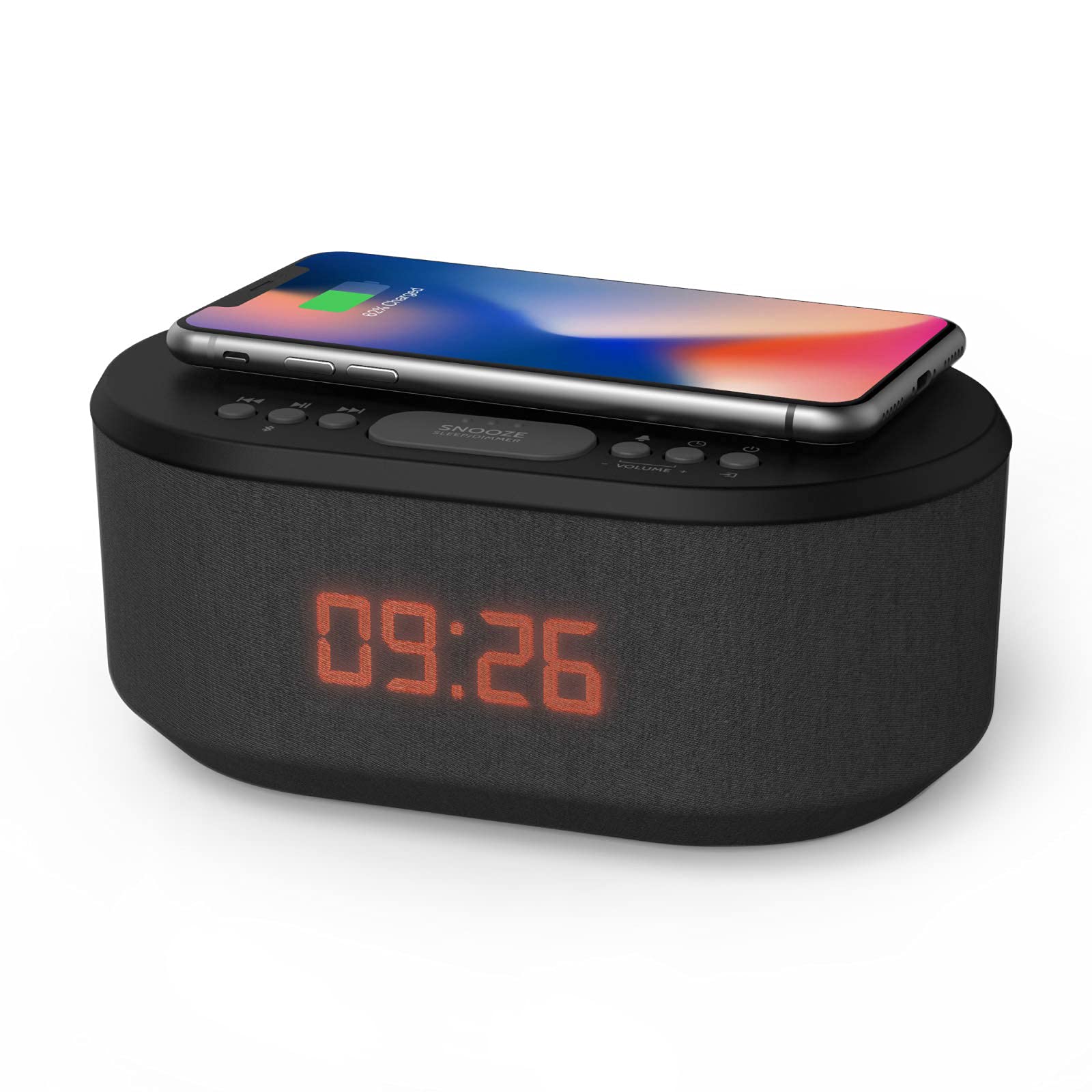
Experience The Ultimate Convenience Of A Multifunctional Device With Our Digital Two-Way Radio. This Innovative Product Combines The Functionality Of A Reliable Two-Way Radio With The Practicality Of A Feature-Rich Digital Clock Radio.
⚠️ WARNING (California Proposition 65): This product may contain chemicals known to the State of California to cause cancer, birth defects, or other reproductive harm. For more information, please visit www.P65Warnings.ca.gov.
Frequently Asked Questions
Q: What is the model of the alarm clock?A: The model of the alarm clock is seven nine two two nine P I slash one seven. This model features various functionalities including Bluetooth and wireless charging.
Q: What material is the i-box bedside alarm clock made of?A: The i-box bedside alarm clock is made of plastic. This material is commonly used for its durability and lightweight properties.
Q: What color is the i-box bedside radio alarm clock?A: The color of the i-box bedside radio alarm clock is black. This color is versatile and fits well with most bedroom decors.
Q: How do I charge my devices with this alarm clock?A: You can charge your devices using the USB charger or the QI wireless charging feature. Simply place your compatible device on the designated charging area.
Q: Does the alarm clock have dual alarms?A: Yes, the alarm clock has dual alarm settings. This allows you to set two different alarms for different wake-up times.
Q: How do I adjust the brightness of the display?A: You can adjust the brightness of the LED display using the dimmer function. This feature allows you to set the display to your preferred brightness level.
Q: Can I connect my phone to this alarm clock via Bluetooth?A: Yes, you can connect your phone to the alarm clock via Bluetooth. This enables you to play music directly from your device.
Q: What are the dimensions of the alarm clock?A: The exact dimensions of the alarm clock are not specified. However, it is designed to fit comfortably on most bedside tables.
Q: How do I set the alarm on this clock?A: To set the alarm, press the alarm button and adjust the time using the hour and minute controls. This process is straightforward and user-friendly.
Q: Is there a snooze feature on this alarm clock?A: Yes, there is a snooze feature on the alarm clock. You can easily activate it to get a few extra minutes of sleep.
Q: How do I clean the i-box bedside alarm clock?A: To clean the alarm clock, simply wipe it down with a soft, damp cloth. Avoid using harsh chemicals to maintain its finish.
Q: Is the alarm clock battery-operated?A: No, the alarm clock is not battery-operated. It requires a standard electrical outlet for operation.
Q: Where is the i-box bedside alarm clock manufactured?A: The i-box bedside alarm clock is manufactured by Philex Electronic Ltd. This company is known for producing quality electronic products.
Q: Does this clock have a warranty?A: Yes, the clock typically comes with a warranty. Be sure to check the manufacturer's details for specific warranty information.
Q: What should I do if the alarm clock doesn't work?A: If the alarm clock doesn't work, first check the power connection and ensure it is plugged in properly. If issues persist, refer to the user manual for troubleshooting steps.