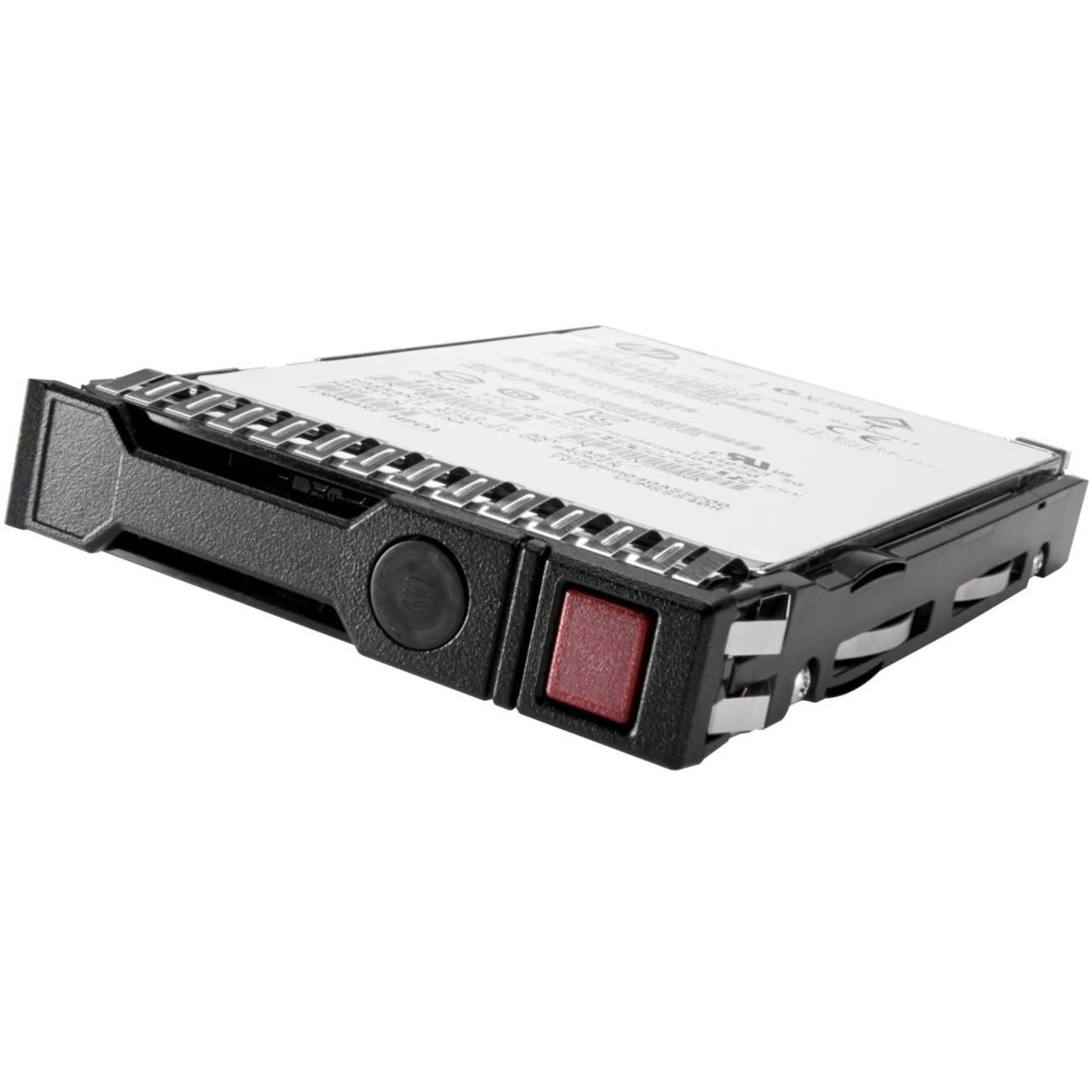
Do Your Servers Need Reliable, Economical, High Capacity Midline Hard Drives For Your Growing Storage Workload Needs? Hpe Server Midline Hard Drives Deliver The Highest Capacity, Performance And Reliability To Your Datacenter Applications. Midline Hard Drives Allow You To Store More Data Without Sacrificing Performance Or Reliability; They Are Ideal To Store All Your Bulk Storage Requirements. Hpe Server Midline Hard Drives Are Available In Both 3.5-Inch Large Form Factor (Lff) And 2.5-Inch Small Form Factor (Sff) And Ship With A Standard One-Year . All Hpe Hard Drives Pass A Rigorous Qualification Process, Which Certify That Every Drive Is Proven To Perform In Your Hpe Proliant Server Environments. Before Final Certification, All Hpe Server Midline Hard Drives Are Optimized For Compatibility And Functionality, Including Support Of Smart And Hpe Systems Insight Manager.
⚠️ WARNING (California Proposition 65): This product may contain chemicals known to the State of California to cause cancer, birth defects, or other reproductive harm. For more information, please visit www.P65Warnings.ca.gov.
Frequently Asked Questions
Q: What is the storage capacity of the HPE Midline Hard Drive?A: Two terabytes. This capacity is ideal for growing storage workloads in datacenter applications.
Q: What are the dimensions of the HPE Midline Hard Drive?A: The dimensions are eleven point two inches in length, eight point six inches in width, and five point eight inches in height.
Q: What type of connection does this hard drive use?A: It uses a SATA six gigabits per second connection. This ensures fast data transfer rates for optimal performance.
Q: Is the HPE Midline Hard Drive compatible with all HPE servers?A: Yes, it is optimized for compatibility with HPE ProLiant servers. Each drive undergoes rigorous qualification processes to ensure functionality.
Q: What materials are used in the construction of the HPE Midline Hard Drive?A: The drive features smart carriers and helium technology. This construction enhances efficiency and reliability.
Q: How do I install the HPE Midline Hard Drive?A: Simply insert the drive into the appropriate bay of your HPE server. Ensure that it is securely connected to the SATA interface.
Q: Can I use this hard drive for bulk storage?A: Yes, this drive is ideal for bulk storage requirements. Its high capacity allows you to store more data without sacrificing performance.
Q: Is the HPE Midline Hard Drive suitable for personal computers?A: Yes, it is compatible with personal computers. However, ensure that your PC supports the SATA six gigabits per second interface.
Q: How should I handle the HPE Midline Hard Drive during installation?A: Handle it with care and avoid touching the connectors. This prevents damage and ensures a reliable connection.
Q: What is the warranty period for the HPE Midline Hard Drive?A: It comes with a one-year warranty. This covers any defects in materials and workmanship during normal use.
Q: How do I keep my HPE Midline Hard Drive safe?A: Store it in a cool, dry place and avoid physical shocks. This helps maintain its longevity and performance.
Q: Are there any special cleaning instructions for the HPE Midline Hard Drive?A: Yes, only use a soft, dry cloth to clean the exterior. Avoid using any liquid cleaners to prevent damage.
Q: What if the HPE Midline Hard Drive arrives damaged?A: Contact customer support immediately for a replacement or return. Ensure you keep the original packaging for returns.
Q: How do I troubleshoot if the drive isn’t recognized?A: Check all connections and ensure the drive is properly seated in the bay. If issues persist, consult the user manual or support.
Q: Can I use this hard drive in a RAID configuration?A: Yes, it can be used in RAID setups. Ensure that the RAID controller supports the SATA six gigabits per second interface.