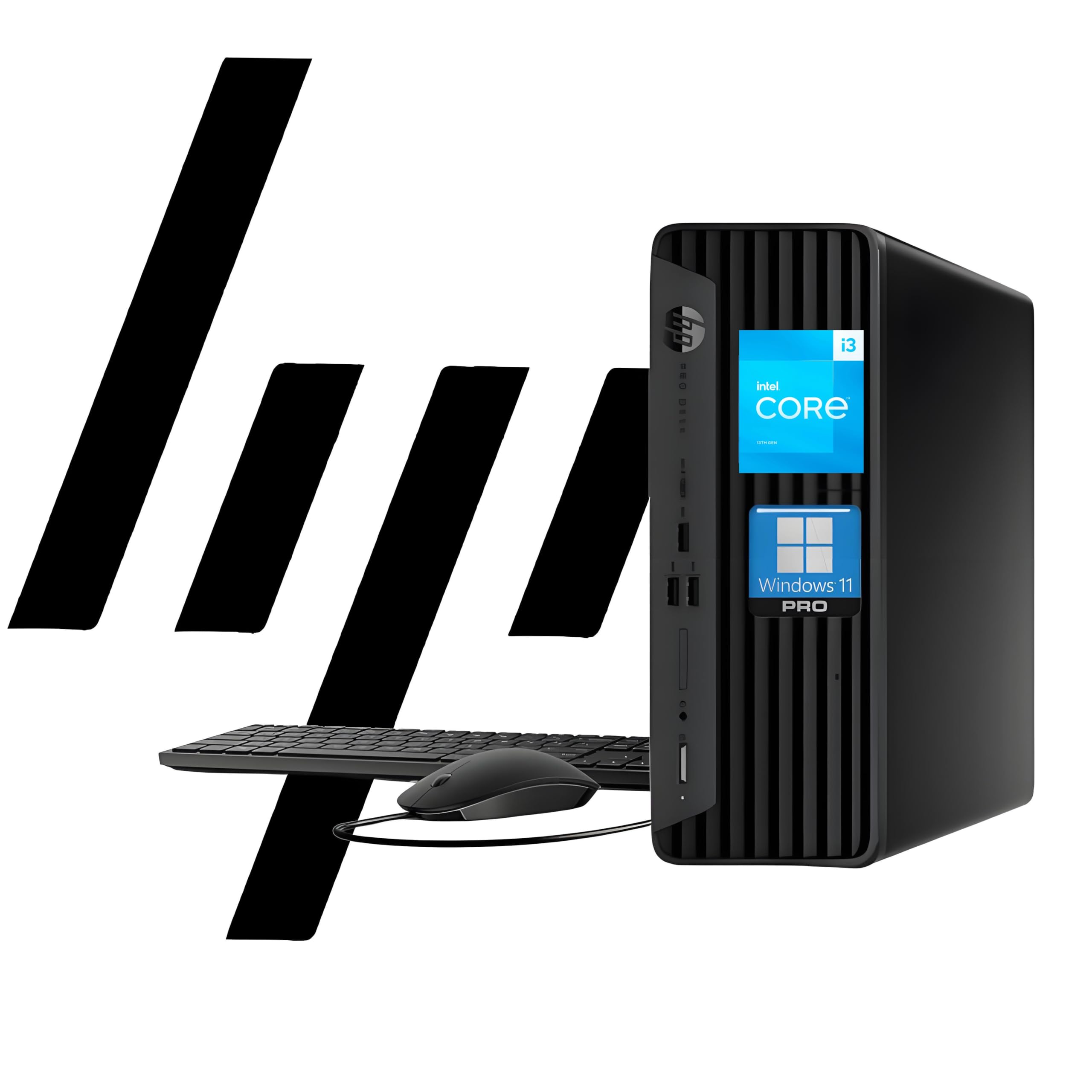
Operating System: Windows 11 Pro 64 Bit Processor: Intel Core I3-13100 (13Th Gen 4 Core, 8 Threads) 3.4 Ghz Base Clock Up To 4.5 Ghz Ram: Up To 64 Gb Ddr4 3200 Mhz Storage: Up To 2 Tb Pcie Ssd Graphics: Intel Uhd Graphics 730 Ports: 1 Headphone/Microphone Combo; 1 Superspeed Usb Type-C 10Gbps; 3 Superspeed Usb Type-A 10Gbps Signaling Rate, 1 Audio-Out; 1 Power Connector; 1 Rj-45; 1 Hdmi; 3 Superspeed Usb Type-A 5Gbps; 1 Displayport, 2 Usb Type-A. Wireless: Wi-Fi, Bluetooth Optical Drive: None Form Factor: Small Form Factor Desktop Keyboard: Wired Keyboard, Black Mouse: Wired Mouse, Black Audio: High Definition (Hd) Audio, Integrated Speaker Weight: 9.25 Lb
⚠️ WARNING (California Proposition 65): This product may contain chemicals known to the State of California to cause cancer, birth defects, or other reproductive harm. For more information, please visit www.P65Warnings.ca.gov.
Frequently Asked Questions
Q: What is the size of the HP ProDesk 400 G9 SFF?A: The HP ProDesk 400 G9 SFF measures eleven point nine inches by ten point six inches by three point seven inches. This compact design makes it suitable for small office spaces.
Q: What type of RAM does the HP ProDesk 400 G9 support?A: The HP ProDesk 400 G9 supports up to sixty-four gigabytes of DDR4 RAM. This allows for efficient multitasking and improved performance.
Q: What storage options does the HP ProDesk 400 G9 offer?A: The HP ProDesk 400 G9 can be configured with up to two terabytes of PCIe M.2 SSD storage. This provides ultra-fast boot times and quick access to files.
Q: Does the HP ProDesk 400 G9 come with Windows installed?A: Yes, the HP ProDesk 400 G9 comes pre-installed with Windows eleven Pro. This operating system supports organized multitasking and enhanced security.
Q: How do I connect dual monitors to the HP ProDesk 400 G9?A: You can connect dual monitors using the HDMI and DisplayPort outputs available on the HP ProDesk 400 G9. This allows for a multi-display setup.
Q: What is the maximum resolution supported by the HP ProDesk 400 G9?A: The HP ProDesk 400 G9 supports dual four K display output. This ensures clear and vibrant visuals for various tasks.
Q: How can I enhance the performance of the HP ProDesk 400 G9?A: You can enhance performance by upgrading the RAM up to sixty-four gigabytes or increasing the SSD storage. This will improve multitasking capabilities and data handling.
Q: What types of connectivity does the HP ProDesk 400 G9 have?A: The HP ProDesk 400 G9 features USB Type-C, USB Type-A, HDMI, and RJ-45 connections. This variety allows for extensive peripheral connectivity.
Q: How much does the HP ProDesk 400 G9 weigh?A: The HP ProDesk 400 G9 weighs under nine pounds. Its lightweight design makes it easy to move within office environments.
Q: Is the HP ProDesk 400 G9 suitable for gaming?A: No, the HP ProDesk 400 G9 is not primarily designed for gaming. It is optimized for business tasks and everyday workloads.
Q: What security features are included with the HP ProDesk 400 G9?A: The HP ProDesk 400 G9 includes HP Wolf Security and TPM two point zero for enhanced protection. These features help secure sensitive business information.
Q: How do I maintain the HP ProDesk 400 G9?A: To maintain the HP ProDesk 400 G9, keep it in a dust-free environment and regularly update software. This helps ensure optimal performance.
Q: Can I upgrade the HP ProDesk 400 G9's components?A: Yes, the HP ProDesk 400 G9 allows for upgrades to RAM and storage components. This flexibility helps adapt to evolving business needs.
Q: What warranty options are available for the HP ProDesk 400 G9?A: The HP ProDesk 400 G9 typically comes with a standard one-year warranty. Extended warranty options may be available at the time of purchase.
Q: What should I do if my HP ProDesk 400 G9 arrives damaged?A: If your HP ProDesk 400 G9 arrives damaged, contact customer support immediately for assistance with returns or replacements. They will guide you through the process.