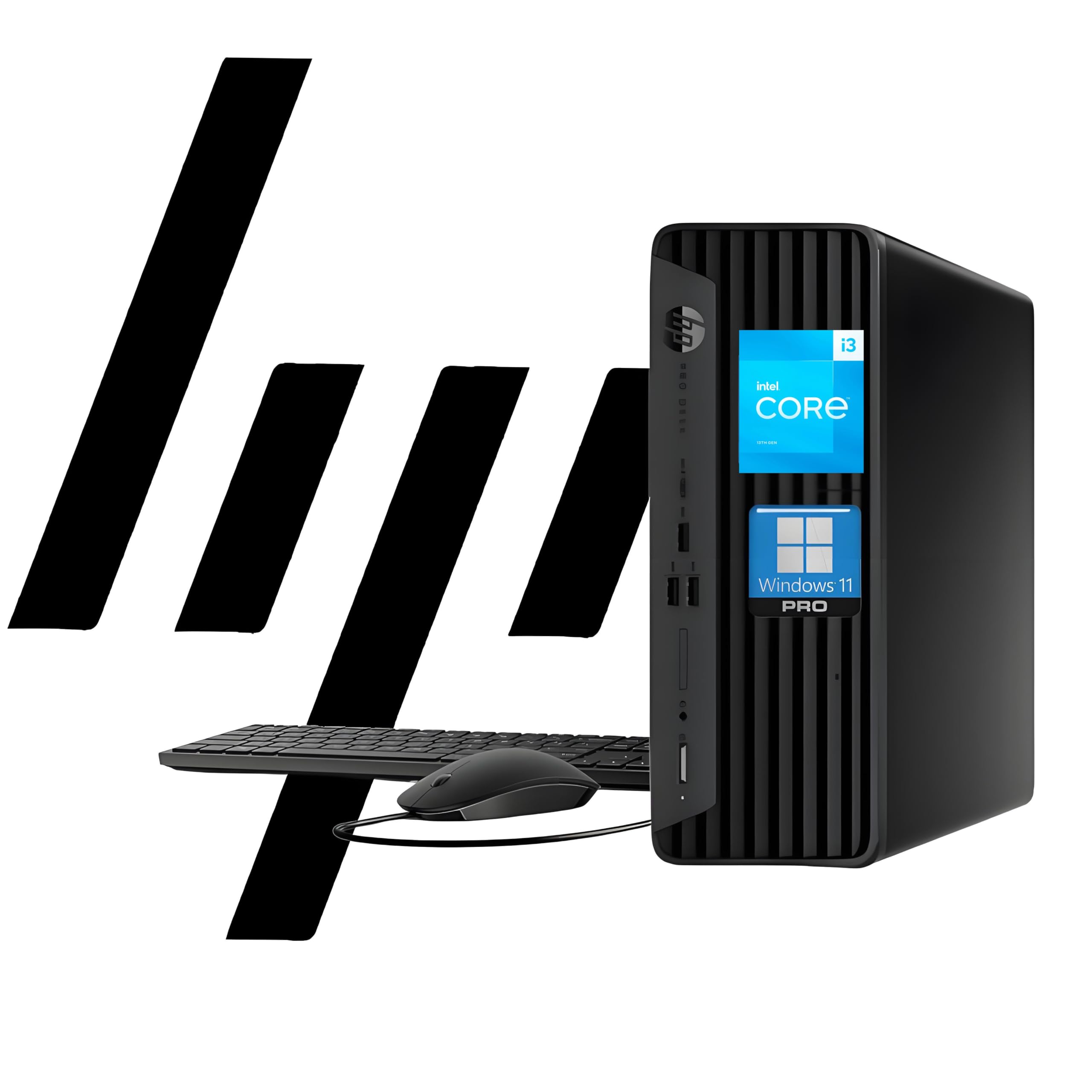
Operating System: Windows 11 Pro 64 Bit Processor: Intel Core I3-13100 (13Th Gen 4 Core, 8 Threads) 3.4 Ghz Base Clock Up To 4.5 Ghz Ram: Up To 64 Gb Ddr4 3200 Mhz Storage: Up To 2 Tb Pcie Ssd Graphics: Intel Uhd Graphics 730 Ports: 1 Headphone/Microphone Combo; 1 Superspeed Usb Type-C 10Gbps; 3 Superspeed Usb Type-A 10Gbps Signaling Rate, 1 Audio-Out; 1 Power Connector; 1 Rj-45; 1 Hdmi; 3 Superspeed Usb Type-A 5Gbps; 1 Displayport, 2 Usb Type-A. Wireless: Wi-Fi, Bluetooth Optical Drive: None Form Factor: Small Form Factor Desktop Keyboard: Wired Keyboard, Black Mouse: Wired Mouse, Black Audio: High Definition (Hd) Audio, Integrated Speaker Weight: 9.25 Lb
⚠️ WARNING (California Proposition 65): This product may contain chemicals known to the State of California to cause cancer, birth defects, or other reproductive harm. For more information, please visit www.P65Warnings.ca.gov.
Frequently Asked Questions
Q: What are the specifications of the HP ProDesk 400 G9?A: The HP ProDesk 400 G9 features a thirteenth generation Intel Core i3-13100 processor, up to sixty-four gigabytes of DDR4 RAM, and one terabyte of PCIe SSD storage.
Q: What is the size of the HP ProDesk 400 G9?A: The dimensions of the HP ProDesk 400 G9 are eleven point nine inches long, ten point six inches wide, and three point seven inches high.
Q: What type of graphics does the HP ProDesk 400 G9 use?A: The HP ProDesk 400 G9 utilizes Intel UHD Graphics seven hundred thirty for clear visuals in work and entertainment.
Q: How do I connect dual displays with the HP ProDesk 400 G9?A: You can connect dual displays using the HDMI and DisplayPort outputs on the HP ProDesk 400 G9, allowing for multiple monitor setups.
Q: Is the HP ProDesk 400 G9 suitable for gaming?A: While the HP ProDesk 400 G9 is not primarily designed for gaming, it can handle casual gaming due to its Intel UHD Graphics capabilities.
Q: Can I upgrade the RAM in the HP ProDesk 400 G9?A: Yes, the RAM in the HP ProDesk 400 G9 can be upgraded up to sixty-four gigabytes for enhanced performance.
Q: What operating system comes with the HP ProDesk 400 G9?A: The HP ProDesk 400 G9 comes pre-installed with Windows eleven Pro, offering advanced features and security.
Q: How is the HP ProDesk 400 G9 secured against threats?A: The HP ProDesk 400 G9 includes HP Wolf Security, providing enterprise-level protection against malware and other cyber threats.
Q: What connectivity options does the HP ProDesk 400 G9 have?A: The HP ProDesk 400 G9 features multiple connectivity options, including one USB Type-C, three USB Type-A ports, HDMI, and RJ-45 Ethernet.
Q: Does the HP ProDesk 400 G9 support Wi-Fi?A: Yes, the HP ProDesk 400 G9 supports Wi-Fi connectivity, allowing for wireless internet access.
Q: How much weight can the HP ProDesk 400 G9 support?A: The HP ProDesk 400 G9 weighs under nine pounds, making it lightweight and easy to move.
Q: What type of keyboard and mouse come with the HP ProDesk 400 G9?A: The HP ProDesk 400 G9 includes a wired keyboard and mouse, providing reliable input devices for your computing needs.
Q: What is the warranty on the HP ProDesk 400 G9?A: The HP ProDesk 400 G9 typically comes with a standard one-year limited warranty, covering hardware defects.
Q: What should I do if my HP ProDesk 400 G9 arrives damaged?A: If your HP ProDesk 400 G9 arrives damaged, contact customer support immediately for assistance with returns or exchanges.
Q: How can I optimize the performance of my HP ProDesk 400 G9?A: To optimize performance, keep your software updated, regularly clear unnecessary files, and consider upgrading RAM if multitasking is sluggish.