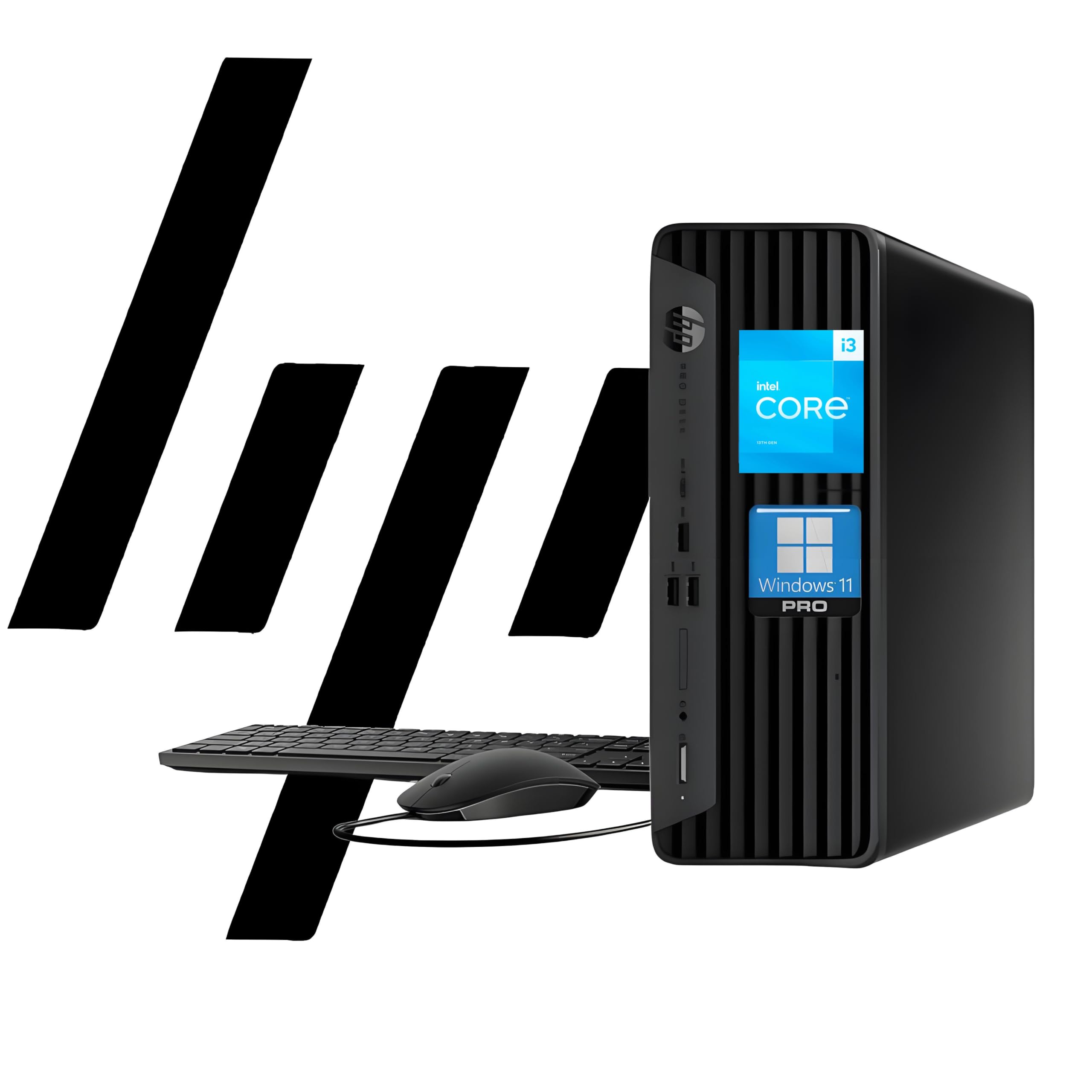
Operating System: Windows 11 Pro 64 Bit Processor: Intel Core I3-13100 (13Th Gen 4 Core, 8 Threads) 3.4 Ghz Base Clock Up To 4.5 Ghz Ram: Up To 64 Gb Ddr4 3200 Mhz Storage: Up To 2 Tb Pcie Ssd Graphics: Intel Uhd Graphics 730 Ports: 1 Headphone/Microphone Combo; 1 Superspeed Usb Type-C 10Gbps; 3 Superspeed Usb Type-A 10Gbps Signaling Rate, 1 Audio-Out; 1 Power Connector; 1 Rj-45; 1 Hdmi; 3 Superspeed Usb Type-A 5Gbps; 1 Displayport, 2 Usb Type-A. Wireless: Wi-Fi, Bluetooth Optical Drive: None Form Factor: Small Form Factor Desktop Keyboard: Wired Keyboard, Black Mouse: Wired Mouse, Black Audio: High Definition (Hd) Audio, Integrated Speaker Weight: 9.25 Lb
⚠️ WARNING (California Proposition 65): This product may contain chemicals known to the State of California to cause cancer, birth defects, or other reproductive harm. For more information, please visit www.P65Warnings.ca.gov.
Frequently Asked Questions
Q: What are the specifications of the HP ProDesk 400 G9?A: The HP ProDesk 400 G9 features a thirteenth generation Intel Core i3-13100 processor with four cores and eight threads, 16 gigabytes of RAM, and a five hundred twelve gigabyte PCIe SSD.
Q: What is the size and weight of the HP ProDesk 400 G9?A: The HP ProDesk 400 G9 measures eleven point nine inches by ten point six inches by three point seven inches and weighs nine point twenty-five pounds.
Q: What type of graphics does the HP ProDesk 400 G9 use?A: The HP ProDesk 400 G9 is equipped with Intel UHD Graphics 730, providing clear visuals for various computing tasks.
Q: How do I connect my devices to the HP ProDesk 400 G9?A: You can connect devices through multiple ports including one USB Type-C, three USB Type-A, one HDMI, one DisplayPort, and one RJ-45 Ethernet.
Q: What operating system does the HP ProDesk 400 G9 run on?A: The HP ProDesk 400 G9 runs on Windows 11 Pro, which offers enhanced security features and multitasking capabilities.
Q: Can I upgrade the RAM and storage of the HP ProDesk 400 G9?A: Yes, the HP ProDesk 400 G9 supports RAM upgrades up to sixty-four gigabytes and storage expansion up to two terabytes using PCIe SSD.
Q: How do I set up the HP ProDesk 400 G9?A: To set up the HP ProDesk 400 G9, connect the wired keyboard and mouse, plug in the power connector, and follow the on-screen instructions after powering it on.
Q: Is the HP ProDesk 400 G9 suitable for gaming?A: While the HP ProDesk 400 G9 is not primarily designed for gaming, it can handle light gaming tasks due to its Intel UHD Graphics 730.
Q: How can I keep the HP ProDesk 400 G9 clean?A: To clean the HP ProDesk 400 G9, use a soft, dry cloth to wipe the exterior and avoid using liquids directly on the device.
Q: What warranty does the HP ProDesk 400 G9 come with?A: The HP ProDesk 400 G9 typically comes with a standard one-year warranty, covering hardware issues and defects.
Q: Is the HP ProDesk 400 G9 energy-efficient?A: Yes, the HP ProDesk 400 G9 is designed to be energy-efficient, helping to reduce electricity usage compared to older models.
Q: What if my HP ProDesk 400 G9 doesn't start?A: If your HP ProDesk 400 G9 doesn't start, check the power connection and ensure the power button is pressed; you may need to consult customer support for further assistance.
Q: Can I use dual displays with the HP ProDesk 400 G9?A: Yes, the HP ProDesk 400 G9 supports dual 4K displays, allowing you to enhance your productivity with multiple screens.
Q: What security features are included with the HP ProDesk 400 G9?A: The HP ProDesk 400 G9 includes security features such as TPM 2.0 and HP Wolf Security to protect your data and privacy.
Q: Is the HP ProDesk 400 G9 suitable for home office use?A: Yes, the HP ProDesk 400 G9 is an excellent choice for home office use, providing reliable performance for business applications and multitasking.