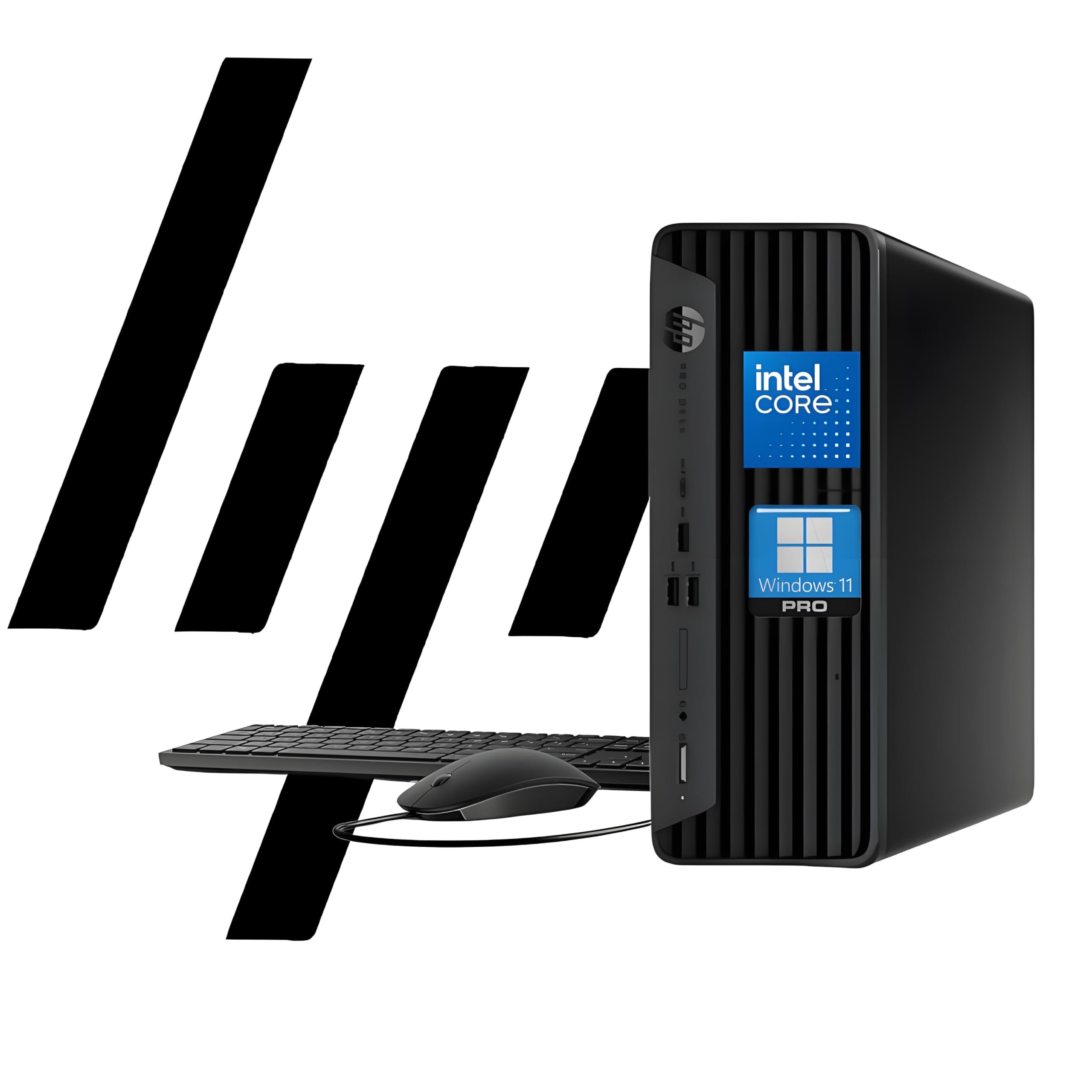
The Hp Prodesk 400 G9 Sff Is Designed To Meet The Needs Of Modern Businesses, Offering A Perfect Balance Of Performance And Compact Design. Powered By The Intel Celeron G6900, This Desktop Delivers Smooth Performance For Multitasking, Data Analysis, And More. Up To 64Gb Ddr4 Ram Ensures Seamless Operation, And Up To 2Tb Ssd Provides Lightning-Fast Boot Times And Quick Access To All Your Files, Making Your Workflow More Efficient. With Its Space-Saving Design, This Small Form Factor Desktop Fits Effortlessly Into Tight Office Spaces. Featuring Windows 11 Pro, Advanced Connectivity (Usb-C, Hdmi, And Rj-45), And Enterprise-Level Security With Hp Wolf Security. The Hp Prodesk 400 G9 Sff Is The Ideal Solution For Businesses That Need Power, Reliability, And Security All In One.
⚠️ WARNING (California Proposition 65): This product may contain chemicals known to the State of California to cause cancer, birth defects, or other reproductive harm. For more information, please visit www.P65Warnings.ca.gov.
Frequently Asked Questions
Q: What are the dimensions of the HP ProDesk 400 G9 SFF?A: The dimensions are eleven point nine inches by ten point six inches by three point seven inches. This compact size is designed to fit easily in tight office spaces.
Q: What type of processor does the HP ProDesk 400 G9 SFF have?A: It is powered by the Intel Celeron G6900. This dual-core processor offers a clock speed of three point four gigahertz, ensuring smooth performance.
Q: How much RAM and storage does the HP ProDesk 400 G9 SFF have?A: It comes with thirty-two gigabytes of RAM and can be configured up to sixty-four gigabytes. The storage capacity includes a two terabyte PCIe M.2 SSD for fast data access.
Q: How do I set up the HP ProDesk 400 G9 SFF for use?A: Simply connect the included wired keyboard and mouse, plug in the power connector, and then turn on the device. Windows 11 Pro will guide you through the initial setup process.
Q: Is the HP ProDesk 400 G9 SFF suitable for multitasking?A: Yes, it is designed for seamless multitasking. With up to sixty-four gigabytes of RAM, you can run multiple applications without lag.
Q: Can I connect multiple monitors to the HP ProDesk 400 G9 SFF?A: Yes, it supports dual four K display output. You can connect two monitors for an enhanced workspace experience.
Q: How do I clean and maintain the HP ProDesk 400 G9 SFF?A: Use a dry microfiber cloth to clean the exterior. Ensure to keep the ventilation areas clear to avoid overheating.
Q: Is there a warranty for the HP ProDesk 400 G9 SFF?A: Yes, it typically comes with a one-year limited warranty. This covers defects in materials and workmanship under normal use.
Q: What security features does the HP ProDesk 400 G9 SFF have?A: It includes HP Wolf Security and TPM two point zero for enhanced security. These features protect your data and system from unauthorized access.
Q: What connectivity options are available with the HP ProDesk 400 G9 SFF?A: It offers a variety of connectivity options including one USB Type-C, three USB Type-A, one HDMI, and one RJ-45. This ensures compatibility with various devices.
Q: Can I upgrade the RAM on the HP ProDesk 400 G9 SFF?A: Yes, you can upgrade the RAM. The system supports configurations up to sixty-four gigabytes of DDR4 RAM for better performance.
Q: Is the HP ProDesk 400 G9 SFF energy efficient?A: Yes, it is designed to be energy efficient, which helps reduce operational costs while maintaining powerful performance.
Q: Does the HP ProDesk 400 G9 SFF support Wi-Fi connectivity?A: Yes, it supports Wi-Fi for wireless internet access. This allows you to connect to networks without the need for physical cables.
Q: What operating system comes with the HP ProDesk 400 G9 SFF?A: It comes pre-installed with Windows 11 Pro. This operating system provides enhanced features for business productivity.
Q: How heavy is the HP ProDesk 400 G9 SFF?A: It weighs under nine pounds, making it lightweight and easy to move if necessary. Its compact design also minimizes space usage.