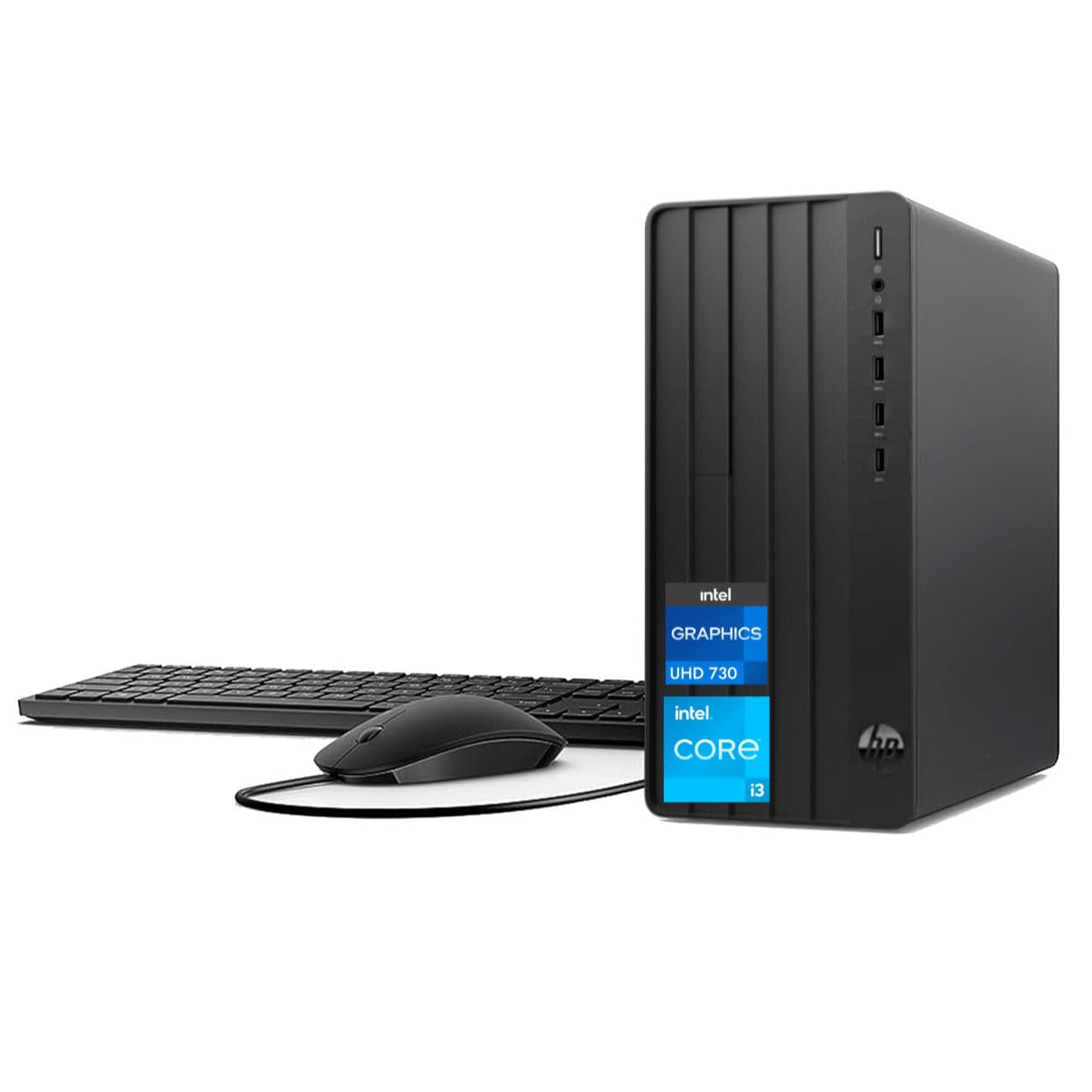
Operating System: Windows 11 Pro, 64-Bitprocessor: 13Th Gen Intel Core I3-13100 Processor (3.40 Ghz Base Frequency, Up To 4.50 Ghz, 12 Mb L3 Cache, 4 Cores, 8 Threads)Memory: Up To 64Gb (2 X 32 Gb) Ddr4-3200Mhz Dimm Ramstorage: Up To 2Tb M.2 Pcie-Nvme Ssd (1X 3.5-Inch Hdd Available)Graphics: Integrated Intel Uhd 730 Graphicsoptical Drive: Noneconnectivity: Wi-Fi And Bluetoothform Factor: Desktop Toweraudio: Integrated Hd Audioaccessories: Traditional Wired Keyboard; Traditional Wired Mouse; External Dvd Driveportsfront: 1X Headphone/Microphone Combo Jack4X Usb Type-A 2.0 (5Gbps Signaling Rate)Rear: 1X Ac Power-Supply Port1X Rj-45 Ethernet Port1X Hdmi (7680 X 4320 @60Hz)1X Vga (2048 X 1536 @60Hz)4X Usb Type-A 2.0 1X Audio Line-Out1X Audio Line-Indimensions (H X W X D Inches): 6.12 X 11.93 X 13.28Weight (Approximate): 10.4 Lbs*30-Day Replacement For Any Performance Issues Found Upon Arrival (Original Packaging Required).This Purchase Includes A 1-Year Mail-In Repair Service For Display Or Video Issues, Power/Start-Up Failures, Or Hard Drive Related Issues.
⚠️ WARNING (California Proposition 65): This product may contain chemicals known to the State of California to cause cancer, birth defects, or other reproductive harm. For more information, please visit www.P65Warnings.ca.gov.
Frequently Asked Questions
Q: What are the dimensions of the HP Pro Tower 290 G9?A: The dimensions are six point twelve inches in height, eleven point ninety-three inches in width, and thirteen point twenty-eight inches in depth.
Q: How much RAM does the HP Pro Tower 290 G9 support?A: The system supports up to sixty-four gigabytes of DDR4-3200MHz RAM.
Q: What is the storage capacity of the HP Pro Tower 290 G9?A: It can accommodate up to two terabytes of M.2 PCIe-NVMe SSD storage.
Q: What type of processor is in the HP Pro Tower 290 G9?A: It features a thirteenth generation Intel Core i3-13100 processor with a base frequency of three point forty gigahertz.
Q: Does the HP Pro Tower 290 G9 include an optical drive?A: No, the HP Pro Tower 290 G9 does not come with an optical drive.
Q: What is the weight of the HP Pro Tower 290 G9?A: The approximate weight of the desktop is ten point four pounds.
Q: How do I set up the HP Pro Tower 290 G9?A: Simply connect the power supply, plug in peripherals like the keyboard and mouse, and power it on to start.
Q: Is the HP Pro Tower 290 G9 suitable for multitasking?A: Yes, with up to sixty-four gigabytes of RAM, it is designed to handle multitasking efficiently.
Q: Can I connect multiple monitors to the HP Pro Tower 290 G9?A: Yes, it supports dual-monitor setups with HDMI and VGA outputs.
Q: How do I maintain the HP Pro Tower 290 G9?A: Keep it dust-free, ensure proper ventilation, and periodically check for software updates to maintain performance.
Q: Is the HP Pro Tower 290 G9 safe for home use?A: Yes, it adheres to safety standards and includes features like integrated HD audio for a safe home computing experience.
Q: What warranty does the HP Pro Tower 290 G9 come with?A: It includes a one-year mail-in repair service for specific issues, ensuring support after purchase.
Q: What if the HP Pro Tower 290 G9 arrives damaged?A: You can initiate a return process, and it is recommended to keep the original packaging for any returns.
Q: How do I troubleshoot common issues with the HP Pro Tower 290 G9?A: Check connections, restart the system, and refer to the user manual for specific troubleshooting steps.
Q: Can I upgrade the storage on the HP Pro Tower 290 G9?A: Yes, additional storage expansion is available with support for a three point five-inch HDD.