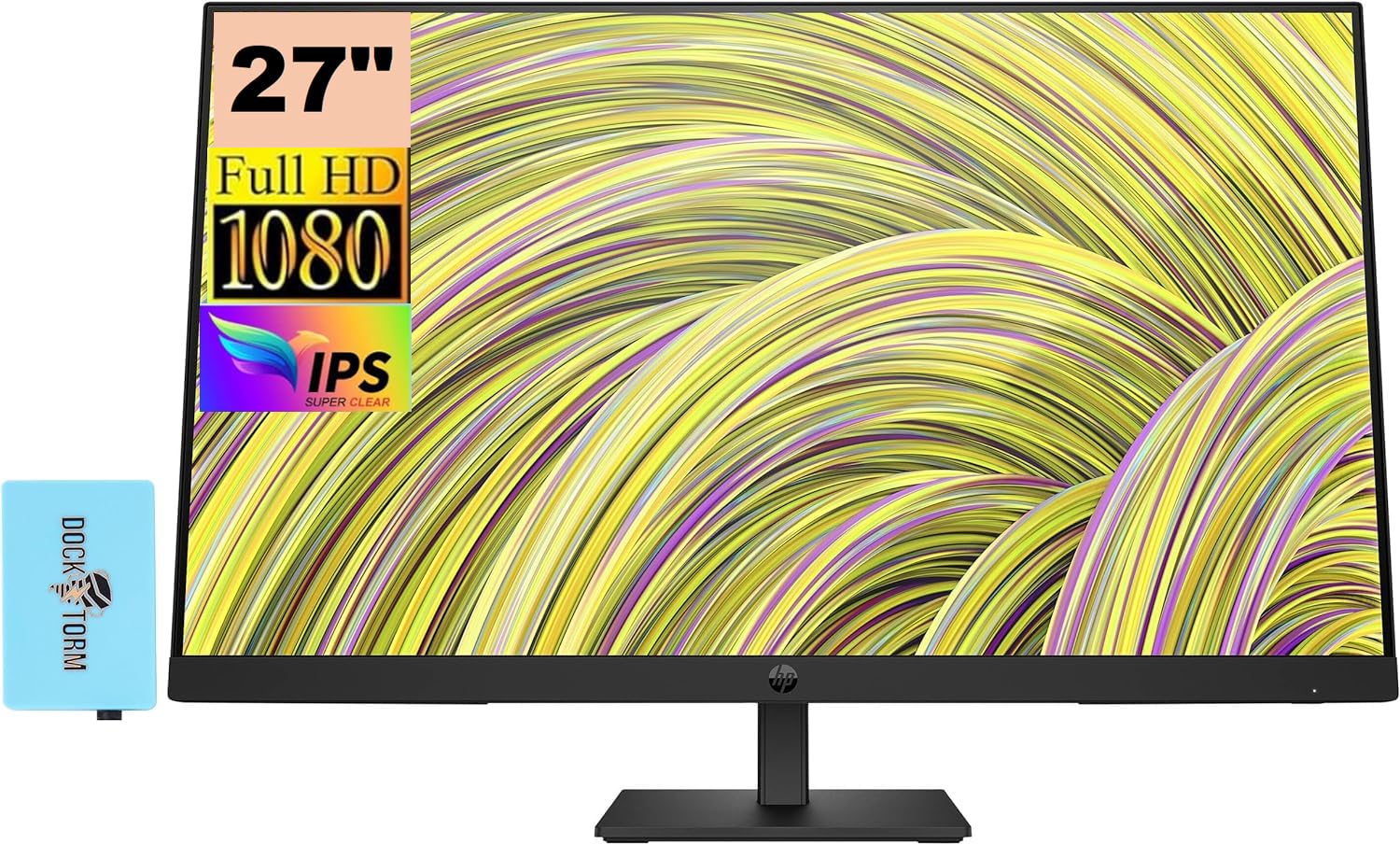
Hp P27H G5 Fhd Monitor 64W41Aa#Aba Bundle With Docztorm Dockips Technologyview Every Angle Of Every Visual With Amazing Depth And Clarity Through The Stunning 1000:1 Contrast Ratio And Ultra-Wide Viewing Angles.In Full Viewenjoy A Productive, Hybrid Work Experience With Excellent Front-Of-Screen Views. This Ips Monitor Boasts A Full Hd Resolution And A 75 Hz Refresh Rate For Sharp Images And Fluid Motion, While The Built-In Dual 2W Speakers Provide Full, Distinct Audio.Specifications Tabledisplay Size: (27'')Aspect Ratio: 16:9Response Time: 5Ms Gtg (With Overdrive)Contrast Ratio: 1000:1Product Color: Blackresolution (Maximum): Fhd Ips (1920 X 1080)Resolutions Supported: 640 X 480; 720 X 400; 800 X 600; 1024 X 768; 1280 X 720; 1280 X 800; 1280 X 1024; 1440 X 900; 1600 X 900; 1680 X 1050; 1920 X 1080Display Features: Led Backlights; On-Screen Controls; Low Blue Light Mode; Dual Speakers (2W Per Channel); Anti-Glare; Height Adjustableonscreen Controls: Power Control; Brightness; Exit; Menu Control; Input Control; Information; Color Control; Image Control; Managementvesa Mount: 100Mm X 100Mmhardness: 3Hcamera: Novertical And Horizontal Viewing Angle: 178 Degreetilt: -5 To +20 Degreescreen Treatment: Anti-Glareport And Connectors: 1 Hdmi 1.4, 1 Displayport 1.2, 1 Vgahdcp: Yes, Displayport And Hdmimanagement Software: Hp Display Center; Hp Display Managerwhat'S In The Box: Monitor; Hdmi Cable; Warranty Card; Quick Setup Poster; Doc-Kit; Ac Power Cordweight: 12.68 Lbdocztorm: Includes Docztorm Usb Hub (Special Edition Portable Docztorm Data Hub; Super Speedy Data Sync Rate Upto 5Gbps)
⚠️ WARNING (California Proposition 65): This product may contain chemicals known to the State of California to cause cancer, birth defects, or other reproductive harm. For more information, please visit www.P65Warnings.ca.gov.
Frequently Asked Questions
Q: What is the resolution of the HP P27h G5 monitor?A: The resolution is one thousand nine hundred twenty by one thousand eighty pixels. This Full HD resolution provides sharp and clear images, making it ideal for office work.
Q: How big is the HP P27h G5 monitor?A: The monitor has a display size of twenty-seven inches. This size is suitable for various tasks, providing ample screen real estate for productivity.
Q: What is the contrast ratio of the HP P27h G5 monitor?A: The contrast ratio is one thousand to one. This high contrast ratio enhances the depth and clarity of images displayed on the screen.
Q: What type of display technology does the HP P27h G5 use?A: It uses IPS technology. This allows for ultra-wide viewing angles and vibrant color accuracy, making it great for multimedia tasks.
Q: How do I connect the HP P27h G5 monitor to my computer?A: You can connect it using one HDMI one point four, one DisplayPort one point two, or one VGA port. These options provide versatile connectivity for different devices.
Q: Is the HP P27h G5 monitor adjustable?A: Yes, it features a tilt adjustment of negative five to positive twenty degrees. This flexibility allows users to find a comfortable viewing angle.
Q: How do I clean the HP P27h G5 monitor?A: Use a microfiber cloth and a gentle cleaning solution. Avoid harsh chemicals to maintain the anti-glare coating and overall condition.
Q: What is the weight of the HP P27h G5 monitor?A: The monitor weighs twelve point sixty-eight pounds. This weight makes it sturdy, yet manageable for installation on a desk or VESA mount.
Q: Does the HP P27h G5 have built-in speakers?A: Yes, it includes dual two-watt speakers. This feature provides decent audio output for video conferencing and multimedia consumption.
Q: What is the warranty period for the HP P27h G5 monitor?A: The warranty period is typically one year. This coverage protects against manufacturing defects and ensures customer satisfaction.
Q: Is the HP P27h G5 monitor suitable for gaming?A: Yes, it has a seventy-five hertz refresh rate. This refresh rate allows for smoother gameplay compared to standard sixty hertz monitors.
Q: What is the maximum brightness of the HP P27h G5 monitor?A: The maximum brightness is two hundred fifty nits. This brightness level is adequate for typical indoor lighting conditions.
Q: How do I manage settings on the HP P27h G5 monitor?A: You can manage settings using the HP Display Center software or the intuitive Joypad OSD button. Both options provide easy access to customization features.
Q: Can I mount the HP P27h G5 monitor on a wall?A: Yes, it is VESA mount compatible with a one hundred millimeter by one hundred millimeter mounting pattern. This allows for flexible installation options.
Q: What should I do if my HP P27h G5 monitor arrives damaged?A: Contact customer support immediately for assistance. They can guide you through the return process and potential replacement.