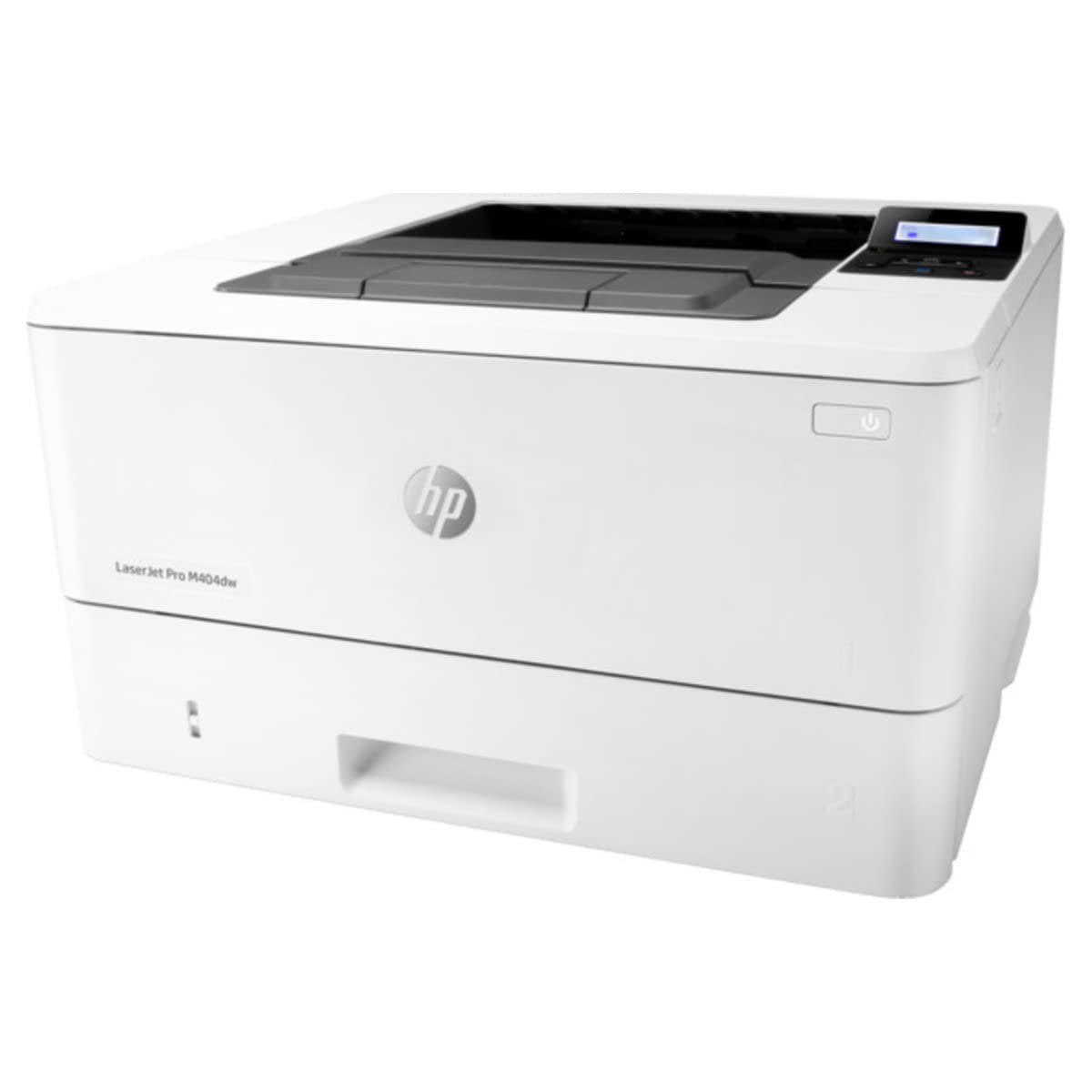
It'S Built To Keep Your Business Moving Forward-The Hp Laserjet Pro M404Dw Laser Printer Keeps Up With How You Actually Work, Collaborate, And Get Things Done. With Fast Print Speeds, Best-In-Class Security, And Built-In Ethernet Capabilities, This Monochrome Laser Printer Is Designed To Let You Focus Your Time On Growing Your Business And Staying Ahead Of The Competition. This Black And White Laser Printer Is Also Designed With The Environment In Mind; Save Up To 18% Energy Over Prior Products With Hp Ecosmart Black Toner, And Use Only The Power You Need With Hp Auto-On/Auto-Off Technology.
⚠️ WARNING (California Proposition 65): This product may contain chemicals known to the State of California to cause cancer, birth defects, or other reproductive harm. For more information, please visit www.P65Warnings.ca.gov.
Frequently Asked Questions
Q: What are the dimensions of the HP LaserJet Pro M404dw printer?A: The dimensions are eight point five inches in length, fourteen point zero six inches in width, and fifteen inches in height. This compact size makes it suitable for various office spaces.
Q: What type of material is the HP LaserJet Pro M404dw made of?A: It is made of polycarbonate, ensuring durability and lightweight structure. This material is commonly used in electronic devices for its strength and resistance.
Q: What is the print speed of the HP LaserJet Pro M404dw?A: The printer can print up to forty pages per minute. This fast print speed helps maintain productivity in busy office environments.
Q: How do I connect the HP LaserJet Pro M404dw to my wireless network?A: You can connect it easily through the smartphone app for seamless Wi-Fi setup. The printer also supports dual-band Wi-Fi, Ethernet, and Wi-Fi Direct options.
Q: Is the HP LaserJet Pro M404dw suitable for small office use?A: Yes, it is designed for small to medium-sized offices. Its fast print speeds and automatic two-sided printing capabilities make it ideal for high-volume printing tasks.
Q: How do I set up the HP LaserJet Pro M404dw for mobile printing?A: To set it up for mobile printing, download the HP Smart app and follow the on-screen instructions to connect your device. It allows easy printing from smartphones and tablets.
Q: What is the recommended way to clean the HP LaserJet Pro M404dw printer?A: Use a soft, lint-free cloth to wipe the exterior surfaces. Avoid using harsh chemicals or abrasive materials that could damage the printer.
Q: Is there a warranty for the HP LaserJet Pro M404dw?A: Yes, it comes with a one-year limited hardware warranty. You also have access to free HP web support available twenty-four hours a day, seven days a week.
Q: What energy-saving features does the HP LaserJet Pro M404dw have?A: It includes HP Auto-On/Auto-Off Technology, which helps save energy by turning the printer on and off as needed. It can save up to eighteen percent energy compared to previous models.
Q: How do I replace the toner cartridges in the HP LaserJet Pro M404dw?A: To replace the toner cartridges, open the front cover, remove the old cartridge, and insert the new one until it clicks into place. Ensure you use original HP cartridges for optimal performance.
Q: Can the HP LaserJet Pro M404dw print in color?A: No, this model is a monochrome printer and only prints in black and white. It is designed specifically for high-quality monochrome document printing.
Q: What should I do if my HP LaserJet Pro M404dw prints blank pages?A: First, check if the toner cartridge is properly installed and has enough toner. If the issue persists, perform a printer self-test from the control panel to diagnose further.
Q: Does the HP LaserJet Pro M404dw support duplex printing?A: Yes, it features automatic two-sided printing. This capability helps reduce paper usage and is convenient for printing lengthy documents.
Q: What type of documents can I print with the HP LaserJet Pro M404dw?A: You can print a variety of documents, including reports, invoices, and presentations. It is designed for high-quality text and graphics, making it versatile for office use.
Q: What is the input tray capacity of the HP LaserJet Pro M404dw?A: The input tray can hold up to two hundred fifty sheets of paper. This large capacity allows for extended printing without frequent refills.