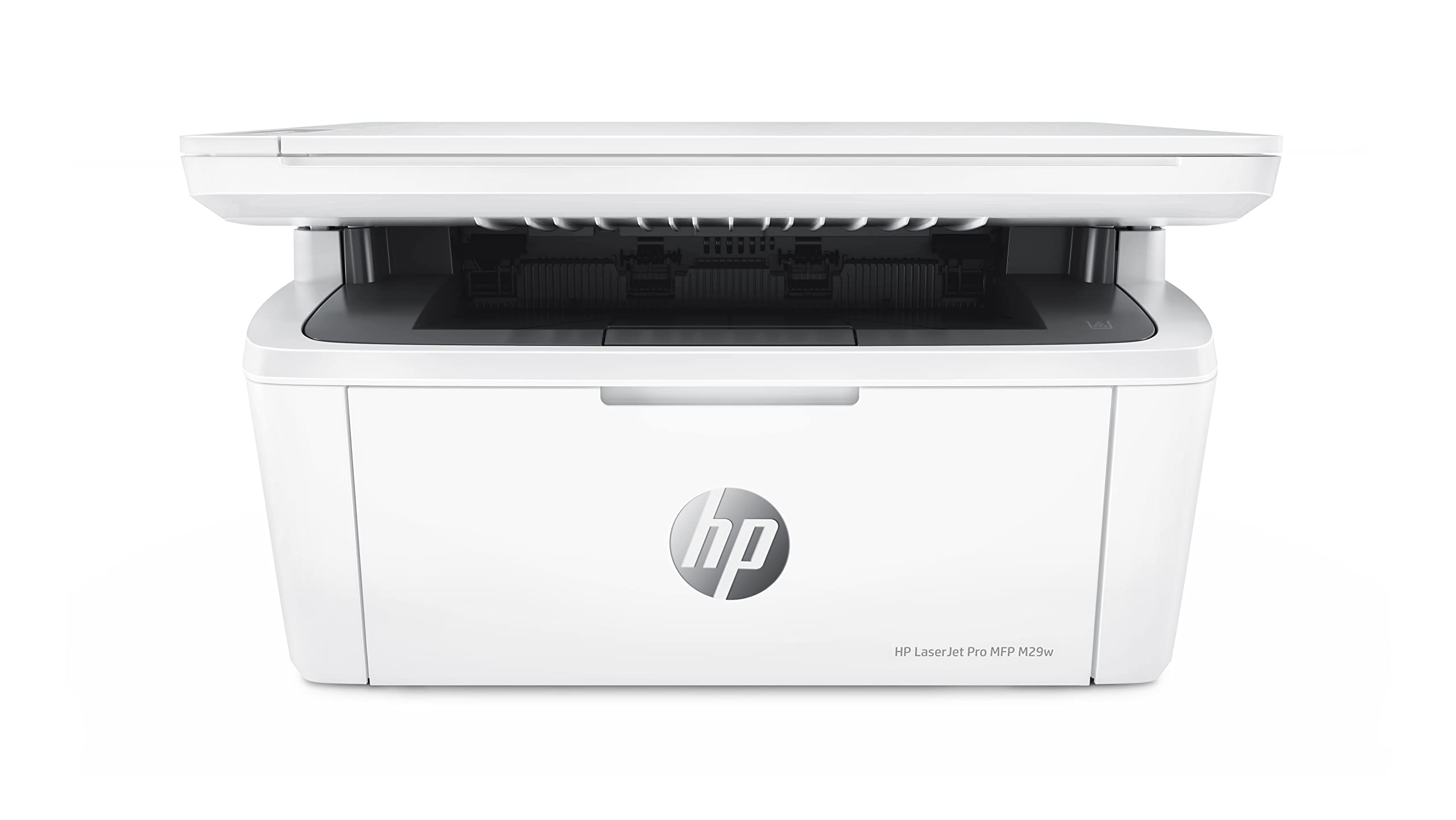
The Perfect Fit For Virtually Any Space And Budget: This Laserjet Pro Is Ideal For 1-3 Users Printing Less Than 1,000 Pages Per Month. Tackle Projects With Fast Printing From Hps Smallest And Most Affordable Laserjet Pro All-In-One Printer With Print, Scan, And Copy Capabilities, Easy Mobile Printing, And A Reliable Wireless Connection, This Printer Delivers Office Versatility That Fits The Budget. Pair It With The Hp Smart App And You Have The Power To Scan Documents On The Go With Your Smartphone Camera, And Print From The Cloud Using Icloud, Dropbox Or Google Drive.
⚠️ WARNING (California Proposition 65): This product may contain chemicals known to the State of California to cause cancer, birth defects, or other reproductive harm. For more information, please visit www.P65Warnings.ca.gov.
Frequently Asked Questions
Q: What are the dimensions of the HP LaserJet Pro M29w printer?A: The printer measures ten point four inches in length, fourteen point two inches in width, and seven point eight inches in height.
Q: What materials is the HP LaserJet Pro M29w made of?A: The printer is primarily made of plastic, ensuring a lightweight yet durable design.
Q: What is the printing speed of the HP LaserJet Pro M29w?A: This printer can print up to nineteen pages per minute, with the first page ready in as fast as seven point nine seconds.
Q: How do I connect my smartphone to the HP LaserJet Pro M29w?A: You can connect your smartphone using the HP Smart app, which allows for mobile printing and scanning.
Q: Is the HP LaserJet Pro M29w suitable for home offices?A: Yes, it is ideal for one to three users who print less than one thousand pages per month, making it perfect for home offices.
Q: Can I use the HP LaserJet Pro M29w for scanning documents?A: Yes, it features built-in scanning capabilities, allowing you to scan documents directly to PDF.
Q: How do I maintain the HP LaserJet Pro M29w printer?A: Keep the printer clean and free of dust, and use the HP Smart app to order toner when needed for optimal performance.
Q: What is the warranty on the HP LaserJet Pro M29w?A: It comes with a one-year limited hardware warranty, along with twenty-four hour, seven day a week free HP web support.
Q: Does the HP LaserJet Pro M29w support wireless printing?A: Yes, it has built-in wireless capabilities for easy access and printing from a network.
Q: How can I print from the cloud using the HP LaserJet Pro M29w?A: You can print from cloud services like iCloud, Google Drive, or Dropbox directly through the HP Smart app.
Q: Is the HP LaserJet Pro M29w energy efficient?A: Yes, it features auto On/auto off technology to help save energy when not in use.
Q: Can I print without Wi-Fi using the HP LaserJet Pro M29w?A: Yes, you can connect directly to the printer using Wi-Fi Direct if no Wi-Fi network is available.
Q: What types of documents can I print using the HP LaserJet Pro M29w?A: You can print various documents, including text files, images, and PDFs, with professional quality results.
Q: How do I troubleshoot common issues with the HP LaserJet Pro M29w?A: For troubleshooting, refer to the HP Smart app or the online support section for guidance on setup, connectivity, and maintenance.
Q: What should I do if my HP LaserJet Pro M29w printer arrives damaged?A: If your printer arrives damaged, contact HP customer support immediately for assistance with returns or replacements.