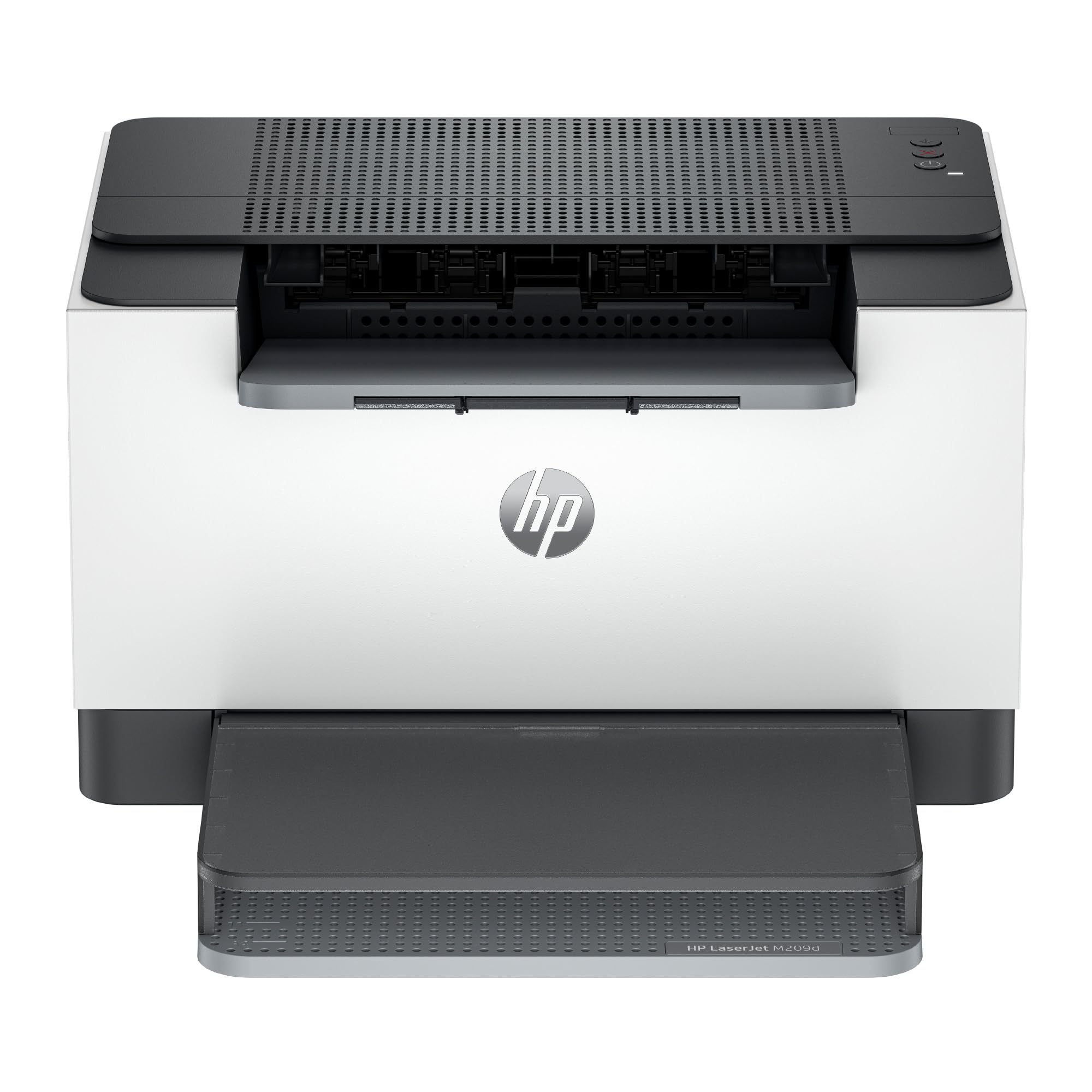
The Hp Laserjet M209D Offers Fast 2-Sided Laser Printing, Easy Setup, And Reliable Connectivity Via Usb 2.0. This Compact Monochrome Printer Fits Seamlessly Into Any Office Space. It Delivers High Print Resolution For Sharp, Clear Text On Every Page. Designed With Energy Efficiency In Mind, It Reduces Power Consumption Without Compromising Performance. Ideal For Small Offices Or Home Use, Its Quiet Operation Ensures Minimal Disruption. The Hp Laserjet M209D Supports Various Paper Sizes And Types, Making It Versatile For Different Printing Needs. Plus, The Included Usb Cable Ensures A Hassle-Free Setup Experience.
⚠️ WARNING (California Proposition 65): This product may contain chemicals known to the State of California to cause cancer, birth defects, or other reproductive harm. For more information, please visit www.P65Warnings.ca.gov.
Frequently Asked Questions
Q: What are the dimensions of the HP LaserJet M209d printer?A: The dimensions are thirteen point ninety-eight inches in length, eight point zero seven inches in width, and eleven inches in height. This compact design makes it suitable for small office spaces.
Q: What is the print speed of the HP LaserJet M209d?A: The printer offers fast print speeds of up to thirty pages per minute. This efficiency helps quickly complete multipage documents.
Q: What type of connection does the HP LaserJet M209d use?A: The HP LaserJet M209d connects via USB only, and a USB cable is included for easy setup. This ensures reliable connectivity for home office use.
Q: How do I set up the HP LaserJet M209d printer?A: Simply connect the printer using the included USB cable, install the necessary drivers on your computer, and follow the on-screen instructions. The setup process is designed to be straightforward.
Q: Is the HP LaserJet M209d suitable for home use?A: Yes, it is ideal for home office use. Its quiet operation and compact size make it perfect for a home environment.
Q: Can I print on different paper sizes with the HP LaserJet M209d?A: Yes, the printer supports various paper sizes and types, enhancing its versatility for different printing needs. This feature accommodates a range of document types.
Q: How should I care for the HP LaserJet M209d printer?A: To maintain the printer, keep it in a dust-free environment and regularly check for firmware updates. Cleaning the exterior with a soft cloth will also help preserve its appearance.
Q: What is the energy consumption of the HP LaserJet M209d?A: The printer is designed for energy efficiency and reduces power consumption during operation. This feature helps save on electricity bills without compromising performance.
Q: Are there any safety precautions for using the HP LaserJet M209d?A: Yes, always ensure the printer is properly grounded and avoid exposing it to moisture. Following these precautions will help ensure safe operation.
Q: How do I troubleshoot printing issues with the HP LaserJet M209d?A: If you experience printing issues, check the USB connections and ensure the printer is powered on. Restarting both the printer and the computer can often resolve common problems.
Q: What is the warranty period for the HP LaserJet M209d?A: The HP LaserJet M209d typically comes with a one-year limited warranty. This covers manufacturing defects and provides peace of mind for your purchase.
Q: Is the HP LaserJet M209d compatible with third-party ink cartridges?A: No, this printer works only with cartridges that contain HP chips or circuitry. It will block cartridges that do not meet these specifications.
Q: Can I print double-sided documents with the HP LaserJet M209d?A: Yes, it features automatic duplex printing, allowing you to print on both sides of the paper efficiently. This helps save paper and reduces costs.
Q: What types of documents can I print with the HP LaserJet M209d?A: You can print black and white documents, reports, and various types of text-based materials. Its exceptional laser quality ensures clear, sharp prints.
Q: What are the key features of the HP LaserJet M209d?A: Key features include fast print speeds, automatic duplex printing, a one hundred fifty-sheet input tray, and an award-winning compact design. These attributes make it an excellent choice for small offices.