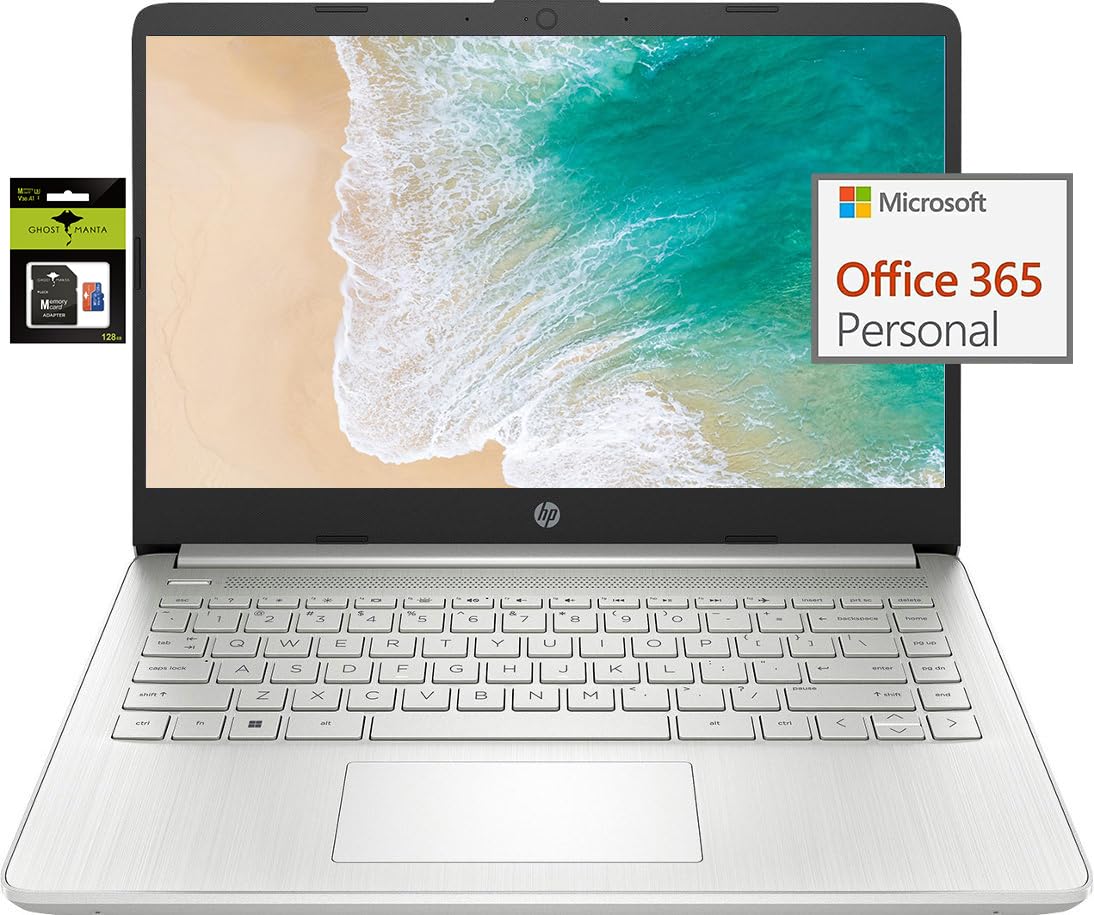
Switching Out Of S Mode In Windows 11 Windows 11 In S Mode Is Designed For Security And Performance, Exclusively Running Apps From The Store. If You Want To Install An App That Isn'T Available In The Store, You'Ll Need To Switch Out Of S Mode 1. On Your Pc Running Windows 11 In S Mode, Open Settings > System > Activation. 2. In The Switch To Windows 11 Pro Section, Select Go To The Store. (If You Also See An ''Upgrade Your Edition Of Windows'' Section, Be Careful Not To Click The ''Go To The Store'' Link That Appears There.) 3. On The Switch Out Of S Mode (Or Similar) Page That Appears In The Store, Select The Get Button. After You See A Confirmation Message On The Page, You'Ll Be Able To Install Apps From Outside Of The Store. Activate Pre-Installed Office 365: 1.Launch Any Office App > 2.Start Your Activation By Signing In With Your Account(Create A Account If You Don'T Have One Yet) > 3.Click ''Activative Office'' > 4.Sign In Your Account And Follow The Next Prompts. > 5.Complete Step 1,2 And 3 > 6.Click On Refresh Once Office Is Ready > 7.Open A Document And Accept The License Agreement. Display: 14.0-Inch Diagonal, Hd (1366 X 768), Micro-Edge, Brightview Processor: Intel Celeron N4120, 4 Cores & 4 Threads Graphics: Intel Uhd Graphics 600 Operating System: Windows 11 Home In S Mode Battery Life: Up To 10 Hours Webcam: True Vision 720P Hd Camera With Integrated Dual Array Digital Microphones Connectivity: 802.11A/B/G/N/Ac (2X2)(19A) Wi-Fi And Bluetooth Dimensions: 12.76 X 8.86 X 0.71 Inches Weight: 3.24 Lbs
⚠️ WARNING (California Proposition 65): This product may contain chemicals known to the State of California to cause cancer, birth defects, or other reproductive harm. For more information, please visit www.P65Warnings.ca.gov.
Frequently Asked Questions
Q: What are the dimensions of the HP Laptop Computer?A: The dimensions are twelve point seventy-six inches by eight point eighty-six inches by zero point seventy-one inches. This compact size makes it portable and easy to carry.
Q: How much does the HP Laptop weigh?A: It weighs three point twenty-four pounds. This lightweight design is ideal for students and business professionals on the go.
Q: What type of display does this laptop have?A: It features a fourteen point zero-inch diagonal HD display with a resolution of one thousand three hundred sixty-six by seven hundred sixty-eight pixels. This micro-edge display provides an immersive viewing experience.
Q: What processor is used in the HP Laptop?A: The laptop is equipped with an Intel Celeron N4120 processor, which has four cores and four threads. This allows for efficient multitasking and everyday computing.
Q: What is the storage capacity of this laptop?A: It has two hundred fifty-six gigabytes of storage, including one hundred twenty-eight gigabytes of eMMC and an additional one hundred twenty-eight gigabytes on a Ghost Manta SD card. This provides ample space for files and applications.
Q: How much RAM does the HP Laptop have?A: It comes with eight gigabytes of high-bandwidth DDR4 RAM. This ensures smooth performance when running multiple applications simultaneously.
Q: How do I switch out of S mode in Windows 11?A: To switch out of S mode, go to Settings, then System, and select Activation. Click 'Go to the Store' under the Switch to Windows 11 Pro section and follow the prompts.
Q: How do I activate Office 365 on this laptop?A: To activate Office 365, launch any Office app, sign in with your Microsoft account, and follow the on-screen prompts. Make sure to complete all steps to finish the activation.
Q: What is the battery life of the HP Laptop?A: The battery life can last up to ten hours on a single charge. This makes it convenient for all-day use without needing to recharge.
Q: What connectivity options does this laptop offer?A: It includes one USB Type-C port, two USB Type-A ports, one HDMI port, and a headphone/microphone combo jack. Additionally, it supports Wi-Fi and Bluetooth connectivity.
Q: Is this laptop suitable for gaming?A: No, this laptop is not designed for gaming. It is optimized for productivity tasks, such as web browsing and document editing, due to its Intel UHD Graphics 600.
Q: Can I upgrade the RAM or storage in this laptop?A: No, the RAM and storage are not user-upgradable as they are soldered onto the motherboard. It is advisable to choose the appropriate specifications at the time of purchase.
Q: How do I clean the laptop's display?A: To clean the display, use a microfiber cloth dampened with water or a gentle screen cleaner. Avoid using paper towels or harsh chemicals that could damage the screen.
Q: What should I do if the laptop arrives damaged?A: If the laptop arrives damaged, contact customer support immediately for assistance. Most retailers offer a return or exchange policy for damaged items.
Q: How should I store the laptop when not in use?A: Store the laptop in a cool, dry place and avoid placing heavy objects on top of it. Using a protective case can help prevent damage during storage.