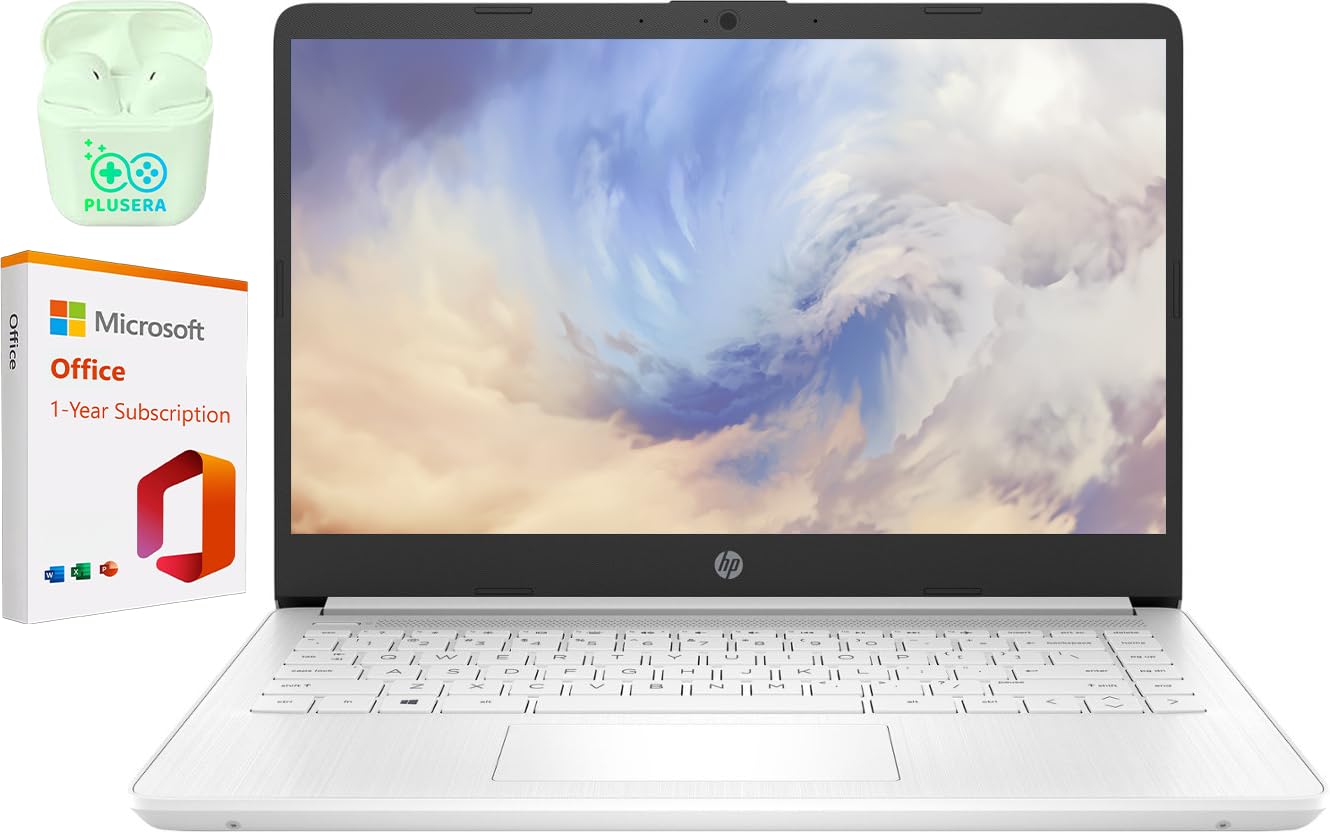
The 14-Inch Laptop Features An Intel Processor And Reliable Flash-Based Storage At A Great Value. Powered Up And Productive. All Day Long. With A Long Battery Life And Fast-Charge Technology, This Laptop Lets You Work, Watch, And Stay Connected All Day. Integrated Precision Touchpad With Multi-Touch Support Speeds Up Both Navigation And Productivity. Reliable Performance For Every Day: Powerful Enough For Your Busiest Days.
⚠️ WARNING (California Proposition 65): This product may contain chemicals known to the State of California to cause cancer, birth defects, or other reproductive harm. For more information, please visit www.P65Warnings.ca.gov.
Frequently Asked Questions
Q: What are the dimensions of the HP Laptop?A: The HP Laptop measures fourteen point eleven inches long, zero point sixty-nine inches wide, and nine point twenty-five inches high.
Q: What type of processor does this laptop have?A: This laptop features an Intel Celeron N4120 processor with four cores and a maximum speed of two point sixty gigahertz.
Q: What is the storage capacity of the HP Laptop?A: The laptop comes with sixty-four gigabytes of eMMC storage, allowing for reliable flash-based data storage.
Q: How do I switch from Windows S mode to full Windows 11?A: To switch out of S mode, go to Settings, select Activation, then visit the Store and select Get under 'Switch out of S mode'.
Q: Is the HP Laptop suitable for gaming?A: No, this laptop is not designed for gaming; it is better suited for productivity tasks and light multimedia use.
Q: How do I connect external devices to the HP Laptop?A: You can connect external devices using the USB-C, USB-A ports, HDMI port, headphone jack, or SD card reader available on the laptop.
Q: What is the battery life of the HP Laptop?A: The laptop offers a long battery life that supports all-day use with fast-charge technology for quicker recharging.
Q: What is the RAM capacity of this laptop?A: The HP Laptop is equipped with four gigabytes of DDR4 RAM, which is sufficient for everyday tasks.
Q: How do I clean the laptop screen safely?A: To clean the screen, use a microfiber cloth slightly dampened with water or a screen-safe cleaner, avoiding harsh chemicals.
Q: Can I upgrade the RAM and storage on this laptop?A: The RAM and storage on this model are not user-upgradable, as they are integrated into the device.
Q: What type of warranty does this laptop come with?A: The HP Laptop typically comes with a one-year limited warranty covering manufacturing defects.
Q: Is this laptop suitable for students?A: Yes, this laptop is ideal for students due to its sufficient performance for schoolwork and its lightweight design.
Q: How do I keep the laptop in good condition?A: Keep the laptop in a dry environment, avoid extreme temperatures, and regularly clean the keyboard and screen.
Q: What should I do if my laptop arrives damaged?A: If the laptop arrives damaged, contact customer support to initiate a return or exchange as soon as possible.
Q: Does this laptop support Bluetooth connectivity?A: Yes, the HP Laptop supports Bluetooth for connecting to wireless devices like headphones and mice.
Q: Is there a built-in webcam on the HP Laptop?A: Yes, the laptop is equipped with a built-in webcam for video conferencing and online classes.