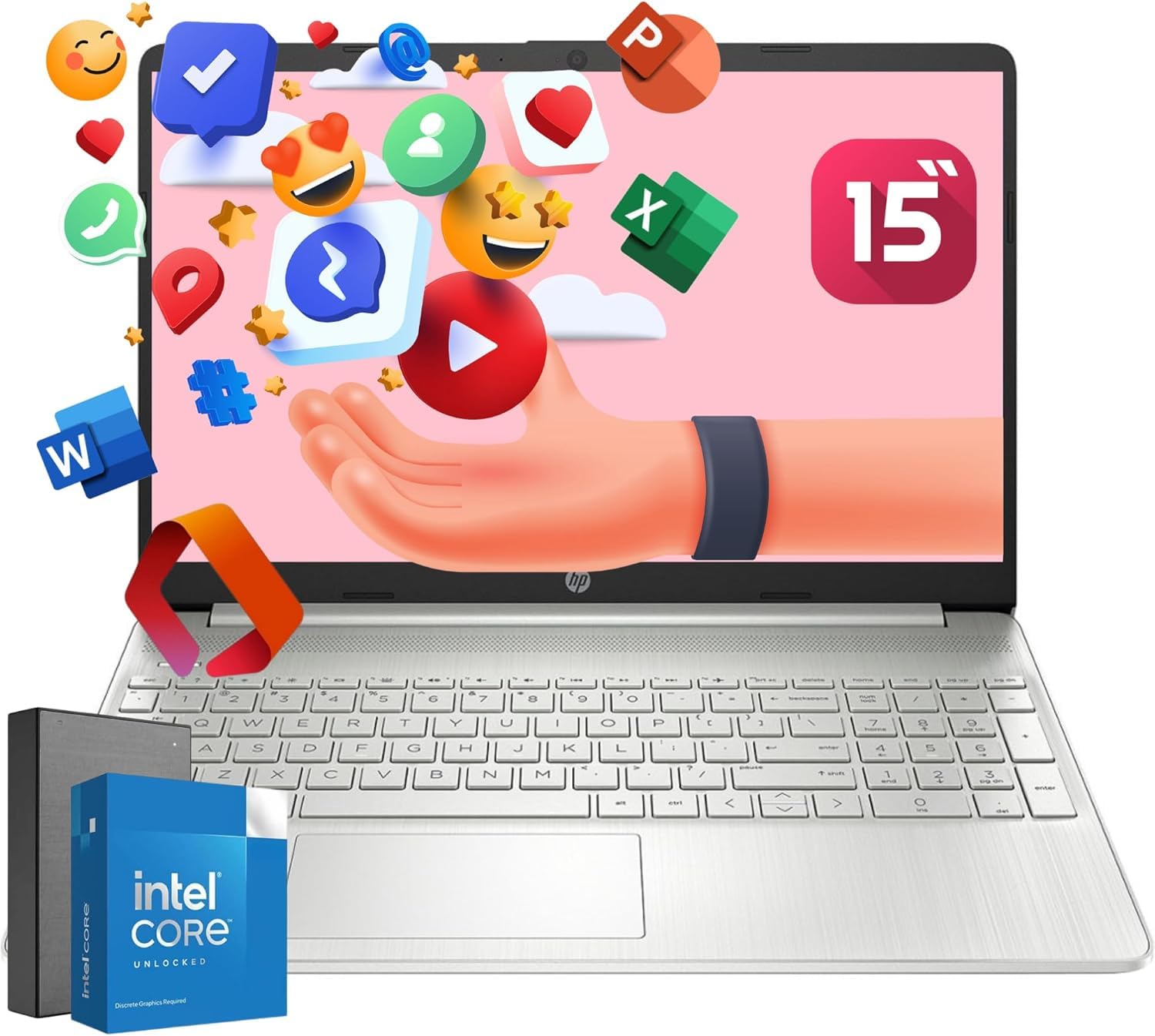
Do More From Anywhere. All-Day Long. Designed To Keep You Productive And Entertained From Anywhere, The Hp 15.6 Inch Laptop Pc Combines Long Battery Life With A Thin And Portable, Micro-Edge Bezel Design.
⚠️ WARNING (California Proposition 65): This product may contain chemicals known to the State of California to cause cancer, birth defects, or other reproductive harm. For more information, please visit www.P65Warnings.ca.gov.
Frequently Asked Questions
Q: What is the display size of the HP Intel 8-Core i3 Laptop?A: The display size is fifteen point six inches. This full HD display offers a user-friendly interface for enhanced productivity.
Q: What is the battery capacity of the HP Laptop?A: The laptop has a long-lasting battery life. It can recharge up to fifty percent within forty-five minutes when powered off.
Q: What are the dimensions of the HP Laptop?A: The dimensions are fifteen point seventy-nine inches in length, ten point sixteen inches in width, and zero point seventy-nine inches in height. These measurements contribute to its portability.
Q: How much RAM does the HP Laptop have?A: The HP Laptop has thirty-two gigabytes of RAM. This allows for smooth multitasking and efficient performance.
Q: What storage capacity does the HP Laptop offer?A: The storage capacity is one terabyte. This ample space is suitable for storing large files and applications.
Q: What type of processor does the HP Laptop use?A: It features an Intel eight-core i3-N305 processor. This ensures reliable performance for everyday tasks.
Q: How do I set up the HP Laptop for the first time?A: To set it up, power on the laptop and follow the on-screen instructions. Connect to Wi-Fi and complete the Windows eleven setup process.
Q: Can I use Microsoft Office on this laptop?A: Yes, Microsoft Office is included with a three-month subscription. It features smart assistance to enhance productivity.
Q: Is this laptop suitable for gaming?A: No, this laptop is not primarily designed for gaming. It is better suited for everyday tasks like browsing and office applications.
Q: How do I clean the HP Laptop screen?A: To clean the screen, use a microfiber cloth slightly dampened with water. Avoid using harsh chemicals to prevent damage.
Q: What should I do to maintain the battery health?A: To maintain battery health, avoid letting it discharge fully frequently. Use the fast charge feature to recharge efficiently.
Q: Is it safe to use the HP Laptop while plugged in?A: Yes, it is safe to use while plugged in. The laptop is designed to manage power effectively.
Q: What warranty does the HP Laptop come with?A: The laptop typically comes with a one-year limited warranty. Check the manufacturer's website for specific details.
Q: What if my HP Laptop does not power on?A: If it does not power on, check the power connection and try a hard reset. If issues persist, contact customer support.
Q: Can I upgrade the RAM on the HP Laptop?A: No, the RAM is soldered to the motherboard and cannot be upgraded. It's fixed at thirty-two gigabytes.