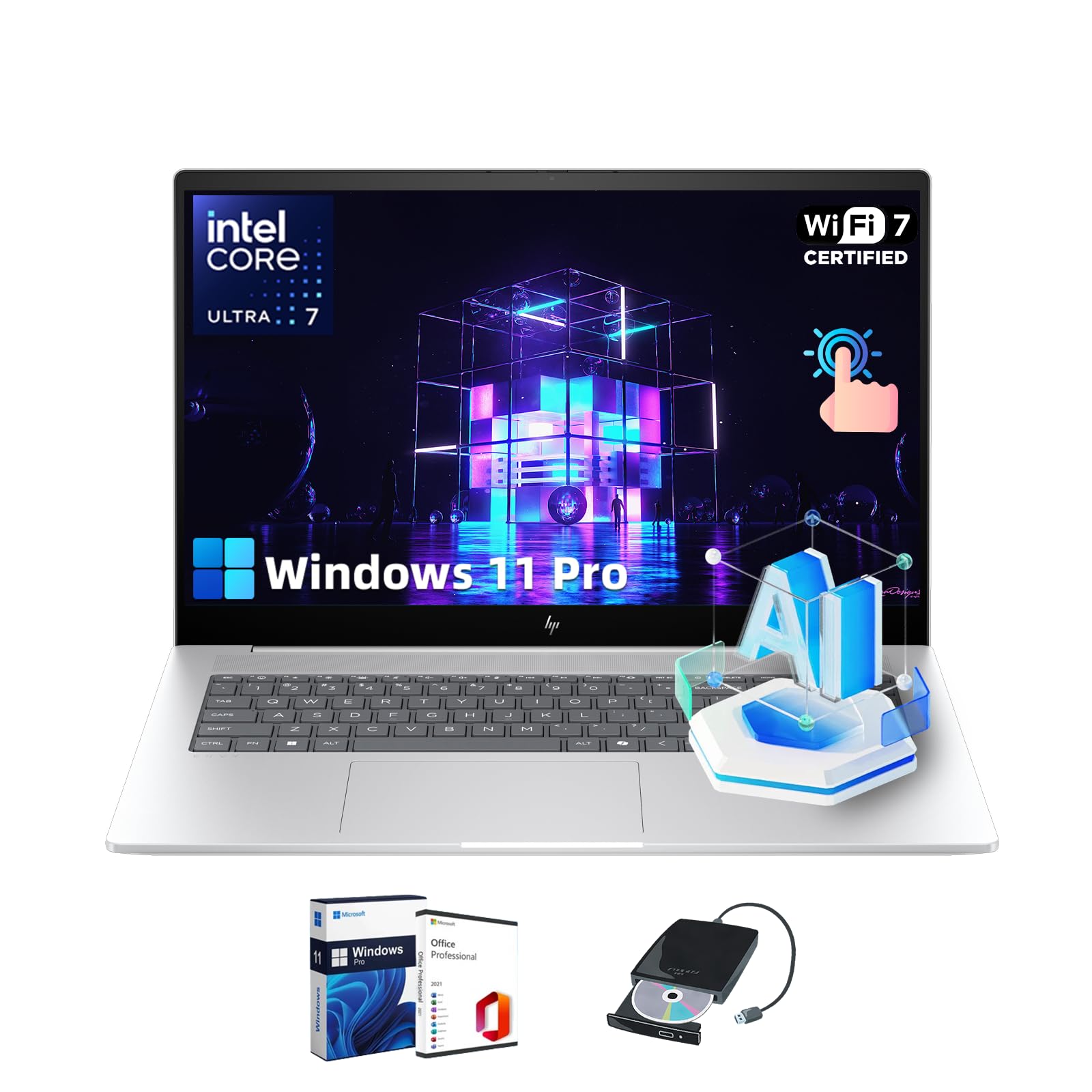
Statement:Original Seal Is Opened For Upgrade Only. If The Computer Has Modifications, Then The Manufacturer Box Is Opened For It To Be Tested And Inspected And To Install The Upgrades To Achieve The Specifications As Advertised.Details:Brand:Hpoperating System:Windows 11 Proprocessor:Intel Core Ultra 7 155H (Up To 4.8 Ghz With Intel Turbo Boost Technology, 24 Mb L3 Cache, 16 Cores, 22 Threads)Graphics:Integrated: Intel Arc Graphicsdisplay:17.3'' Diagonal, Fhd (1920 X 1080), Multitouch-Enabled, Ips, Edge-To-Edge Glass, Micro-Edge, 300 Nits, 100% Srgbdisplay Brightness:300 Nitsdisplay Color Gamut:100% Srgbmemory:16 Gb Ddr5-5600 Mt/S (2 X 8 Gb)Storage:Ssdwireless Technology:Intel Wi-Fi 7 Be200 (2X2) And Bluetooth 5.4 Wireless Cardpower Supply:65 W Usb Type-C Power Adapterbattery:6-Cell, 83 Wh Li-Ion Polymerbattery Life:Up To 10 Hours And 45 Minutesvideo Playback Battery Life:Up To 16 Hours And 30 Minutesbattery Recharge Time:Supports Battery Fast Charge: Approximately 50% In 30 Minutesexternal I/O Ports:2 Usb Type-A 10Gbps Signaling Rate; 1 Usb Type-A 10Gbps Signaling Rate (Hp Sleep And Charge); 1 Hdmi 2.1; 1 Headphone/Microphone Combo; 1 Usb Type-C 10Gbps Signaling Rate (Usb Power Delivery, Displayport 2.1, Hp Sleep And Charge); 1 Thunderbolt 4 With Usb Type-C 40Gbps Signaling Rate (Usb Power Delivery, Displayport 2.1, Hp Sleep And Charge)Webcam:5Mp Ir Camera With Temporal Noise Reduction And Integrated Dual Array Digital Microphonesaudio Features:Dts:X Ultra; Dual Speakers; Hp Audio Boost; Poly Studio Sensors:Accelerometer; Ir Thermal Sensorcolor:Glacier Silverpointing Device:Hp Imagepadkeyboard:Full-Size, Backlit, Soft Grey Keyboard With Numeric Keypaddimensions (W X D X H):15.59 X 10.18 X 0.78 Inweight:5.52 Lb
⚠️ WARNING (California Proposition 65): This product may contain chemicals known to the State of California to cause cancer, birth defects, or other reproductive harm. For more information, please visit www.P65Warnings.ca.gov.
Frequently Asked Questions
Q: What are the dimensions of the HP Envy 17 Laptop?A: The dimensions are fifteen point five nine inches in width, ten point one eight inches in depth, and zero point seven eight inches in height.
Q: What is the weight of the HP Envy 17 Laptop?A: The laptop weighs five point five two pounds, making it relatively portable for a device of its size.
Q: What type of processor does the HP Envy 17 Laptop have?A: It features an Intel Core Ultra seven one hundred fifty-five H processor with a maximum speed of four point eight gigahertz.
Q: What is the storage capacity of the HP Envy 17 Laptop?A: The laptop has a storage capacity of five hundred twelve gigabytes with a PCIe NVMe M.2 solid-state drive.
Q: What type of display does the HP Envy 17 Laptop have?A: It comes with a seventeen point three inch full high-definition touchscreen display with a resolution of one thousand nine hundred twenty by one thousand eighty pixels.
Q: How do I connect to Wi-Fi with the HP Envy 17 Laptop?A: You can connect using the Intel Wi-Fi seven BE two hundred wireless card, which supports high-speed connectivity.
Q: How do I upgrade the RAM in the HP Envy 17 Laptop?A: To upgrade the RAM, you need to access the laptop's internals, which may void the warranty; it's recommended to seek professional help.
Q: Is the HP Envy 17 Laptop suitable for gaming?A: Yes, it is suitable for light gaming due to its integrated Intel Arc graphics, although it may not handle high-end gaming seamlessly.
Q: How long does the battery last on the HP Envy 17 Laptop?A: The battery can last up to ten hours and forty-five minutes under regular use, with video playback lasting up to sixteen hours and thirty minutes.
Q: Can I upgrade the operating system on the HP Envy 17 Laptop?A: Yes, it comes pre-installed with Windows eleven Pro, which can be upgraded based on Microsoft's guidelines.
Q: What is the warranty period for the HP Envy 17 Laptop?A: The warranty period typically lasts for one year from the date of purchase, covering hardware defects.
Q: What should I do if my HP Envy 17 Laptop doesn't turn on?A: First, check if it is charged. If it still doesn't turn on, you may need to contact customer support for further troubleshooting.
Q: How do I clean the screen of the HP Envy 17 Laptop?A: Use a microfiber cloth dampened with water or a screen-safe cleaner to gently wipe the screen, avoiding harsh chemicals.
Q: Is the HP Envy 17 Laptop compatible with external monitors?A: Yes, it has an HDMI two point one port and a Thunderbolt four port for connecting to external displays.
Q: What safety features does the HP Envy 17 Laptop have?A: It includes a five-megapixel IR camera for secure login and features like HP Audio Boost for improved sound quality.