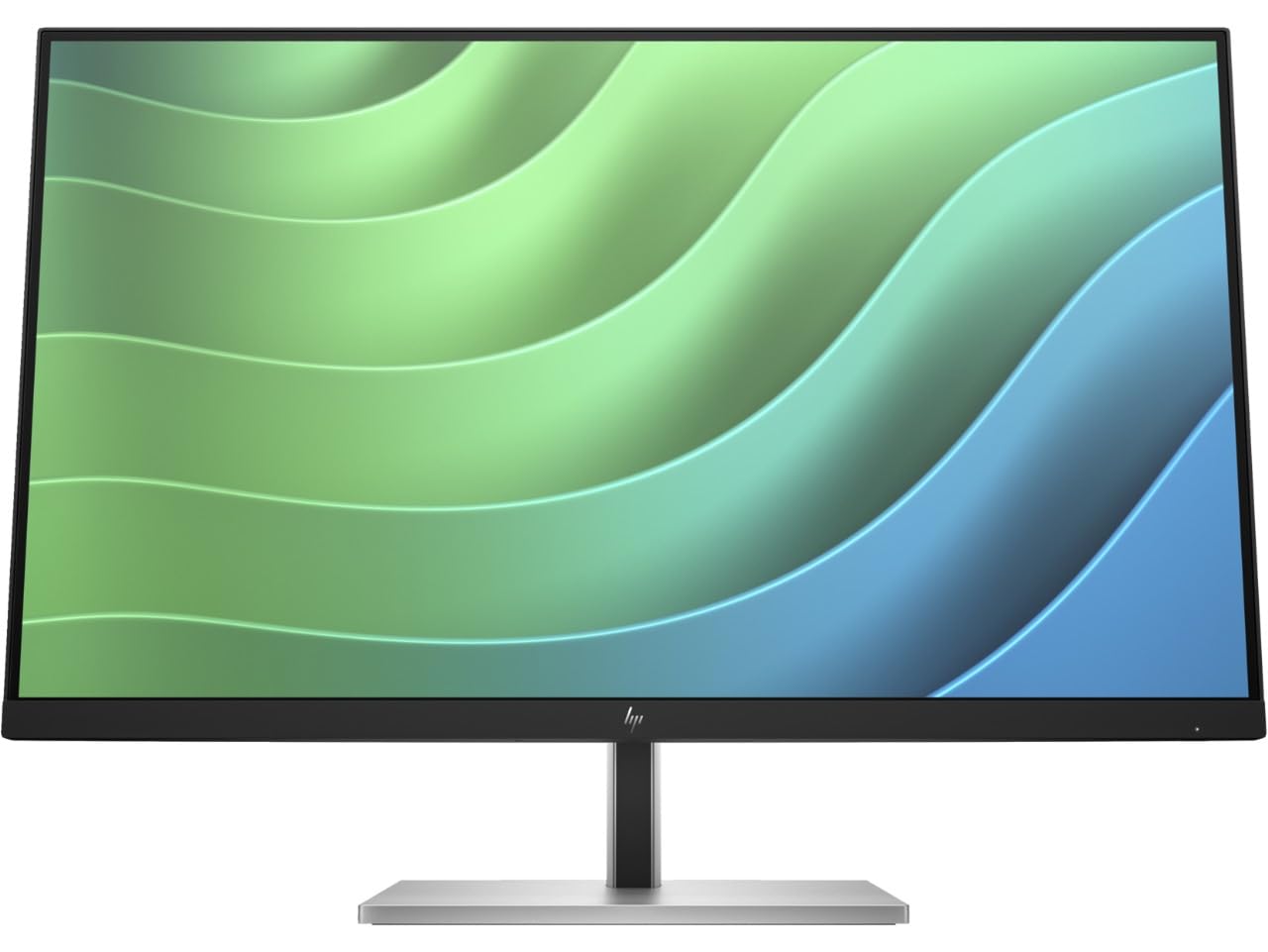
Hp Elitedisplay E27 G4 27 Inch Ips Led Backlit Monitor 4-Pack Display Quantity: 2 Interfaces Supported: 1 X Hdmi, 1 X Vga, 1 X Displayport, 1 X Usb Type-B, 4 X Usb Type-A 3.2 Standard Contrast Ratio: 1000:1 Maximum Resolution Supported: 1920 X 1080 Response Time: 5 Ms (Fast) Screen Mode: Fhd Brightness: 250 Nit Input Power: 100 - 240 Vac Dimensions: (W X D X H): 24.08 X 1.85 X 14.31 Inch Display Features: Hp Eye Ease Blue Light Filter, Usb Hub, Pivot Rotation, Height Adjustable, Vesa Mount Compatible, Anti-Glare, In Plane Switching, Led Backlights, Language Selection, On-Screen Controls, Energy Star Certified
⚠️ WARNING (California Proposition 65): This product may contain chemicals known to the State of California to cause cancer, birth defects, or other reproductive harm. For more information, please visit www.P65Warnings.ca.gov.
Frequently Asked Questions
Q: What are the dimensions of the HP EliteDisplay E27 G5 Monitor?A: The dimensions are twenty-four point zero eight inches wide, one point eight five inches deep, and fourteen point three one inches high. This compact size is ideal for various desk setups.
Q: What is the display resolution of the HP EliteDisplay E27 G5?A: The maximum resolution supported is one thousand nine hundred twenty by one thousand eighty pixels. This Full HD resolution ensures clear and detailed imagery.
Q: How much does the HP EliteDisplay E27 G5 weigh?A: The weight of the monitor is not specified in the provided details. However, it is designed for stability and is compatible with VESA mounts.
Q: What type of panel does the HP EliteDisplay E27 G5 use?A: The monitor uses an IPS panel. This technology provides wide viewing angles and accurate color reproduction.
Q: How do I adjust the height of the HP EliteDisplay E27 G5 Monitor?A: The monitor features a height-adjustable stand. Simply grasp the monitor and lift or lower it to your desired height.
Q: Can I connect this monitor to a laptop?A: Yes, you can connect it via HDMI, DisplayPort, or USB Type-B. This versatility makes it compatible with most modern laptops.
Q: Is the HP EliteDisplay E27 G5 suitable for gaming?A: Yes, it has a refresh rate of seventy-five hertz, which is adequate for casual gaming. However, it is primarily designed for office and home use.
Q: How do I clean the screen of the HP EliteDisplay E27 G5?A: To clean the screen, use a microfiber cloth dampened with water or a screen cleaner. Avoid using harsh chemicals that could damage the display.
Q: Is the HP EliteDisplay E27 G5 Energy Star certified?A: Yes, it is Energy Star certified. This certification ensures energy efficiency, helping to reduce electricity costs.
Q: What warranty does the HP EliteDisplay E27 G5 come with?A: The warranty details are not specified in the provided information. Typically, HP monitors come with a limited warranty that covers manufacturing defects.
Q: How do I set up the HP EliteDisplay E27 G5 Monitor?A: To set up, connect the monitor to a power outlet and use the appropriate cable to connect it to your computer. Follow the on-screen instructions for configuration.
Q: Can this monitor be used for dual setups?A: Yes, it is compatible with adjustable desk mounts for dual monitors. This setup enhances productivity for multitasking.
Q: Does the HP EliteDisplay E27 G5 have a built-in USB hub?A: Yes, it features a built-in USB hub with four USB Type-A three point two ports. This allows for easy connectivity of peripherals.
Q: What is the contrast ratio of the HP EliteDisplay E27 G5?A: The standard contrast ratio is one thousand to one. This ratio contributes to the monitor's ability to display deep blacks and bright whites.
Q: Is the HP EliteDisplay E27 G5 monitor anti-glare?A: Yes, it has an anti-glare feature. This helps reduce reflections and eye strain during prolonged use.