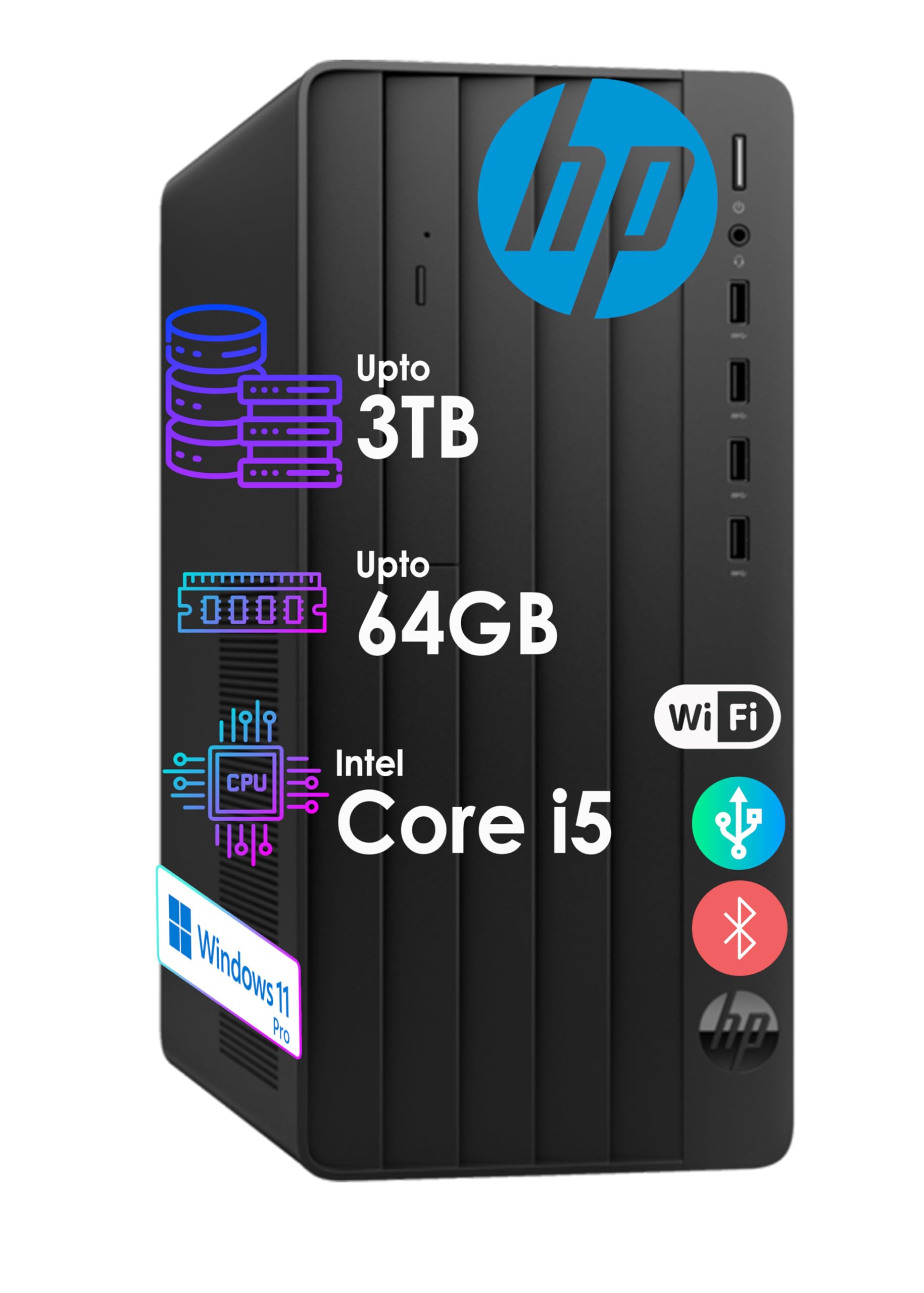
Processor:&Nbsp;12Th Gen Intel Core I5-12400 (Up To 4.4 Ghz With Intel Turbo Boost Technology, 18 Mb L3 Cache, 6 Cores, 12 Threads) Graphics:&Nbsp;Integrated Intel&Reg; Uhd Graphics 730&Nbsp; Operating System:&Nbsp;Windows 11 Pro, 64-Bit, English Memery:&Nbsp;Up To 64Gb Ddr4 Ram Hard Drive:&Nbsp;Up To 2Tb Pcie M.2 Solid State Drive + 1Tb 7200Rpm Hdd Optical Drive:&Nbsp;Hp 9.5 Mm Slim Dvd-Writer Front Ports:&Nbsp;6X Usb Type-A 5Gbps Signaling Rate 1X Headphone/Microphone Combo Rear Ports:&Nbsp;1X Hdmi 1X Vga 1X Line In/1X Line Out 1X Power Connector 1X Rj-45 2X Usb 2.0 Connectivity:&Nbsp;Realtek Rtl8822Ce 802.11A/B/G/N/Ac (2X2) Wi-Fi And Bluetooth&Reg; 5 ≫Keyboard:&Nbsp;Hp 125 Wired Keyboardwith Numeric Keypad, Uk (Qwerty) - Wired Mouse Included&Nbsp;Power Supply:&Nbsp;180 W External Power Adapter, Up To 90% Efficiency, Active Pfc Color:&Nbsp;Black Dimensions L X W X H (Inches):&Nbsp;11.92 X 6.10 X 13.27 Weight:&Nbsp;Start At 10.5 Lbs
⚠️ WARNING (California Proposition 65): This product may contain chemicals known to the State of California to cause cancer, birth defects, or other reproductive harm. For more information, please visit www.P65Warnings.ca.gov.
Frequently Asked Questions
Q: What are the dimensions of the HP Desktop Tower Pro?A: The dimensions are eleven point nine two inches in length, six point one inches in width, and thirteen point two seven inches in height.
Q: What type of graphics does the HP Desktop Tower Pro have?A: It features Intel UHD Graphics, providing decent performance for everyday tasks and multimedia.
Q: What is the storage capacity of the HP Desktop Tower Pro?A: This desktop has a total storage capacity of two terabytes, combining a one terabyte SSD and a one terabyte HDD.
Q: How much RAM does the HP Desktop Tower Pro come with?A: It comes with twelve gigabytes of DDR4 RAM, allowing for efficient multitasking.
Q: What type of operating system is installed on the HP Desktop Tower Pro?A: The operating system is Windows eleven Pro, providing a user-friendly interface and access to the latest features.
Q: Can I connect external devices to the HP Desktop Tower Pro?A: Yes, it has multiple ports, including two USB Type-A ten gigabits per second ports and various other connections for peripherals.
Q: How do I set up the HP Desktop Tower Pro for first use?A: To set it up, connect the power supply, plug in the keyboard and mouse, and follow on-screen prompts after turning it on.
Q: Is the HP Desktop Tower Pro suitable for gaming?A: While it features Intel UHD Graphics, it's primarily designed for business and everyday tasks rather than high-end gaming.
Q: How do I maintain the HP Desktop Tower Pro?A: Keep it in a cool, dry place, occasionally clean the exterior with a soft cloth, and ensure proper ventilation.
Q: Does the HP Desktop Tower Pro have a warranty?A: Yes, it typically comes with a limited warranty; check the manufacturer's website for specific details.
Q: What accessories come with the HP Desktop Tower Pro?A: It includes an HP 125 wired keyboard and a wired mouse, both designed for comfort and efficiency.
Q: Can I upgrade the RAM in the HP Desktop Tower Pro?A: Yes, the RAM is upgradeable; consult the user manual for instructions on how to do this.
Q: What should I do if my HP Desktop Tower Pro doesn't turn on?A: Check the power connection and ensure the outlet is working; if the issue persists, contact customer support.
Q: Is there a built-in DVD drive in the HP Desktop Tower Pro?A: Yes, it features a built-in HP nine point five millimeter slim DVD writer for multimedia playback.
Q: What type of keyboard is included with the HP Desktop Tower Pro?A: The desktop comes with an HP 125 wired keyboard with a numeric keypad, designed for user comfort.