⚠️ WARNING (California Proposition 65): This product may contain chemicals known to the State of California to cause cancer, birth defects, or other reproductive harm. For more information, please visit www.P65Warnings.ca.gov.
Frequently Asked Questions
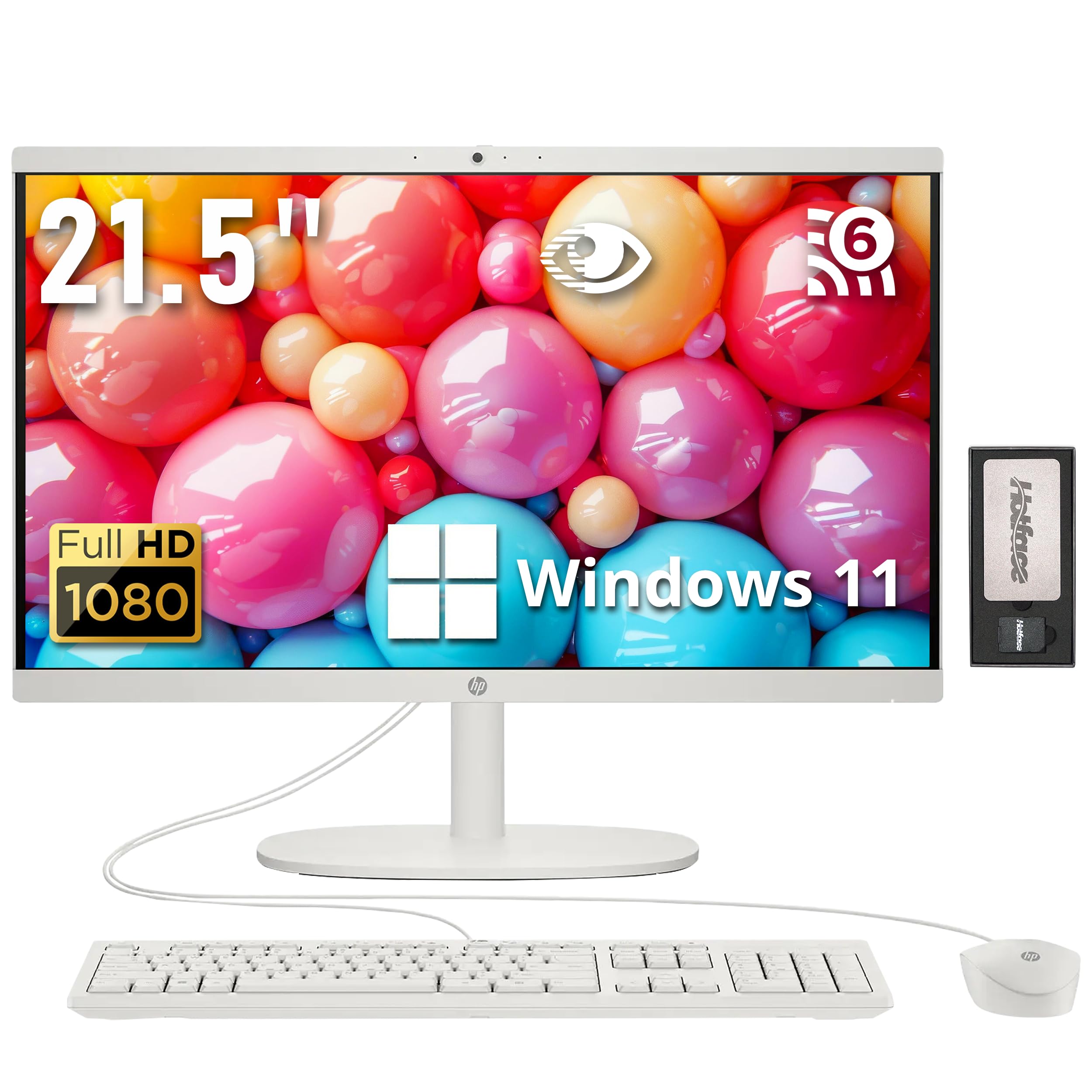
Q: What is the display size of the HP All-in-One Desktop Computer?A: The display size is twenty-one point five inches. It features a Full HD display with a resolution of one thousand nine hundred twenty by one thousand eighty pixels.
Q: What type of processor does this computer have?A: This computer has an Intel Celeron J4025 processor. It operates with a base frequency of two point zero gigahertz and can boost up to two point nine gigahertz.
Q: How much RAM is included in the HP All-in-One Desktop?A: The computer includes thirty-two gigabytes of DDR4 RAM. This allows for efficient multitasking and running multiple applications simultaneously.
Q: What is the total storage capacity of this desktop?A: The total storage capacity is two point sixteen terabytes. It consists of a two terabyte solid-state drive and an additional one hundred sixty gigabyte docking station set.
Q: What operating system comes with this desktop?A: The HP All-in-One Desktop comes with Windows eleven Home pre-installed. This provides a modern interface and improved performance features.
Q: What are the dimensions of the HP All-in-One Desktop?A: The dimensions are nineteen point four three inches in length, fifteen point zero seven inches in width, and six point six nine inches in height. It weighs approximately nine point one nine pounds.
Q: How do I set up the HP All-in-One Desktop?A: To set it up, plug in the power cable, connect the wired keyboard and mouse, and turn on the desktop. Follow the on-screen instructions to complete the Windows setup.
Q: Is this computer suitable for gaming?A: No, this computer is not designed for high-performance gaming. It has an Intel UHD Graphics 600 which is suitable for casual use and entertainment.
Q: How do I clean the HP All-in-One Desktop?A: To clean it, use a soft, lint-free cloth and a mild cleaning solution. Avoid using harsh chemicals that could damage the screen or casing.
Q: What is the warranty on the HP All-in-One Desktop?A: It comes with a one-year warranty on upgraded RAM and SSD, along with the original one-year manufacturer's warranty on remaining components.
Q: Can I upgrade the RAM or storage later?A: Yes, the RAM and storage can be upgraded. However, this may require professional assistance to ensure compatibility and performance.
Q: What ports are available on this desktop?A: The desktop includes two SuperSpeed USB Type-A ports, two USB 2.0 Type-A ports, one HDMI port, and one headphone/microphone combo jack.
Q: Is there a privacy feature for the camera?A: Yes, it has an HP True Vision HD privacy camera. This allows for secure video chats with enhanced clarity, even in low light conditions.
Q: What is included in the docking station set?A: The docking station set includes a seven-in-one docking station with one hundred twenty-eight gigabytes of storage, a thirty-two gigabyte MicroSD card, a Type-C data cable, and a three-in-one charging cable.
Q: What color is the HP All-in-One Desktop?A: The desktop is available in white. This sleek color design complements modern home or office setups.