⚠️ WARNING (California Proposition 65): This product may contain chemicals known to the State of California to cause cancer, birth defects, or other reproductive harm. For more information, please visit www.P65Warnings.ca.gov.
Frequently Asked Questions
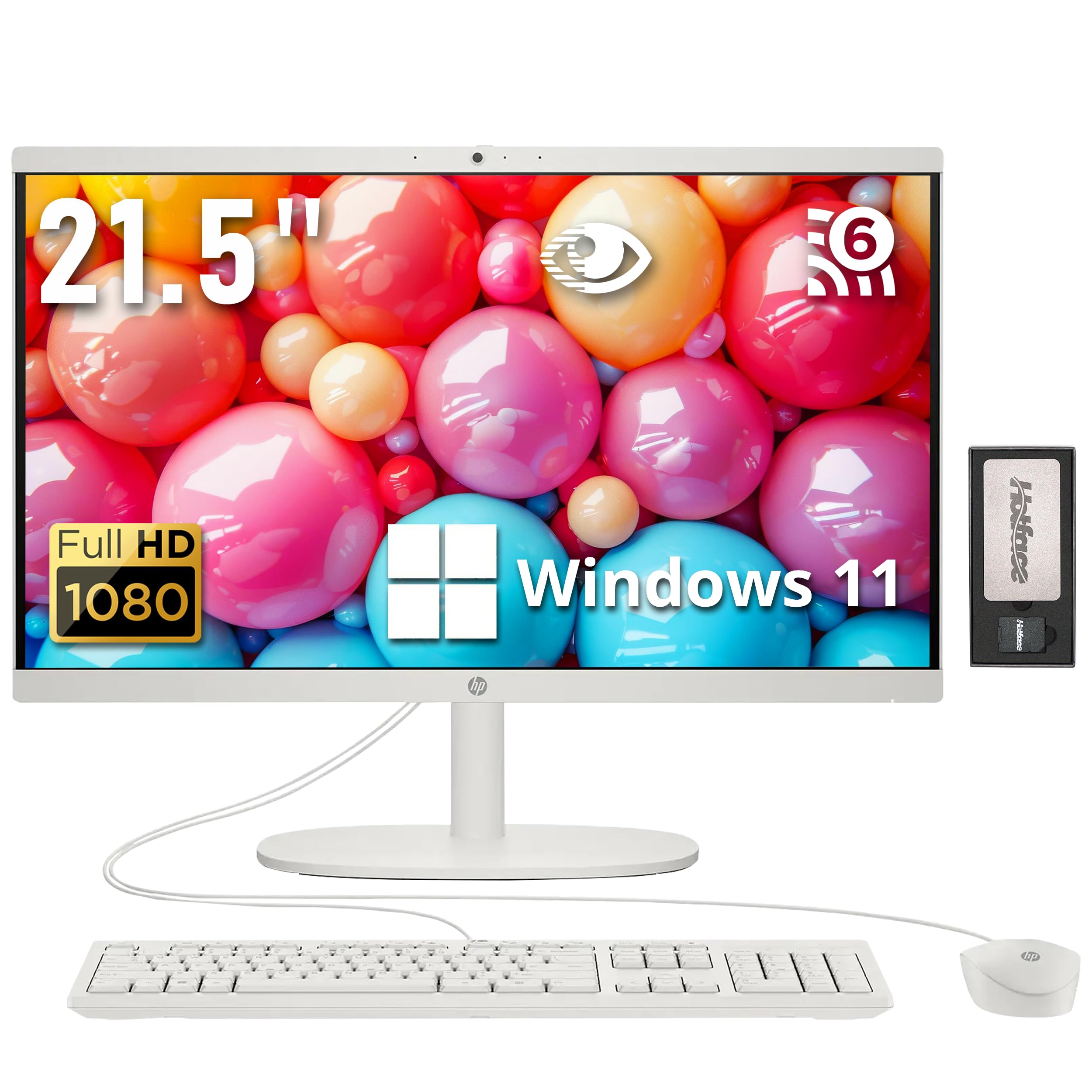
Q: What is the display size of the HP All-in-One Desktop Computer?A: The display size is twenty-one point five inches. It features a Full HD resolution of one thousand nine hundred twenty by one thousand eighty pixels.
Q: What processor does this HP All-in-One use?A: It uses an Intel Celeron J4025 processor. This processor has a base frequency of two point zero gigahertz and can boost up to two point nine gigahertz.
Q: How much RAM does the HP All-in-One Desktop have?A: It has sixteen gigabytes of DDR4 RAM. This allows for efficient multitasking and running multiple applications simultaneously.
Q: What kind of storage is included with this desktop?A: It includes one point sixteen terabytes of storage. This consists of a one terabyte SSD and a one hundred sixty gigabyte docking station set.
Q: What is the color of the HP All-in-One Desktop?A: The color of the desktop is white. Its sleek design adds a modern touch to any workspace.
Q: How does the HP All-in-One Desktop connect to the internet?A: It connects via a wired Ethernet port. The RJ-45 connection ensures a stable and reliable internet connection.
Q: Does this computer come with a keyboard and mouse?A: Yes, it comes with a wired keyboard and mouse. Both peripherals are included in the package for immediate setup.
Q: What operating system is installed on the HP All-in-One?A: It comes with Windows eleven pre-installed. This latest operating system enhances user experience and productivity.
Q: Is the display anti-glare?A: Yes, the display is anti-glare. This feature helps reduce reflections and provides a clearer viewing experience.
Q: What is the weight of the HP All-in-One Desktop?A: The weight is nine point nineteen pounds. This makes it relatively easy to move if necessary.
Q: How do I clean the HP All-in-One display?A: Use a soft, lint-free cloth to clean the display. Avoid using harsh chemicals to maintain the integrity of the screen.
Q: Can I upgrade the RAM or storage in this desktop?A: Yes, the RAM and SSD can be upgraded. The unit comes with a one-year warranty on upgraded components.
Q: What should I do if the computer does not turn on?A: Check the power connections first. If it still does not turn on, consult the warranty for support options.
Q: How is the privacy camera on this desktop?A: The HP True Vision HD Privacy Camera offers vibrant clarity, even in low light. It is designed for clear video chats.
Q: Does this desktop support external displays?A: Yes, it has an HDMI port for connecting to external displays. This allows for expanded screen real estate.
Q: What are the dimensions of the HP All-in-One Desktop?A: The dimensions are nineteen point forty-three inches in length, fifteen point zero seven inches in width, and six point sixty-nine inches in height.