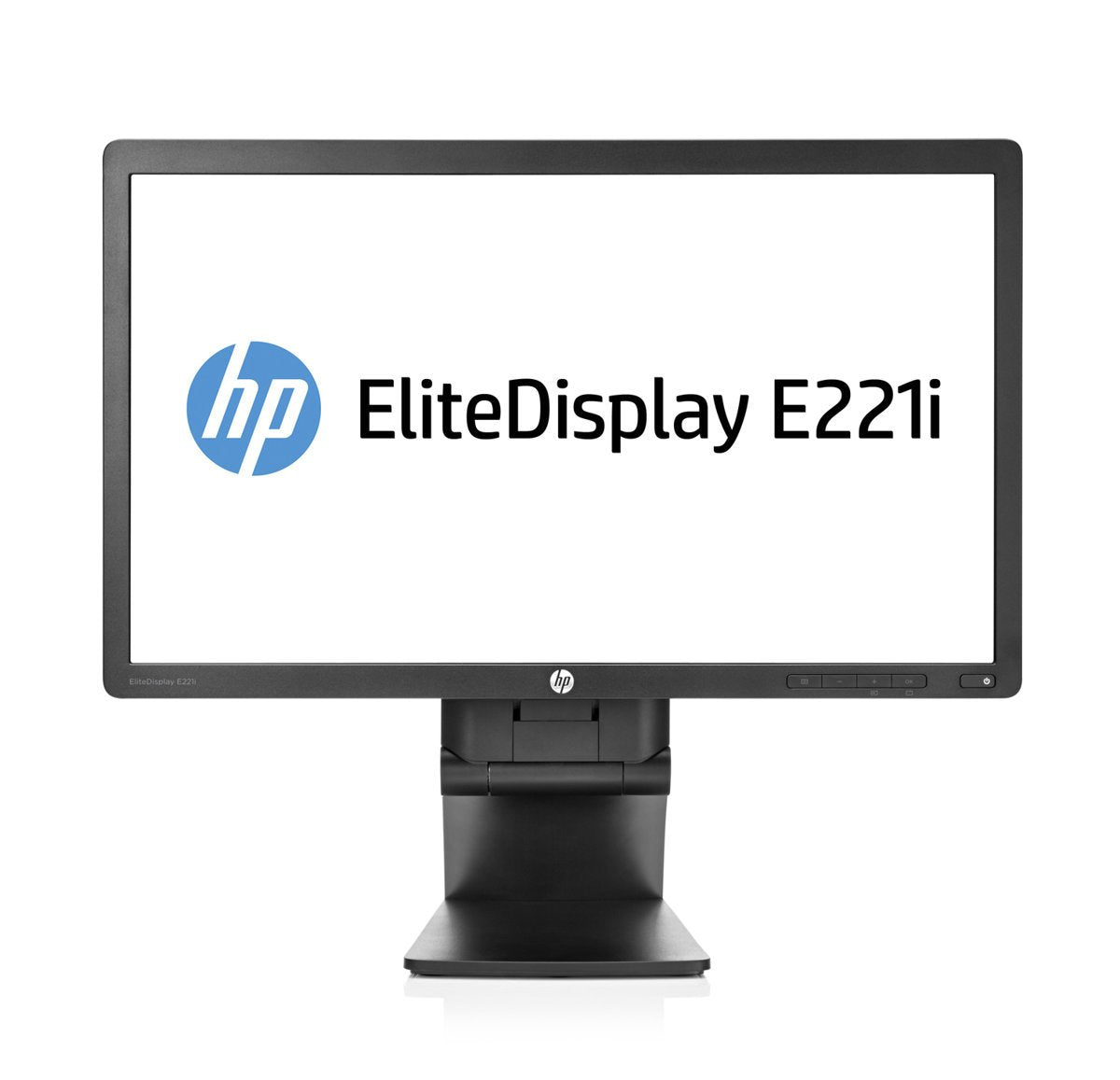
The Hp E221I Is A 21.5-Inch Led-Backlit Monitor With A Resolution Of 1920 X 1080 Pixels. It Has A Response Time Of 5Ms, A Contrast Ratio Of 1000:1, And A Brightness Of 250 Cd/M. The Monitor Also Has A Vga Port, Dvi-D Port, And Displayport For Connectivity. It Also Has A Built-In Usb 2.0 Hub, Which Allows You To Connect Usb Devices Directly To The Monitor. The Monitor Has An Adjustable Stand That Allows You To Tilt, Swivel, And Adjust The Height Of The Monitor To Your Desired Viewing Angle.
⚠️ WARNING (California Proposition 65): This product may contain chemicals known to the State of California to cause cancer, birth defects, or other reproductive harm. For more information, please visit www.P65Warnings.ca.gov.
Frequently Asked Questions
Q: What is the screen size of the HP E221I monitor?A: The screen size is twenty-one point five inches. It features a narrow bezel design, making it ideal for multi-monitor setups.
Q: What is the resolution of the HP E221I monitor?A: The resolution is one thousand nine hundred twenty by one thousand eighty pixels. This full HD resolution provides crisp and clear visuals for various applications.
Q: What type of ports does the HP E221I monitor have?A: It has a VGA port, a DVI-D port, and a DisplayPort. This variety ensures compatibility with many devices and easy connectivity.
Q: What is the brightness of the HP E221I monitor?A: The brightness level is two hundred fifty candelas per square meter. This brightness ensures good visibility in well-lit environments.
Q: What is the contrast ratio of the HP E221I monitor?A: The contrast ratio is one thousand to one. This high contrast ratio enhances the distinction between light and dark colors on the screen.
Q: What is the response time of the HP E221I monitor?A: The response time is five milliseconds. This quick response time minimizes blurring during fast-moving scenes in videos or games.
Q: How do I adjust the HP E221I monitor's height?A: You can adjust the height using the adjustable stand. It allows you to tilt, swivel, and elevate the monitor for optimal viewing angles.
Q: Can I connect USB devices to the HP E221I monitor?A: Yes, it has a built-in USB two point zero hub. This feature allows you to connect USB devices directly to the monitor for convenience.
Q: Is the HP E221I monitor suitable for gaming?A: Yes, it is suitable for casual gaming. The five-millisecond response time and one thousand to one contrast ratio enhance the gaming experience.
Q: How do I clean the HP E221I monitor screen?A: Use a soft, lint-free cloth to gently wipe the screen. Avoid using harsh chemicals, as they can damage the screen's coating.
Q: What should I do if the HP E221I monitor arrives damaged?A: Contact customer support immediately for assistance. They will guide you through the return or replacement process.
Q: Does the HP E221I monitor come with a warranty?A: Yes, it typically comes with a warranty. Check the manufacturer's guidelines for specific warranty details and duration.
Q: Is the HP E221I monitor energy efficient?A: Yes, it is designed to be energy efficient. This feature helps reduce electricity costs while maintaining performance.
Q: What is the weight of the HP E221I monitor?A: The monitor weighs approximately six point three pounds. This lightweight design makes it easy to move or mount.
Q: Is the HP E221I monitor compatible with Mac computers?A: Yes, it is compatible with Mac computers. You can connect it using the appropriate ports like DisplayPort or DVI.