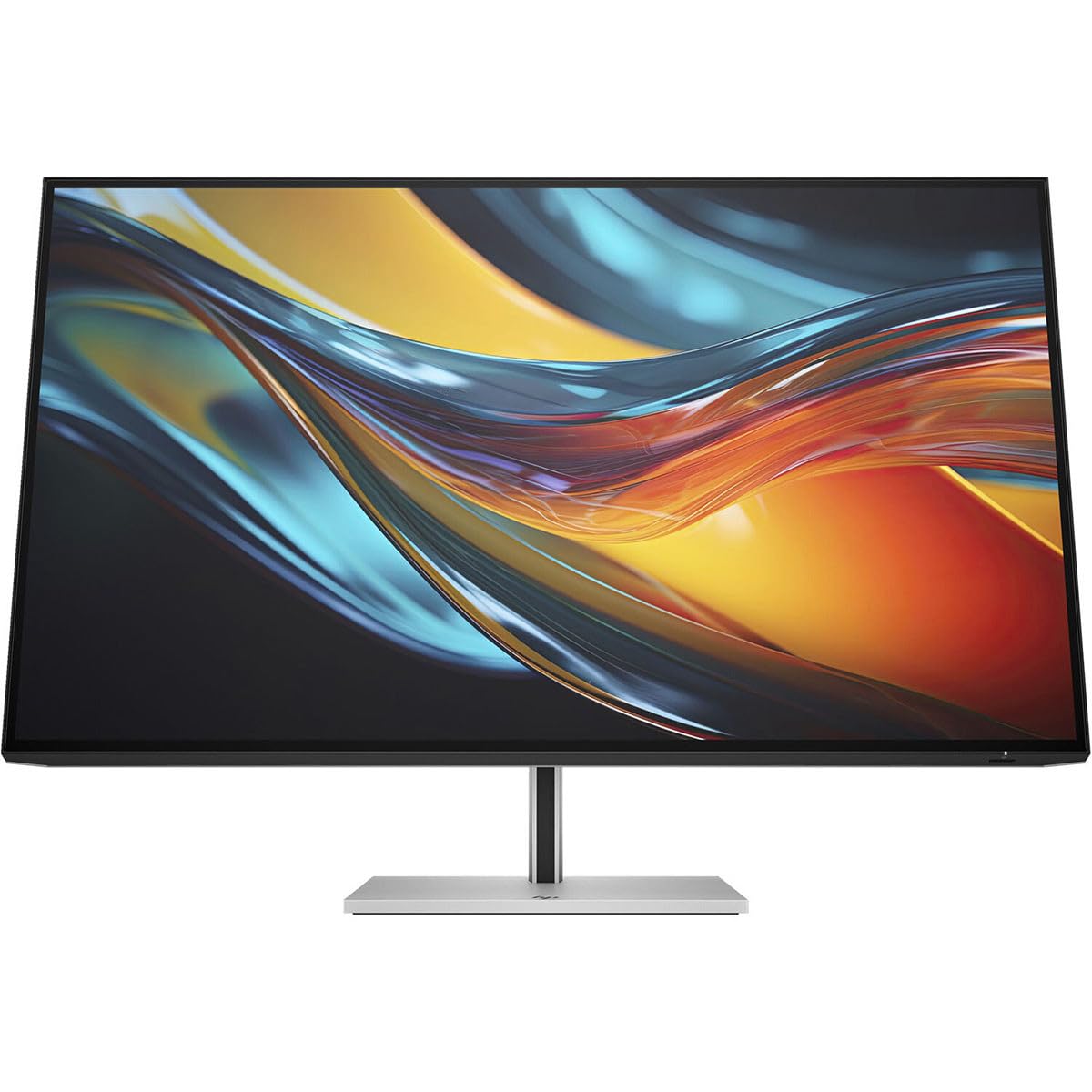
Color That Rivals Realityview Every Detail As If It'S True-To-Life With Captivating Color Contrast On This Precise 31.5'' 4K Monitor. Through The Cutting-Edge Ips Black Panel, Dive Into Deeper Shadows And Richer Hues With Twice The Contrast Of A Traditional Ips Panel. Combined With Vesa Displayhdr 400, Wide 98% Display P3 Color Gamut, And Superb Color Accuracy, What You See On Screen Rivals Reality.Unleash The Power Of Thunderbolt 4Transform Your Desk Into A Productivity Powerhouse With This Thunderbolt 4Monitor. Through A Single Cable, Drive 4K Resolution At 60 Hz, Daisy Chaining Support For A Second 4K Monitor, As Well As High-Speed Data And Internet-All While Charging Your Device At Up To 100W-Without Slowing You Down.Seamless Controldesigned With Intelligent Controls, This Display Gets You Working Quickly And Multi-Tasking Efficiently. Instantly Wake Your Display And Pc With Single Power On. And When You'Re Multi-Tasking Between Two Devices, Simply Use The Built-In Kvm Switch To Control Both With Just A Single Keyboard And Mouse.Ips Blackstunning Colors From Any Angle Thanks To The 2,000:1 Contrast Ratio And Ultra-Wide Viewing Angles.4K Uhd Resolutionget Lost In The Captivating Definition And Expanded View Of 4K Resolution.31.5-Inch Diagonal Screendive In And Accomplish More On A Massive 31.5-Inch Diagonal Screen Framed By A 4-Sided, Virtually Borderless Bezel.Vesa Displayhdr 400Replicate Reality On Your Screen And Enjoy Watching Hdr Media With Enhanced Contrast.Wide Color Gamuts100% Srgb For Ideal Color Reproduction And 98% Display P3 For Deeper, Lifelike Hues.Colors Calibrated To Perfectionevery Hp Series 7 Pro Monitor Undergoes Strict Factory Color Calibration To Assure That Over 400 Colors Achieve A Delta E Of Less Than 2, Making Any Color Difference Virtually Indistinguishable To The Human Eye For Superb Color Accuracy.Thunderbolt 4 Technologymultitask Like A Pro With A Display That Supports Up To Two 4K Monitors Through Superfast Thunderbolt 4 Technology And Delivers 40Gbps Data Bandwidth For Faster Inputs. This Display Also Delivers Up To 100W Of Power Directly To Your Laptop.Daisy Chain A Second 4K Monitordisplay Even More With Displayport 1.4 Out By Daisy Chaining Up To Two 4K Displays For The Superb High-Definition, Multi-Display Setup.More Ports. More Flexibility.More Ports Means More Capabilities. With Thunderbolt 4, Usb-C With Data And 15W, Hdmi 2.0, Displayport 1.4 In And Out, Rj-45, Usb-B Hub, And Four Usb-A 3.2 Ports, You Can Connect Multiple Devices Like A Webcam And Keyboard.Dependable Internet Connectivityfeel Confident In Your Connection With A Monitor That Connects Directly To Ethernet Via Rj-45 Port For High-Speed, 1 Gb Internet Connection And Remote It Manageability.Single Power Oninstantly Turn On Your Display And Laptop, Even When The Lid Is Closed, By Pressing The Power Button On The Bottom Of The Display.Kvm Switchboost Your Productivity By Seamlessly Multi-Tasking Between Two Different Computers With Just One Keyboard And Mouse Thanks To This Monitor'S Built-In Kvm Switch.Picture By Picturerunning Two Computers And Want To Display Both On One Monitor At The Same Time? No Problem. With Picture By Picture (Pbp), It'S Easy.Endless Adjustability4-Way Adjustability For The Perfect Viewing Angle.Ergonomic Setup Guideachieve All-Day Comfort When You Apply The Best Practices From The Ergonomic Setup Guide.
⚠️ WARNING (California Proposition 65): This product may contain chemicals known to the State of California to cause cancer, birth defects, or other reproductive harm. For more information, please visit www.P65Warnings.ca.gov.
Frequently Asked Questions
Q: What are the dimensions of the HP 7 Pro 732pk monitor?A: The dimensions are eight point five four inches in length, twenty-eight point zero nine inches in width, and twenty-three point eight one inches in height.
Q: What is the screen size of the HP 7 Pro 732pk monitor?A: The screen size is thirty-one point five inches, providing a large viewable area for enhanced productivity.
Q: What resolution does the HP 7 Pro 732pk monitor support?A: The monitor supports a maximum resolution of three thousand eight hundred forty by two thousand one hundred sixty pixels, delivering stunning visuals.
Q: How do I connect devices to the HP 7 Pro 732pk monitor?A: You can connect devices using Thunderbolt four, USB-C, HDMI two point zero, and DisplayPort one point four connections for versatility.
Q: Can I daisy chain multiple monitors with the HP 7 Pro 732pk?A: Yes, you can daisy chain up to two four K monitors using the DisplayPort one point four output for an expanded setup.
Q: How do I adjust the HP 7 Pro 732pk monitor for a comfortable viewing angle?A: You can achieve the perfect viewing angle with four-way adjustability, allowing for tilt, swivel, and height adjustments.
Q: Is the HP 7 Pro 732pk monitor suitable for gaming?A: Yes, it has a five millisecond response time, making it excellent for gaming and fast-paced action.
Q: How do I clean the HP 7 Pro 732pk monitor?A: To clean the monitor, use a soft, lint-free cloth and a suitable screen cleaner, avoiding harsh chemicals that can damage the display.
Q: Does the HP 7 Pro 732pk monitor support HDR content?A: Yes, it supports VESA DisplayHDR four hundred, enhancing contrast and color accuracy for HDR media.
Q: What is the power consumption of the HP 7 Pro 732pk monitor?A: The monitor consumes minimal power, making it energy-efficient while providing high performance.
Q: What warranty does the HP 7 Pro 732pk monitor have?A: The monitor typically comes with a standard warranty that covers manufacturing defects, but it is advisable to check specifics with the retailer.
Q: Can I use the HP 7 Pro 732pk monitor for dual PC setups?A: Yes, the built-in KVM switch allows you to control two different computers with a single keyboard and mouse for seamless multitasking.
Q: Is the HP 7 Pro 732pk monitor compatible with Mac computers?A: Yes, it is compatible with Mac computers, especially when using Thunderbolt four for connectivity.
Q: What kind of color accuracy can I expect from the HP 7 Pro 732pk monitor?A: The monitor is factory calibrated to ensure over four hundred colors achieve a Delta E of less than two for superb color accuracy.
Q: How do I set up the HP 7 Pro 732pk monitor?A: To set up the monitor, simply connect it to your computer using the appropriate cables, adjust the height and angle, and power it on.