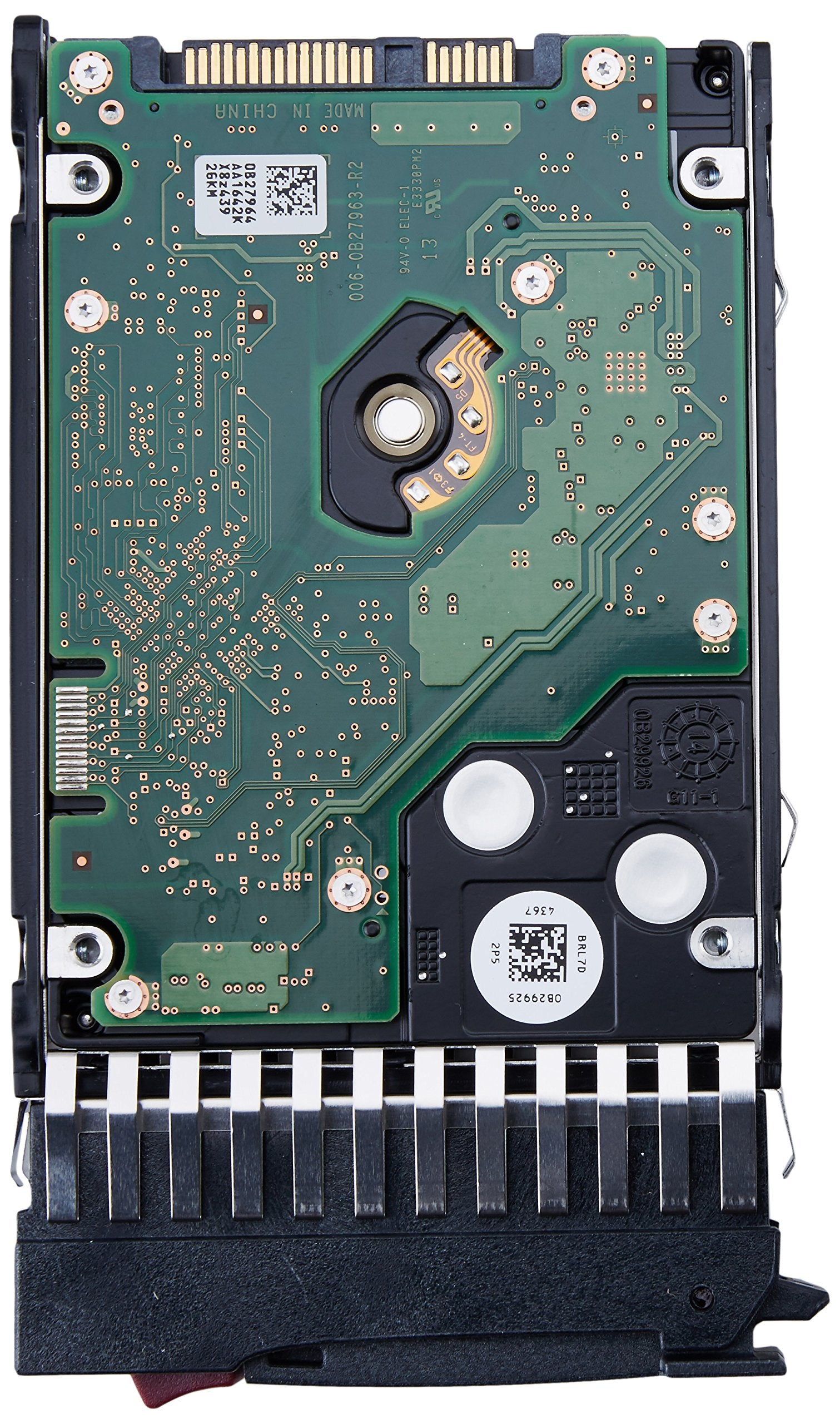
Hp Serial Attached Scsi (Sas) Dual Port Enterprise Hard Drives Deliver High Performance Solutions For Hosting High Transaction Based Applications. The Sas Interface Was Designed And Engineered For High Availability, Enterprise-Class Data Storage Where Performance, Reliability And Data Integrity Are Crucial. Compatible Devices: Proliant Bl Series: Bl20P (G4) Bl45P (G2) Bl460C (G6 G7) Bl465C (G1 G5 G6 G7) Bl480C (Bl620C G7) Proliant Bl Series: Bl680C (G5 G6 G7) Bl685C (G6 G7) Ws460C (G6 G7) Proliant Dl Series: Dl1000 Dl120 (G6 G7) Dl160 (G6 G7) Dl160Se (G6 G7) Dl165 (G6 G7) Dl170E (G6 G7) Proliant Dl Series: Dl170H (G6 G7) Dl180 (G6 G7) Dl320 (G6 G7) Dl360 (G4P G5 G6 G7) Dl365 (G1 G5 G6 G7) Proliant Dl Series: Dl370 (G6 G7) Dl380 (G4 G5 G6 G7) Dl385 (G1 G2 G3 G4 G5/G5P G6 G7) Proliant Dl Series: Dl580 (G3 G4 G5 G6 G7) Dl585 (G2 G3 G4 G6 G7) Dl785 (G6) Proliant Ml Series: Ml 110 (G7) Ml350 (G5 G6 G7) Ml370 (G5 G6 G7) Ml570 (G3 G4 G5) Proliant Sl Series: Sl390S (G6 G7) Hp Storage Systems: D2700 Msa50 Msa60 Msa70 Hp Storage Systems: X1500 (G2) X16000 (G2) X1800 (G2) X3400 (G2) X3800 (G2)
⚠️ WARNING (California Proposition 65): This product may contain chemicals known to the State of California to cause cancer, birth defects, or other reproductive harm. For more information, please visit www.P65Warnings.ca.gov.
Frequently Asked Questions
Q: What is the storage capacity of the HP 300GB hard drive?A: The storage capacity is three hundred gigabytes. This size is ideal for enterprise applications requiring reliable data storage.
Q: What type of interface does this hard drive use?A: The hard drive uses a Serial Attached SCSI interface. This interface is designed for high availability and enterprise-class performance.
Q: What are the dimensions of the HP 300GB hard drive?A: The dimensions are one inch by one inch by one inch. It is a compact drive suitable for various server configurations.
Q: How do I install the HP 300GB hard drive?A: To install, insert the hard drive into the appropriate drive bay and securely fasten it. Ensure the server is powered down during installation.
Q: Is the HP 300GB hard drive compatible with my server?A: Yes, it is compatible with multiple HP Proliant and storage systems. Check the compatibility list for your specific model.
Q: What is the rotational speed of this hard drive?A: The rotational speed is ten thousand revolutions per minute. This speed allows for quick data access and processing.
Q: How should I store the HP hard drive when not in use?A: Store the hard drive in a dry, cool place, away from direct sunlight. Use anti-static bags for protection against static electricity.
Q: Is the HP 300GB hard drive safe for sensitive data?A: Yes, it is designed for high reliability and data integrity. The SAS interface enhances data protection for sensitive applications.
Q: How do I clean the HP hard drive?A: Use a soft, dry cloth to clean the exterior. Avoid using liquids or abrasive materials that could damage the drive.
Q: What if the hard drive is not recognized by my server?A: If the drive is not recognized, check the installation and ensure it is properly seated. You may also need to update the server's firmware.
Q: What should I do if the hard drive fails?A: If the hard drive fails, replace it immediately to avoid data loss. Ensure you have a backup of all critical data before replacing.
Q: Can I use this hard drive for gaming?A: No, this hard drive is not optimized for gaming. It is designed for enterprise applications requiring high transaction throughput.
Q: What is the seek time for this hard drive?A: The seek time is typically four milliseconds for average reads. This performance is suitable for enterprise applications.
Q: Is this hard drive suitable for everyday consumer use?A: No, this hard drive is intended for enterprise environments. It is not optimized for casual consumer use.
Q: What warranty is offered with the HP hard drive?A: The hard drive typically comes with a limited warranty. Check with the retailer for specific warranty details.