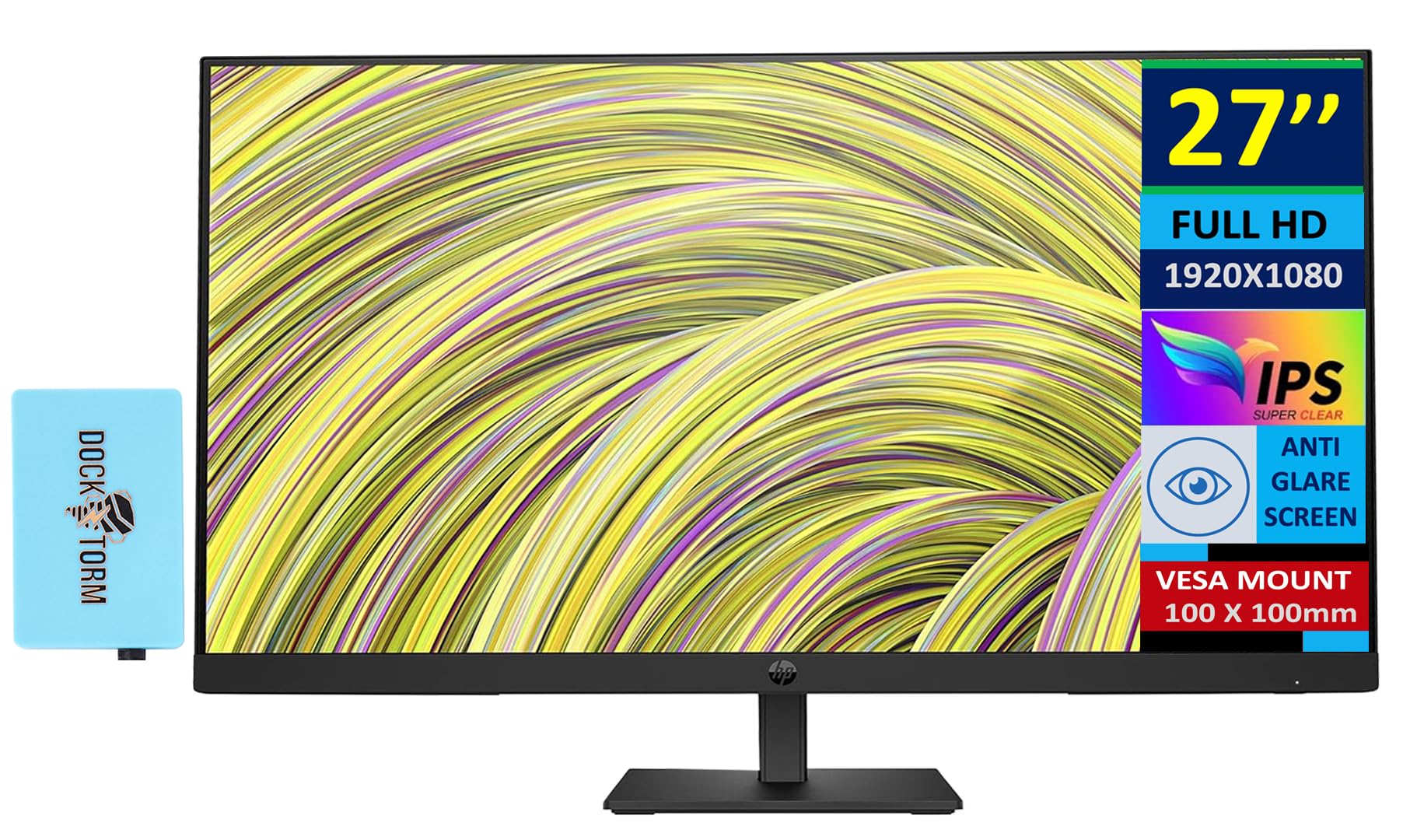
Hp 27 Fhd Ips (1920X1080) Monitor Bundle With Docztorm Dockips Technologyview Every Angle Of Every Visual With Amazing Depth And Clarity Through The Stunning 1000:1 Contrast Ratio And Ultra-Wide Viewing Angles.Modern Designclear Your Mind And Your Desk With A Monitor Designed To Work In Any Space. Keep The Focus On Your Screen Through The 3-Sided Micro-Edge Bezel.Specifications Tabledisplay Size: (27'')Aspect Ratio: 16:9Response Time: 5Ms Gtg (With Overdrive)Contrast Ratio: 1000:1Product Color: Blackresolution (Maximum): Fhd Ips (1920 X 1080)Resolutions Supported: 640 X 480; 720 X 400; 800 X 600; 1024 X 768; 1280 X 720; 1280 X 800; 1280 X 1024; 1440 X 900; 1600 X 900; 1680 X 1050; 1920 X 1080Display Features: Led Backlights; On-Screen Controls; Low Blue Light Mode; Dual Speakers (2W Per Channel); Anti-Glare; Height Adjustableonscreen Controls: Power Control; Brightness; Exit; Menu Control; Input Control; Information; Color Control; Image Control; Managementvesa Mount: 100Mm X 100Mmhardness: 3Hvertical And Horizontal Viewing Angle: 178 Degreetilt: -5 To +20 Degreescreen Treatment: Anti-Glareport And Connectors: 1 Hdmi 1.4, 1 Displayport 1.2, 1 Vgahdcp: Yes, Displayport And Hdmimanagement Software: Hp Display Center; Hp Display Managerwhat'S In The Box: Monitor; Hdmi Cable; Warranty Card; Quick Setup Poster; Doc-Kit; Ac Power Corddimensions (W X D X H): 24.06 X 2.25 X 14.39 Inweight: 12.68 Lbdocztorm: Includes Docztorm Usb Hub (Special Edition Portable Docztorm Data Hub; Super Speedy Data Sync Rate Upto 5Gbps)
⚠️ WARNING (California Proposition 65): This product may contain chemicals known to the State of California to cause cancer, birth defects, or other reproductive harm. For more information, please visit www.P65Warnings.ca.gov.
Frequently Asked Questions
Q: What is the resolution of the HP 27-inch monitor?A: The resolution is one thousand nine hundred twenty by one thousand eighty pixels. This Full HD IPS display offers clear and vibrant visuals.
Q: What are the dimensions of the monitor?A: The monitor measures twenty-four point zero six inches in width, two point two five inches in depth, and fourteen point three nine inches in height. It is designed to fit comfortably on most desks.
Q: What is the refresh rate of this monitor?A: The refresh rate is seventy-five hertz. This allows for smoother motion and reduces screen tearing during fast-paced activities.
Q: What ports are available on the HP monitor?A: This monitor includes one HDMI one point four port, one DisplayPort one point two, and one VGA port. These options provide versatile connectivity for various devices.
Q: What is the contrast ratio of this monitor?A: The contrast ratio is one thousand to one. This enhances the depth of colors and improves the overall viewing experience.
Q: How do I adjust the tilt of the monitor?A: You can adjust the tilt from minus five degrees to plus twenty degrees. This feature allows you to customize your viewing angle for comfort.
Q: How do I set up the monitor with the Docztorm Dock?A: To set up, connect the Docztorm Dock to your computer via USB. Use the ports on the dock for additional connectivity and data transfer.
Q: Is the monitor suitable for gaming?A: Yes, this monitor is suitable for casual gaming. The seventy-five hertz refresh rate and five millisecond response time provide a decent gaming experience.
Q: Can I mount the monitor on a wall?A: Yes, the monitor is VESA mount compatible with a hundred millimeter by hundred millimeter pattern. This allows for wall mounting options.
Q: How do I clean the monitor screen?A: Use a microfiber cloth dampened with water or a gentle screen cleaner. Avoid using harsh chemicals that may damage the anti-glare coating.
Q: Is there a warranty for the monitor?A: Yes, the monitor comes with a warranty. Typically, it covers manufacturing defects and provides support for a specified duration.
Q: How do I manage the monitor settings?A: You can manage settings using the HP Display Center or the on-screen controls. The Joypad OSD button simplifies customization.
Q: What features help reduce eye strain?A: The Low-Blue Light Mode helps reduce blue light exposure, which can contribute to eye strain. This feature enhances comfort during long usage.
Q: What is included in the box with the monitor?A: The box includes the monitor, an HDMI cable, a warranty card, a quick setup poster, a Doc-kit, and an AC power cord.
Q: What is the weight of the monitor?A: The monitor weighs twelve point six eight pounds. This makes it substantial yet manageable for setup and mounting.