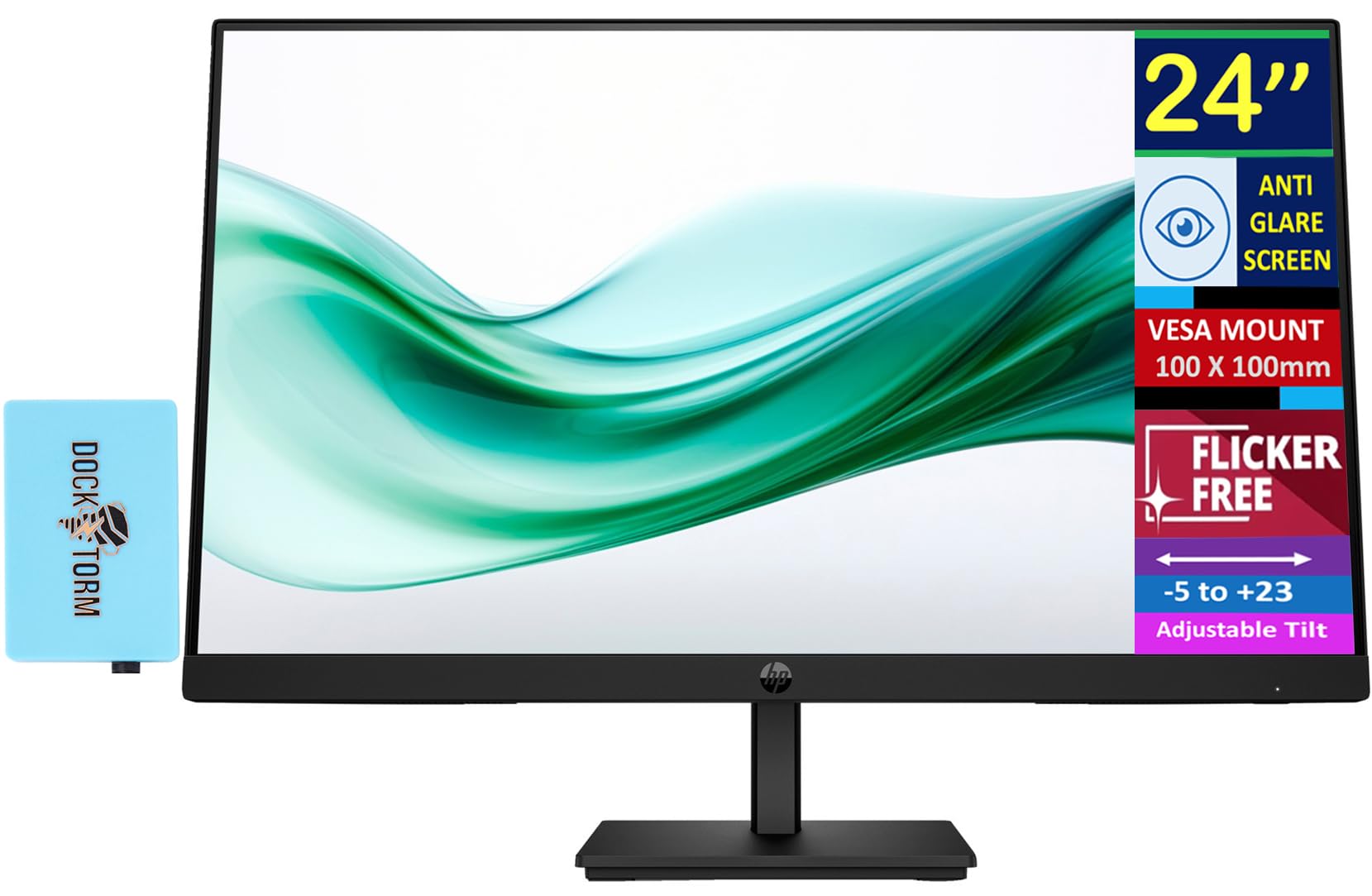
Wide Viewing Anglesthanks To Va Technology And Wide 178-Degree Horizontal And Vertical Viewing Angles, This Monitor Displays Color Accurately. Share What'S On Your Screen With Friends And Family And Enjoy Clear Content No Matter What Angle You'Re Viewing From.Specifications Tabledisplay Size: (24'')Aspect Ratio: 16:9Refresh Rate: 100 Hztouchscreen: Noresponse Time: 5Mscontrast Ratio: 3000:1Product Color: Blackresolution (Maximum): Fhd Va (1920 X 1080)Vesa Mount: 100 Mm X 100 Mmpixel Pitch: 0.27 X 0.27 Mmcamera: Novertical And Horizontal Viewing Angle: 178 Degreefinish: Anti-Glarecolor Depth: 8-Bitport And Connectors: 1 X Hdmi 1.4, 1 X Vgawhat'S In The Box: Monitor; Hdmi Cable; Warranty Card; Quick Setup Poster; Ac Power Corddimensions (W X D X H): 21.22 X 2.02 X 12.74''Weight: 7.84Lb
⚠️ WARNING (California Proposition 65): This product may contain chemicals known to the State of California to cause cancer, birth defects, or other reproductive harm. For more information, please visit www.P65Warnings.ca.gov.
Frequently Asked Questions
Q: What is the screen size of the HP monitor?A: The screen size of the HP monitor is twenty-four inches. This size provides an excellent balance for both work and entertainment.
Q: What resolution does the HP monitor support?A: The HP monitor supports a maximum resolution of one thousand nine hundred twenty by one thousand eighty pixels. This is categorized as Full HD for sharp and clear images.
Q: What are the dimensions of the HP monitor?A: The dimensions of the HP monitor are twenty-one point twenty-two inches in width, two point zero two inches in depth, and twelve point seventy-four inches in height. This compact design fits well on most desks.
Q: What is the refresh rate of the HP monitor?A: The HP monitor has a refresh rate of one hundred hertz. This allows for smoother visuals, especially during fast-moving scenes.
Q: Does the HP monitor have built-in speakers?A: No, the HP monitor does not come with built-in speakers. External speakers or headphones will be needed for audio output.
Q: How do I connect the HP monitor to my computer?A: You can connect the HP monitor to your computer using the HDMI or VGA ports. Simply plug in the appropriate cable into the corresponding port on both the monitor and your computer.
Q: Is the HP monitor suitable for gaming?A: Yes, the HP monitor is suitable for gaming. Its one hundred hertz refresh rate and five millisecond response time provide smooth gameplay.
Q: Can I mount the HP monitor on a wall?A: Yes, the HP monitor is VESA mount compatible with a standard one hundred millimeter x one hundred millimeter mounting pattern. You can easily mount it to save desk space.
Q: How do I adjust the brightness on the HP monitor?A: You can adjust the brightness of the HP monitor through the on-screen display menu. Use the joypad OSD button located on the monitor for easy navigation.
Q: How do I clean the HP monitor screen?A: To clean the HP monitor screen, use a microfiber cloth slightly dampened with water. Avoid using harsh chemicals that could damage the screen.
Q: Does the HP monitor have a warranty?A: Yes, the HP monitor comes with a warranty. Please refer to the warranty card included in the box for specific details.
Q: What is the weight of the HP monitor?A: The weight of the HP monitor is seven point eighty-four pounds. This weight makes it relatively easy to move and set up.
Q: Is the HP monitor flicker-free?A: Yes, the HP monitor features a flicker-free screen. This helps reduce eye strain during extended use.
Q: What accessories are included with the HP monitor?A: The HP monitor comes with an HDMI cable, warranty card, quick setup poster, and an AC power cord. These accessories facilitate easy setup.
Q: What color is the HP monitor?A: The HP monitor comes in a sleek black color. This neutral tone fits well with various home and office decors.