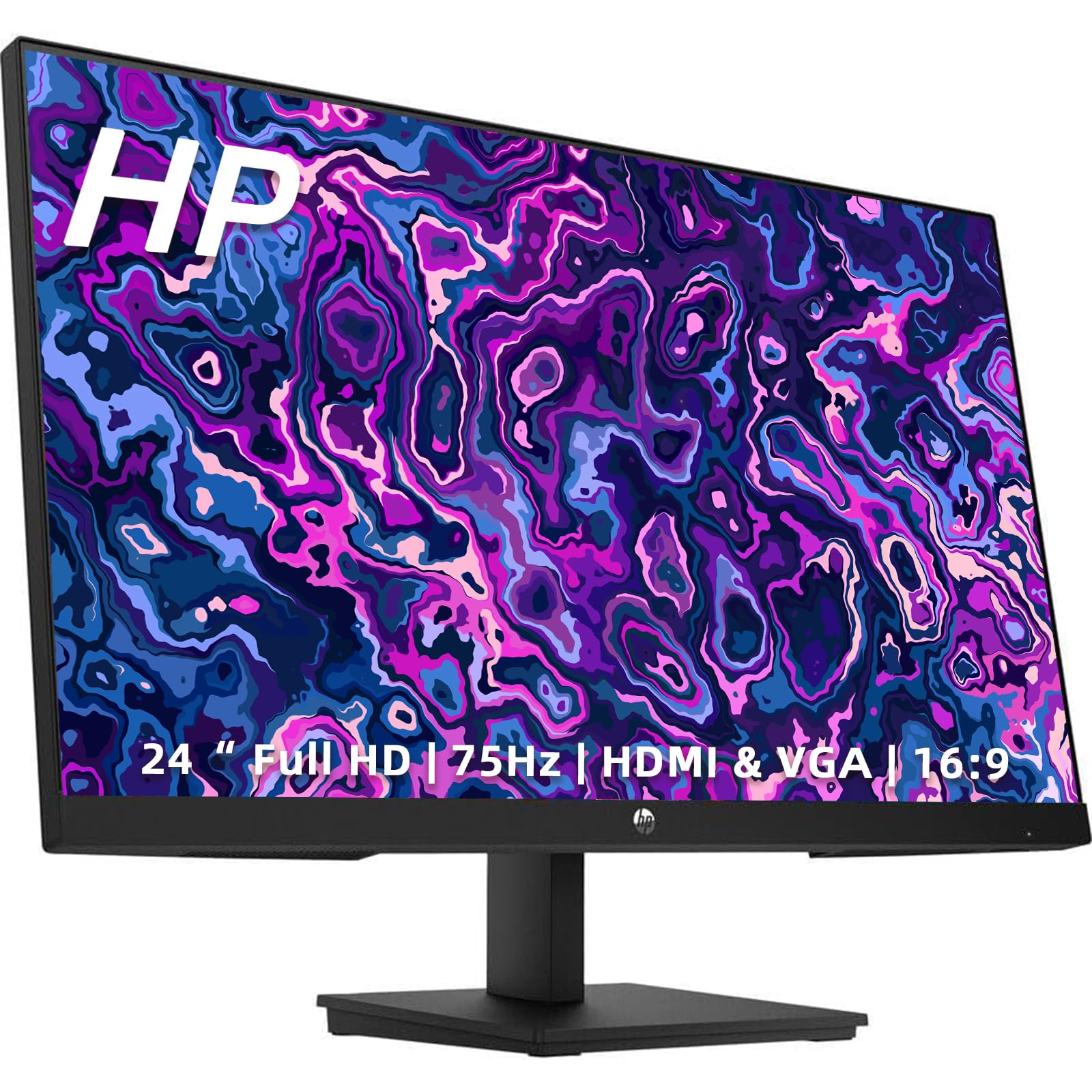
Refresh Rate: 75Hz Maximum Resolution: 1920 X 1080 Native Resolution: 1920 X 1080 Response Time: 4 Milliseconds Panel Type: Ips Screen Size: 24 Inches Operating System Compatibility: Windows, Chrome, Apple Ios, Linux Color: Black Contrast Ratio: 1000:1 Response Time: 4 Milliseconds Display Type: Led Synchronization Technology: Freesync (Amd Adaptive Sync) Aspect Ratio: 16:9 Brightness: 250 Candela Per Square Meter Horizontal Viewing Angle: 178 Degrees Vertical Viewing Angle: 178 Degrees On-Screen Display Languages: English, French, Spanish, Portuguese Number Of Hdmi Inputs (Total): 2 Display Connector(S): 1 X Hdmi 1 X Vga Vesa Wall Mount Standard: 100Mm X 100Mm Eye Relief Features: Low Blue Light, Flicker-Free, Anti-Glare Dimensions Product Height With Stand: 16.25 Inches Product Height Without Stand: 12.7 Inches Product Width: 21.17 Inches Product Depth (With Stand): 6.02 Inches Product Depth Without Stand: 2.12 Inches Product Weight: 8.47 Pounds
⚠️ WARNING (California Proposition 65): This product may contain chemicals known to the State of California to cause cancer, birth defects, or other reproductive harm. For more information, please visit www.P65Warnings.ca.gov.
Frequently Asked Questions
Q: What is the maximum resolution of the HP 24-inch monitor?A: The maximum resolution is one thousand nine hundred twenty by one thousand eighty pixels. This Full HD display provides clear and crisp visuals for various applications.
Q: What are the dimensions of the HP 24-inch monitor?A: The monitor's dimensions are twenty-one point seventeen inches in width, sixteen point twenty-five inches in height with the stand, and six point zero two inches in depth with the stand. It is designed to fit comfortably on most desks.
Q: What is the refresh rate of the HP 24-inch monitor?A: The refresh rate is seventy-five hertz. This allows for smoother motion and reduced blurriness during fast-paced activities like gaming or watching videos.
Q: What type of panel does the HP 24-inch monitor use?A: The monitor uses an IPS panel. This technology provides better color accuracy and wider viewing angles compared to traditional panels.
Q: How long is the response time of the HP 24-inch monitor?A: The response time is four milliseconds. This quick response time helps reduce motion blur, making it suitable for gaming and video playback.
Q: What connectivity options does the HP 24-inch monitor offer?A: The monitor offers two HDMI inputs and one VGA input. This flexibility makes it easy to connect to multiple devices such as laptops and desktop computers.
Q: Is the HP 24-inch monitor suitable for use with Mac computers?A: Yes, it is compatible with Mac computers. The monitor supports various operating systems including Windows, Chrome, Apple iOS, and Linux.
Q: Can I mount the HP 24-inch monitor on a wall?A: Yes, it is VESA mount compatible with a standard of one hundred millimeters by one hundred millimeters. This allows for easy wall installation to save space.
Q: Does the HP 24-inch monitor have eye relief features?A: Yes, it includes low blue light, flicker-free technology, and anti-glare coating. These features help reduce eye strain during prolonged use.
Q: How do I clean the HP 24-inch monitor?A: To clean the monitor, use a soft, lint-free cloth and a mixture of water and isopropyl alcohol. Avoid using harsh chemicals that could damage the screen.
Q: What is the weight of the HP 24-inch monitor?A: The monitor weighs eight point forty-seven pounds. This weight makes it manageable for moving or repositioning.
Q: How should I store the HP 24-inch monitor when not in use?A: Store the monitor in a cool, dry place, preferably in its original packaging. Ensure that it is upright to avoid any pressure on the screen.
Q: Is the HP 24-inch monitor safe for children?A: Yes, it is safe for children when used under adult supervision. Ensure that the monitor is securely positioned to prevent tipping.
Q: What if the HP 24-inch monitor arrives damaged?A: If the monitor arrives damaged, contact customer support for assistance. Most products come with a warranty, which can help with returns or replacements.
Q: How do I adjust the display settings on the HP 24-inch monitor?A: You can adjust display settings using the on-screen display menu. Use the buttons located on the monitor to navigate through the settings.