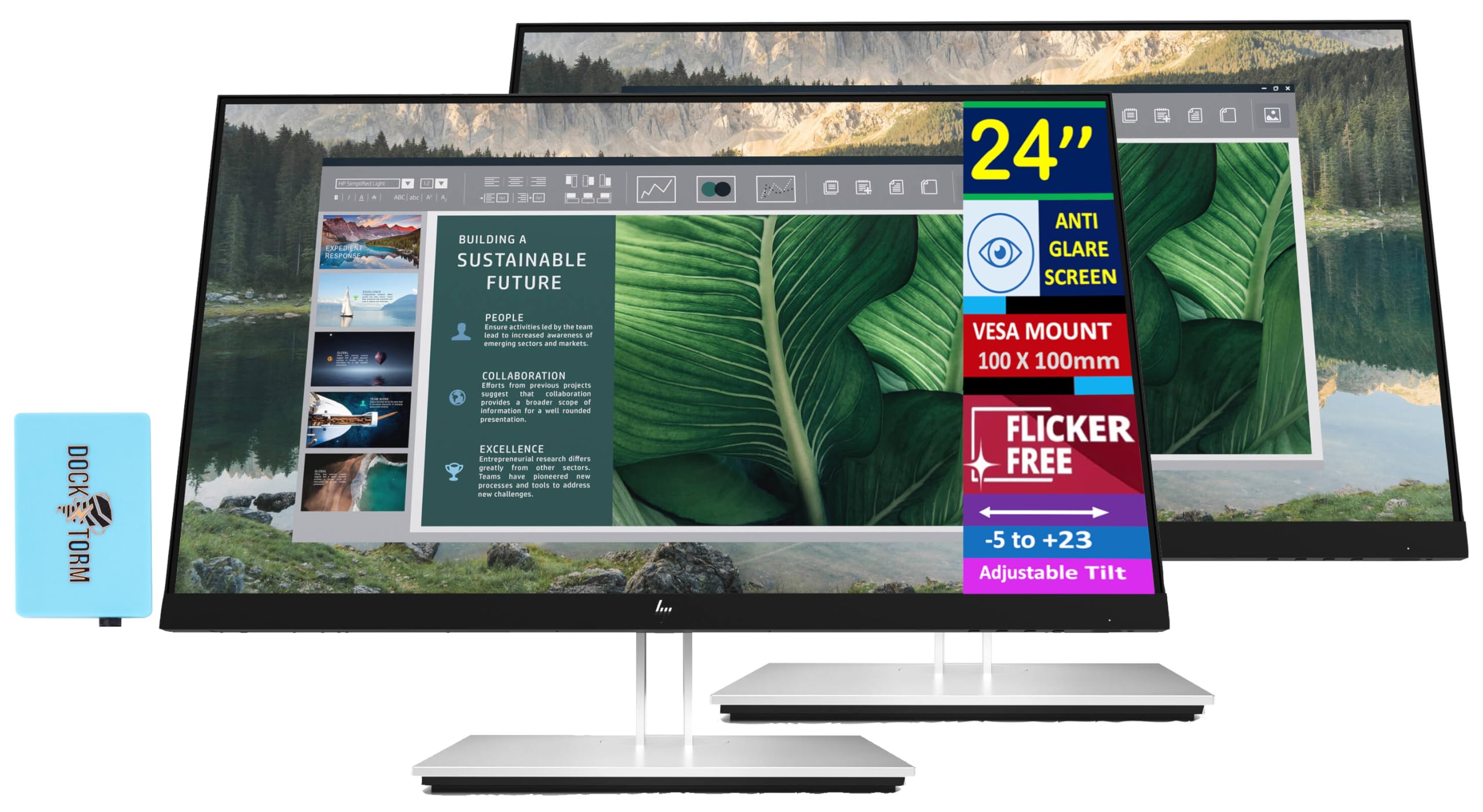
Specifications Tabledisplay Size: (24'')Aspect Ratio: 16:9Response Time: 5Ms Gtgcontrast Ratio: 1000:1Brightness: 250 Nitsdisplay Type: Ipspanel Type: Flat Panelproduct Color: Black /Silverresolution (Maximum): Fhd (1920 X 1080)Display Features: On-Screen Controls; Low Blue Light Mode; Anti-Glareonscreen Controls: Exit; Information; Management; Power Control; Input Control; Menu Control; Brightness+; Image; Colorresolutions Supported: 1024 X 768; 1280 X 1024; 1280 X 720; 1280 X 800; 1440 X 900; 1600 X 900; 1680 X 1050; 1920 X 1080; 640 X 480; 720 X 400; 800 X 600Flicker-Free: Yeslow Blue Light: Yesvesa Mount: 100 Mm X 100 Mmpixel Pitch: 0.274 Mmwebcam: Nobuilt-In Speakers: Notilt: -5 To +23 Degreeswivel: 45 Degreescreen Treatment: Anti-Glarevertical And Horizontal Viewing Angle: 178 Degreeport And Connectors: 1 Hdmi 1.4, 2 Displayport 1.2, 1 Usb Type-C, 4 Usb Type-Awhat'S In The Box: Monitor; Usb Type-C Cable, Qsp, Doc-Kit, Ac Power Corddimensions (W X D X H): 21.23 X 8.14 X 19.48 Inweight: 13.88 Lbdocztorm: Includes Docztorm Usb Hub (Special Edition Portable Docztorm Data Hub; Super Speedy Data Sync Rate Upto 5Gbps)
⚠️ WARNING (California Proposition 65): This product may contain chemicals known to the State of California to cause cancer, birth defects, or other reproductive harm. For more information, please visit www.P65Warnings.ca.gov.
Frequently Asked Questions
Q: What is the screen size of the HP E24mv G4 Monitor?A: The screen size is twenty-four inches. This size offers a good balance between workspace and desk space.
Q: What is the resolution of the HP E24mv G4 Monitor?A: The resolution is one thousand nine hundred twenty by one thousand eighty pixels. This Full HD resolution ensures clear and sharp images.
Q: What type of panel does the HP E24mv G4 Monitor use?A: It uses an IPS panel type. IPS panels are known for their wide viewing angles and better color accuracy.
Q: What are the dimensions of the HP E24mv G4 Monitor?A: The dimensions are twenty-one point two inches in width, eight point five inches in depth, and twenty point nine inches in height. This makes it suitable for various setups.
Q: What is the response time of the HP E24mv G4 Monitor?A: The response time is five milliseconds. This ensures minimal motion blur during fast-paced activities.
Q: Does the HP E24mv G4 Monitor have built-in speakers?A: Yes, it has built-in speakers. This feature allows for an all-in-one setup without the need for external speakers.
Q: How do I adjust the viewing angle of the HP E24mv G4 Monitor?A: You can adjust the viewing angle using its ergonomic features. It has tilt adjustments from minus five to plus twenty-three degrees.
Q: Can I mount the HP E24mv G4 Monitor on a wall?A: Yes, it is VESA mount compatible with a one hundred millimeter by one hundred millimeter mounting pattern. This allows for easy wall mounting.
Q: What ports are available on the HP E24mv G4 Monitor?A: It has one HDMI port, one VGA port, one DisplayPort, and two USB-A ports. This variety allows for multiple device connections.
Q: How do I clean the HP E24mv G4 Monitor?A: Use a soft, lint-free cloth to clean the screen. Avoid using harsh chemicals that can damage the anti-glare surface.
Q: Is the HP E24mv G4 Monitor flicker-free?A: Yes, it features flicker-free technology. This reduces eye strain during prolonged use, making it comfortable for extended sessions.
Q: What is the weight of the HP E24mv G4 Monitor?A: The weight is fourteen point three pounds. This weight allows for a stable setup without being too heavy to move.
Q: What is the warranty period for the HP E24mv G4 Monitor?A: The warranty period is typically one year. This covers manufacturing defects and ensures customer support.
Q: Can I connect my laptop to the HP E24mv G4 Monitor?A: Yes, you can connect your laptop using the HDMI or USB-C ports. This enables a seamless connection for productivity.
Q: What is the color support of the HP E24mv G4 Monitor?A: It supports up to sixteen point seven million colors. This wide color gamut enhances visual experiences for media consumption.