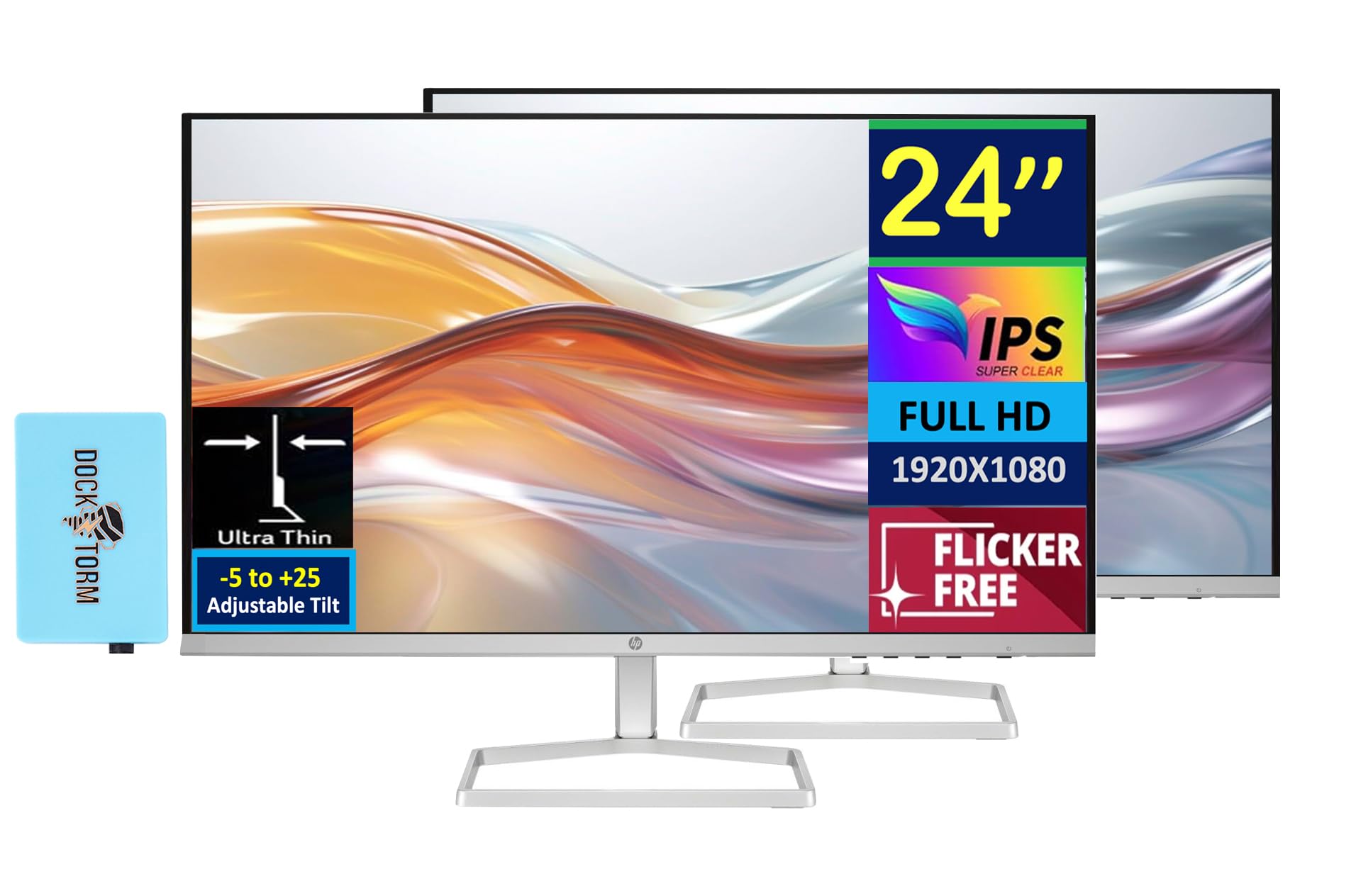
Hp 24'' Fhd Ips (1920X1080) Monitor Bundle With Docztorm Dockenjoy More Of What You Love In Colorful Detailsit Back And Soak In All The Content You Love With This Exceptional 24'' Fhd Monitor. Experience Colorful Imagery And Vibrant Detail Like They Were Intended With 99% Srgb Color, Deep 1500:1 Contrast Ratio, And 300 Nits Brightness.100 Hz Refresh Ratewith A 100 Hz Refresh Rate, This Monitor Is Capable Of Clearer Details, Smoothly Moving From Frame To Frame, Allowing For Faster Split-Second Reaction Time.Specifications Tabledisplay Size: (24'')Aspect Ratio: 16:9Response Time: 5Ms Gtg (With Overdrive)Contrast Ratio: 1500:1Pixel Pitch: 0.28 X 0.28 Mmpixel Per Inch: 93Color Support: 16.7Mproduct Color: Whitewebcam: Noresolution (Maximum): Fhd Ips (1920X1080)Resolutions Supported: 640 X 480; 720 X 400; 800 X 600; 1024 X 768; 1280 X 720; 1280 X 800; 1280 X 1024; 1440 X 900; 1600 X 900; 1680 X 1050; 1920 X 1080Vesa Mount: Nobacklight Type: Edge-Litvertical And Horizontal Viewing Angle: 178 Degreedisplay Features: On-Screen Controls; Anti-Glare; Hp Eye Easeonscreen Controls: Management; Information; Exit; Input; Color; Image; Power; Menu; Brightness+Port And Connectors: 1X Hdmi 1.4, 1X Vgahdcp: Yeswhat'S In The Box: Monitor; Hdmi Cable; Power Adapter; Ac Power Cord; Document Kitdimensions (Wxdxh): 21.09 X 6.97 X 15.62 Inweight: 5.51 Lbdocztorm: Includes Docztorm Usb Hub (Special Edition Portable Docztorm Data Hub; Super Speedy Data Sync Rate Upto 5Gbps)
⚠️ WARNING (California Proposition 65): This product may contain chemicals known to the State of California to cause cancer, birth defects, or other reproductive harm. For more information, please visit www.P65Warnings.ca.gov.
Frequently Asked Questions
Q: What are the dimensions of the HP 24-inch monitor?A: The dimensions of the HP 24-inch monitor are twenty-one point zero nine inches in width, six point nine seven inches in depth, and fifteen point six two inches in height.
Q: What is the maximum resolution of this monitor?A: The maximum resolution of this monitor is one thousand nine hundred twenty by one thousand eighty pixels, also known as Full HD.
Q: What is the contrast ratio of the HP monitor?A: The contrast ratio of the HP monitor is one thousand five hundred to one, providing deep blacks and vibrant colors.
Q: How do I adjust the tilt of the monitor?A: You can adjust the tilt of the monitor between negative five and positive twenty-five degrees for optimal viewing comfort.
Q: What ports are available on the HP monitor?A: The HP monitor has one HDMI one point four port and one VGA port for connectivity.
Q: Is the monitor suitable for gaming?A: Yes, the monitor is suitable for gaming due to its one hundred hertz refresh rate, which allows for smooth motion and quick response times.
Q: How do I clean the HP monitor safely?A: To clean the HP monitor, use a soft, dry microfiber cloth to wipe the screen and avoid using harsh chemicals that could damage the display.
Q: Does the monitor have a low-blue light filter?A: Yes, the monitor features a low-blue light filter designed to reduce eye strain during extended use.
Q: How should I store the monitor when not in use?A: When not in use, store the monitor in a cool, dry place and cover it to prevent dust buildup.
Q: Is there a warranty for the HP monitor?A: Yes, the HP monitor typically comes with a limited warranty that covers manufacturing defects for one year from the date of purchase.
Q: What should I do if the monitor arrives damaged?A: If the monitor arrives damaged, contact customer support immediately to initiate a return or exchange process.
Q: Can I mount this monitor on a wall?A: No, this monitor does not support VESA mounting, so it cannot be easily mounted on a wall.
Q: Is the HP monitor energy efficient?A: Yes, the HP monitor is designed to be energy efficient, contributing to lower energy costs over time.
Q: What is the weight of the HP monitor?A: The weight of the HP monitor is five point five one pounds, making it relatively easy to move and set up.
Q: What is included in the box with the monitor?A: The box includes the monitor, an HDMI cable, a power adapter, an AC power cord, and a document kit.
Q: Can I connect external devices to the monitor?A: Yes, you can connect external devices to the monitor using the HDMI or VGA ports for video input.