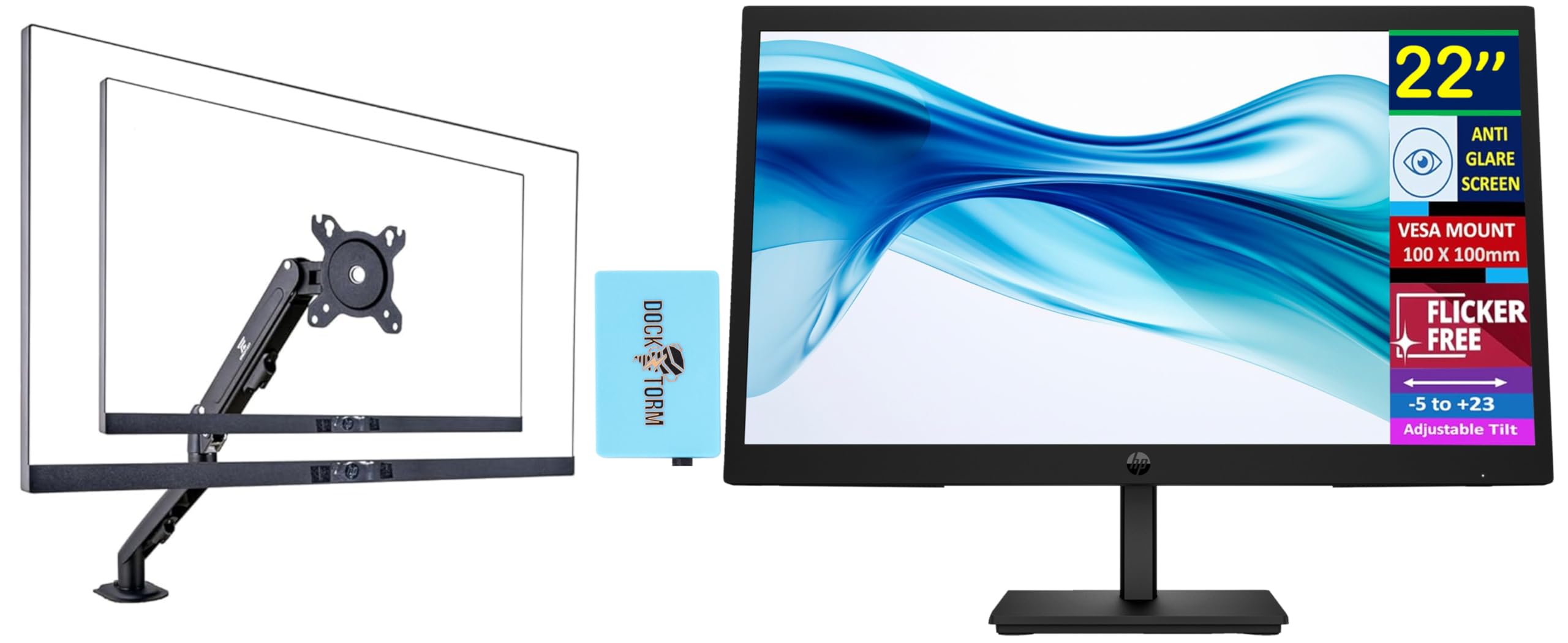
Wide Viewing Anglesthanks To Va Technology And Wide 178-Degree Horizontal And Vertical Viewing Angles, This Monitor Displays Color Accurately. Share What'S On Your Screen With Friends And Family And Enjoy Clear Content No Matter What Angle You'Re Viewing From.Specifications Tabledisplay Size: (22'')Aspect Ratio: 16:9Refresh Rate: 100 Hzresponse Time: 5Mscontrast Ratio: 3000:1Tilt: -5 To +23Product Color: Blackdisplay Colors Gamut: 72% Ntscpanel Type: Vadisplay User Control Options: Brightness+, Color, Image, Input, Power, Menu, Management, Information, Exitresolution (Maximum): Fhd Va (1920 X 1080)Vesa Mount: 100 Mm X 100 Mmflicker Free: Yespixel Pitch: 0.25 X 0.24 Mmcamera: Novertical And Horizontal Viewing Angle: 178 Degreedisplay Feature: Anti-Glarecolor Depth: 8-Bitpower Supply: 100 - 240 Vac 50/60 Hzhdcp: Yes, Hdmiport And Connectors: 1 X Hdmi 1.4, 1 X Vgawhat'S In The Box: Monitor; Hdmi Cable; Warranty Card; Quick Setup Poster; Ac Power Corddimensions (W X D X H): 19.85 X 7.11 X 15.23 Inweight: 6.2Lb
⚠️ WARNING (California Proposition 65): This product may contain chemicals known to the State of California to cause cancer, birth defects, or other reproductive harm. For more information, please visit www.P65Warnings.ca.gov.
Frequently Asked Questions
Q: What is the size of the HP 22" Series 3 Pro Monitor?A: The monitor size is twenty-two inches. It features a full HD resolution of one thousand nine hundred twenty by one thousand eighty.
Q: What is the refresh rate of this monitor?A: The refresh rate is one hundred hertz. This allows for smoother motion and reduces screen tearing during fast-paced activities.
Q: What type of panel does this monitor use?A: This monitor uses a VA panel type. VA technology provides better contrast ratios and wider viewing angles compared to other panel types.
Q: What are the dimensions of the HP monitor?A: The dimensions are nineteen point eighty-five inches wide, seven point eleven inches deep, and fifteen point twenty-three inches high. It has a compact design suitable for various setups.
Q: How do I connect the HP monitor to my computer?A: You can connect the monitor using HDMI or VGA ports. Simply plug the appropriate cable into your device and the monitor.
Q: Is the HP monitor suitable for gaming?A: Yes, the monitor is suitable for gaming. With a refresh rate of one hundred hertz and a five millisecond response time, it offers a smooth gaming experience.
Q: How do I adjust the tilt on this monitor?A: The monitor has an adjustable tilt range from negative five to positive twenty-three degrees. You can easily tilt it to your preferred angle for comfort.
Q: Can I mount the HP monitor on a wall?A: Yes, it is VESA mount compatible with a standard one hundred by one hundred millimeter mount. This allows for easy wall mounting to save desk space.
Q: Does this monitor have an anti-glare feature?A: Yes, it has an anti-glare display feature. This helps reduce reflections and makes it easier to view in bright environments.
Q: What is the maximum resolution of the HP monitor?A: The maximum resolution is full HD at one thousand nine hundred twenty by one thousand eighty pixels. This provides clear and detailed images.
Q: How do I clean the HP monitor screen?A: Use a soft, lint-free cloth with a mild cleaning solution. Avoid using harsh chemicals to prevent damage to the screen.
Q: Is there a warranty for the HP monitor?A: Yes, the monitor comes with a warranty. The details of the warranty are typically included in the documentation that comes with the product.
Q: What is the weight of the HP monitor?A: The monitor weighs six point two pounds. This weight makes it relatively easy to handle for mounting or moving.
Q: Does the monitor have a low blue light feature?A: Yes, the monitor includes a low blue light feature. This helps reduce eye strain during extended use.
Q: What accessories are included with the HP monitor?A: The package includes the monitor, an HDMI cable, a warranty card, a quick setup poster, and an AC power cord. Everything you need to get started is included.