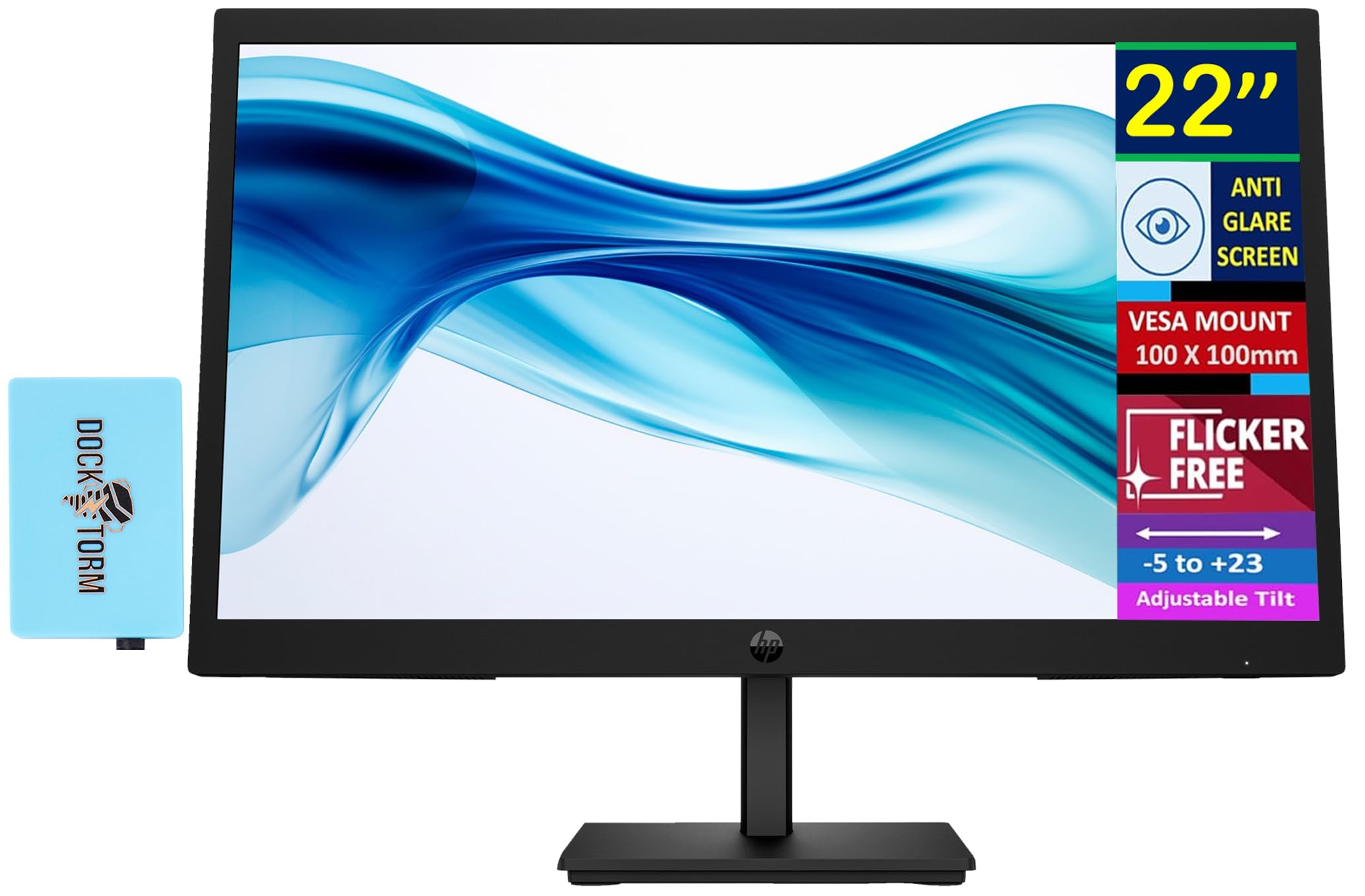
Wide Viewing Anglesthanks To Va Technology And Wide 178-Degree Horizontal And Vertical Viewing Angles, This Monitor Displays Color Accurately. Share What'S On Your Screen With Friends And Family And Enjoy Clear Content No Matter What Angle You'Re Viewing From.Specifications Tabledisplay Size: (22'')Aspect Ratio: 16:9Refresh Rate: 100 Hzresponse Time: 5Mscontrast Ratio: 3000:1Tilt: -5 To +23Product Color: Blackdisplay Colors Gamut: 72% Ntscpanel Type: Vadisplay User Control Options: Brightness+, Color, Image, Input, Power, Menu, Management, Information, Exitresolution (Maximum): Fhd Va (1920 X 1080)Vesa Mount: 100 Mm X 100 Mmflicker Free: Yespixel Pitch: 0.25 X 0.24 Mmcamera: Novertical And Horizontal Viewing Angle: 178 Degreedisplay Feature: Anti-Glarecolor Depth: 8-Bitpower Supply: 100 - 240 Vac 50/60 Hzhdcp: Yes, Hdmiport And Connectors: 1 X Hdmi 1.4, 1 X Vgawhat'S In The Box: Monitor; Hdmi Cable; Warranty Card; Quick Setup Poster; Ac Power Corddimensions (W X D X H): 19.85 X 7.11 X 15.23 Inweight: 6.2Lb
⚠️ WARNING (California Proposition 65): This product may contain chemicals known to the State of California to cause cancer, birth defects, or other reproductive harm. For more information, please visit www.P65Warnings.ca.gov.
Frequently Asked Questions
Q: What is the size of the HP 22-inch monitor?A: The HP 22-inch monitor has a display size of twenty-two inches, which provides ample screen space for various tasks.
Q: What is the maximum resolution of this monitor?A: The maximum resolution of this monitor is Full HD, which is one thousand nine hundred twenty by one thousand eighty pixels, offering clear and detailed images.
Q: What type of panel does this monitor use?A: This monitor uses a VA panel type, which enhances color accuracy and provides wide viewing angles.
Q: How do I connect the HP monitor to my computer?A: You can connect the HP monitor to your computer using either the HDMI port or the VGA port located at the back of the monitor.
Q: Is the HP monitor suitable for gaming?A: Yes, this monitor is suitable for gaming due to its one hundred hertz refresh rate and five millisecond response time, providing smooth gameplay.
Q: Can the monitor be mounted on a wall?A: Yes, this monitor is VESA mount compatible with a standard mount of one hundred millimeters by one hundred millimeters, allowing for wall installation.
Q: How do I clean the HP monitor?A: To clean the HP monitor, use a soft, lint-free cloth dampened with water or a mild glass cleaner, avoiding harsh chemicals that can damage the screen.
Q: What is the warranty period for this monitor?A: The warranty period for this monitor is typically one year, covering any manufacturing defects and providing peace of mind.
Q: Does the monitor have built-in speakers?A: No, this monitor does not come with built-in speakers; external speakers or headphones are required for audio output.
Q: What is the weight of the HP monitor?A: The HP monitor weighs six point two pounds, making it relatively light and easy to move if necessary.
Q: How do I adjust the brightness on the monitor?A: You can adjust the brightness on the monitor using the on-screen display menu, accessible via the joypad controls located on the monitor.
Q: Is the monitor flicker-free?A: Yes, the monitor is flicker-free, which helps reduce eye strain during prolonged use, making it comfortable for long hours of work.
Q: Can I use this monitor for video editing?A: Yes, this monitor is suitable for video editing, thanks to its Full HD resolution and accurate color reproduction capabilities.
Q: What color depth does the monitor support?A: The HP monitor supports an eight-bit color depth, allowing for a wide range of colors and better image quality.
Q: What’s included in the box with the monitor?A: In the box, you will find the monitor, an HDMI cable, a warranty card, a quick setup poster, and an AC power cord.