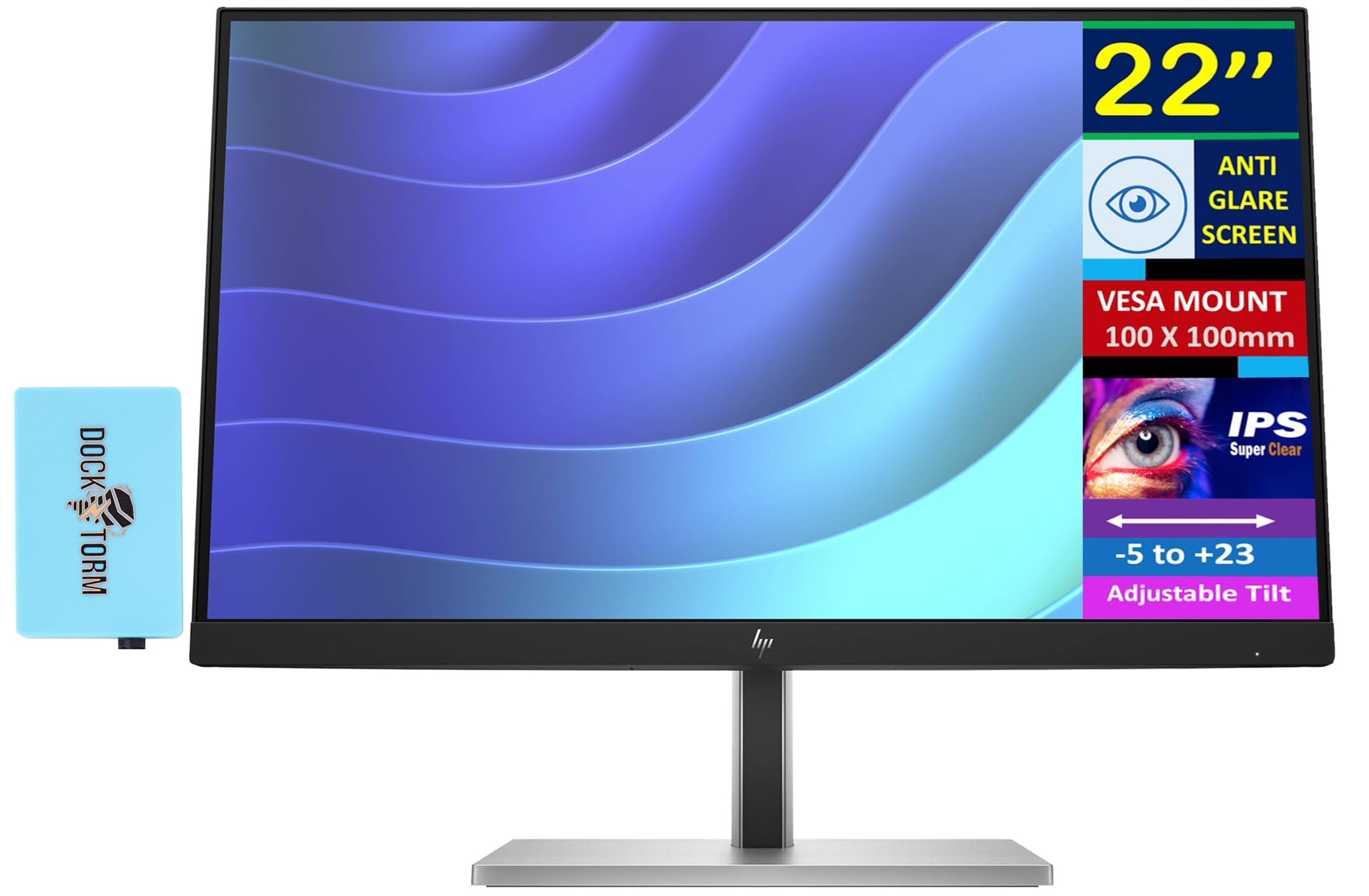
Specifications Tabledisplay Size: (22'')Aspect Ratio: 16:9Response Time: 5Ms (Gtg)Contrast Ratio: 1000:1Product Color: Black/Silvercolor Support: 16.7Mrefresh Rate: 75Hzflat / Curved: Flatpanel Type: Ipsresolutions Supported: 640 X 480; 720 X 400; 800 X 600; 1024 X 768; 1280 X 720; 1280 X 800; 1280 X 1024; 1440 X 900; 1600 X 900; 1680 X 1050; 1920 X 1080Brightness: 250 Nitsvesa Mount: 100 Mm X 100 Mmflicker Free: Yesscreen Surface: Anti-Glarecolor Gamut: 99% Srgbbezel: 3-Sided Borderlesspanel Depth: 8 Bit (6 Bit + Frc)Camera: Novertical And Horizontal Viewing Angle: 178 Degreetilt: -5 To +23 Degreeswivel: -45 To +45 Degreepivot: -90 To +90 Degreeport And Connectors: 1 X Hdmi, 1 X Display Port, 4X Usb-A, 1X Usb-Bdimensions (W X D X H): 19.24 X 8.31 X 19.41 Inweight: 10.8 Lbdocztorm: Includes Docztorm Usb Hub (Special Edition Portable Docztorm Data Hub; Super Speedy Data Sync Rate Upto 5Gbps)
⚠️ WARNING (California Proposition 65): This product may contain chemicals known to the State of California to cause cancer, birth defects, or other reproductive harm. For more information, please visit www.P65Warnings.ca.gov.
Frequently Asked Questions
Q: What is the display size of the HP monitor?A: The display size is twenty-two inches. This monitor features a full HD IPS screen with a resolution of one thousand nine hundred twenty by one thousand eighty pixels.
Q: What is the response time of this monitor?A: The response time is five milliseconds. This fast response time helps reduce motion blur, making it ideal for gaming and fast-paced content.
Q: What are the dimensions of the HP monitor?A: The dimensions are nineteen point twenty-four inches in width, eight point thirty-one inches in depth, and nineteen point forty-one inches in height. It has a weight of ten point eight pounds.
Q: What ports are available on the HP monitor?A: The monitor includes one HDMI port, one DisplayPort, and four USB-A ports along with one USB-B port. This variety of ports allows for versatile connectivity options.
Q: Does the monitor support VESA mounting?A: Yes, it supports VESA mounting with a standard of one hundred millimeters by one hundred millimeters. This allows for easy wall mounting or attaching to a compatible stand.
Q: How do I adjust the tilt on this monitor?A: You can adjust the tilt between negative five degrees and positive twenty-three degrees. This feature allows for personalized viewing angles for better comfort.
Q: What is the brightness level of the HP monitor?A: The brightness level is two hundred fifty nits. This brightness is suitable for typical indoor lighting conditions.
Q: How do I connect my devices to the monitor?A: You can connect devices using the HDMI or DisplayPort for video, and USB ports for data transfer. The accessible ports make it easy to set up your devices quickly.
Q: Is the screen flicker-free?A: Yes, the screen is flicker-free. This feature helps reduce eye strain during long periods of use, making it ideal for work or gaming.
Q: How should I clean the monitor's screen?A: To clean the screen, use a soft, lint-free cloth lightly dampened with water or a screen cleaner. Avoid using harsh chemicals that could damage the screen.
Q: What is the color support of the HP monitor?A: The monitor supports sixteen point seven million colors. This wide color gamut ensures vibrant and accurate color reproduction for a better viewing experience.
Q: Can I adjust the height of this monitor?A: No, the monitor does not have height adjustment capabilities. However, it does offer tilt, swivel, and pivot adjustments for better ergonomic positioning.
Q: What is the contrast ratio of this monitor?A: The contrast ratio is one thousand to one. This ratio provides a good distinction between light and dark colors, enhancing visual quality.
Q: What type of panel does the monitor use?A: The monitor uses an IPS panel. IPS technology provides better color accuracy and wider viewing angles compared to traditional TN panels.
Q: Does the monitor come with a warranty?A: Yes, the monitor typically comes with a limited manufacturer warranty. Please check the specific warranty terms provided by HP.