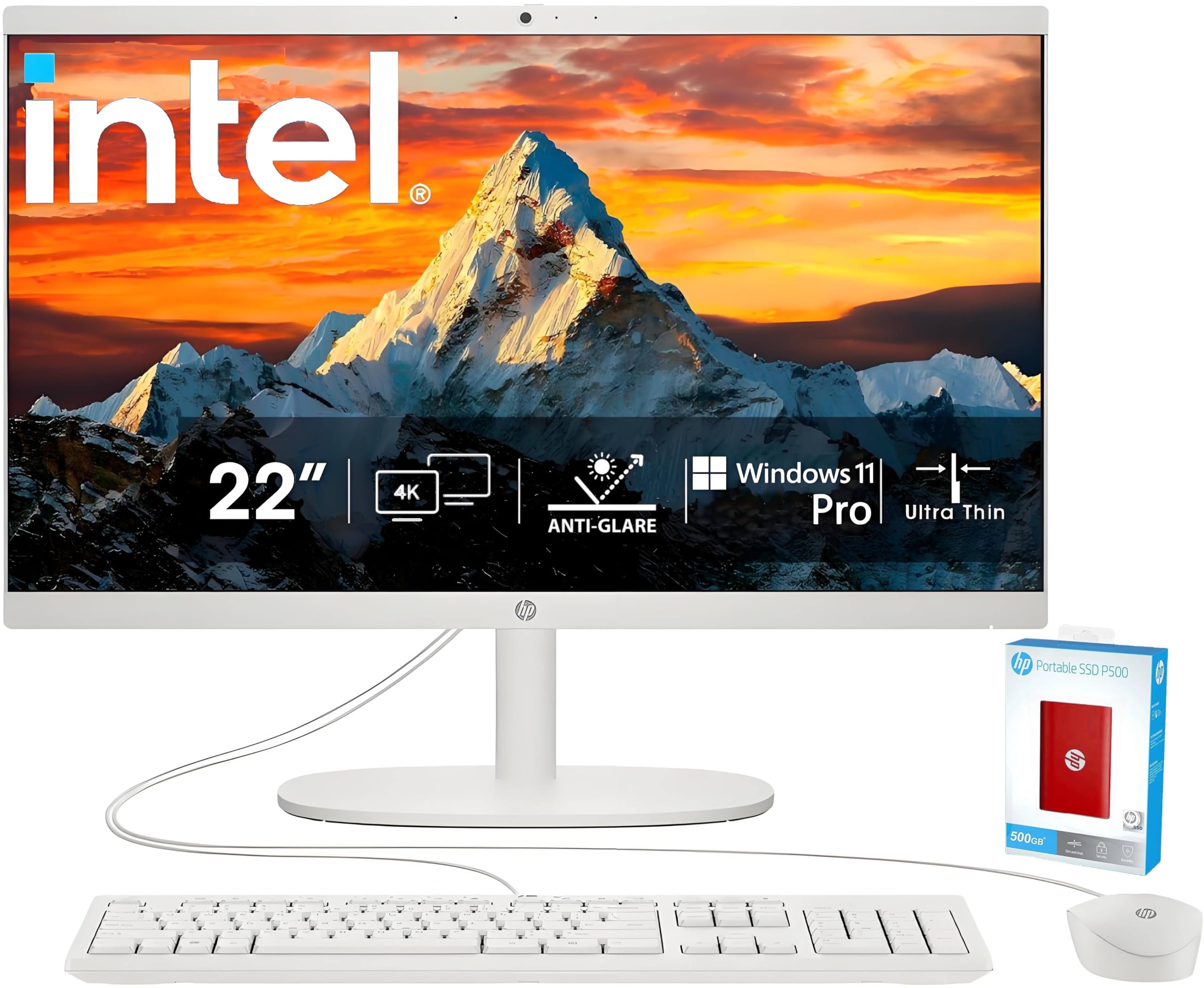
Operating System: Windows 11 Pro, 64-Bit Processor: Intel Celeron J4025 Processor (2 Cores, 2.0 Ghz Base Frequency, 4 Mb Cache) Memory: Up To 64Gb Ddr4-3200 So-Dimm Ram Storage: Up To 2.5Tb Total Storage (Up To 2Tb Nvme Internal + 512Gb Hp External Flash Drive) Graphics: Integrated Intel Uhd Graphics 600 Optical Drive: None Form Factor: All-In-One Display: 21.45'' Full Hd (1920X1080) Va Display, Anti-Glare, 16:9 Aspect Ratio, 60Hz Refresh Rate, 250 Nits Brightness, 99% Srgb Color Audio: Dts-Tuned Stereo Speakers For Immersive Sound Quality Camera: Hp True Vision 720P Hd Webcam With Privacy Shutter And Dual Array Digital Microphones Keyboard & Mouse: Traditional Wired Usb Keyboard & Mouse (Cashmere White) Ports & Connectivity: 2X Usb Type-A (Hi-Speed) 2X Usb Type-A (5Gbps) 1X Usb Type-C (5Gbps, Data Transfer Only) 1X 3.5Mm Headphone/Microphone Combo Jack 1X Rj-45 Ethernet Port 1X Hdmi-Out Wifi 6 & Bluetooth 5.3 For High-Speed Wireless Connectivity Power Supply: 65-Watt Ac Adapter Dimensions (H X W X D): Approx. 15.07 X 19.43 X 6.69 Inches Weight: Around 9.2 Lbs
⚠️ WARNING (California Proposition 65): This product may contain chemicals known to the State of California to cause cancer, birth defects, or other reproductive harm. For more information, please visit www.P65Warnings.ca.gov.
Frequently Asked Questions
Q: What is the screen size of the HP All-in-One Desktop Computer?A: The screen size is twenty-one point five inches. This Full HD display offers a resolution of one thousand nine hundred twenty by one thousand eighty pixels, providing sharp visuals.
Q: What type of processor does this desktop use?A: It uses an Intel Celeron J4025 Processor. This dual-core processor runs at a base frequency of two point zero gigahertz, ensuring efficient performance for everyday tasks.
Q: How much RAM does this computer have?A: It can be equipped with up to sixty-four gigabytes of RAM. This high capacity allows for smooth multitasking and quick response times.
Q: What is the total storage capacity of the HP All-in-One?A: The total storage capacity is up to two point five terabytes. It combines two terabytes of NVMe internal storage and an additional five hundred twelve gigabyte HP external flash drive.
Q: What type of graphics does this desktop support?A: It features integrated Intel UHD Graphics six hundred. This allows for smooth visuals suitable for work, streaming, and casual gaming.
Q: Does this computer come with an optical drive?A: No, it does not have an optical drive. The design focuses on modern connectivity options and storage solutions instead.
Q: What operating system is pre-installed on this computer?A: It comes pre-installed with Windows eleven Pro. This operating system provides enhanced security and features tailored for business and professional use.
Q: What type of keyboard and mouse are included?A: It includes a traditional wired USB keyboard and mouse. Both peripherals are in cashmere white, matching the sleek design of the computer.
Q: How do I connect to the internet with this desktop?A: You can connect via Wi-Fi six or Bluetooth five point three. These options provide high-speed wireless connectivity for your networking needs.
Q: What ports are available on the HP All-in-One?A: It has several ports including two USB Type-A, one USB Type-C, one HDMI-out, and an RJ-45 Ethernet port. This variety supports multiple devices and peripherals.
Q: How do I clean the HP All-in-One desktop?A: Use a soft, lint-free cloth to clean the screen and casing. Avoid using abrasive materials or strong solvents to maintain the finish and functionality.
Q: What is the warranty period for this computer?A: The standard warranty period is typically one year. This covers manufacturing defects and hardware issues under normal use conditions.
Q: How should I store this desktop when not in use?A: Store it in a cool, dry place, away from direct sunlight. Ensure the power is turned off and all cables are disconnected for optimal safety.
Q: Is this computer suitable for gaming?A: Yes, it can handle casual gaming. However, for high-end gaming, a dedicated graphics card would be more suitable.
Q: What do I do if my desktop isn't powering on?A: First, check the power supply connection. If it’s securely plugged in and still not turning on, consult the warranty service or customer support for further assistance.