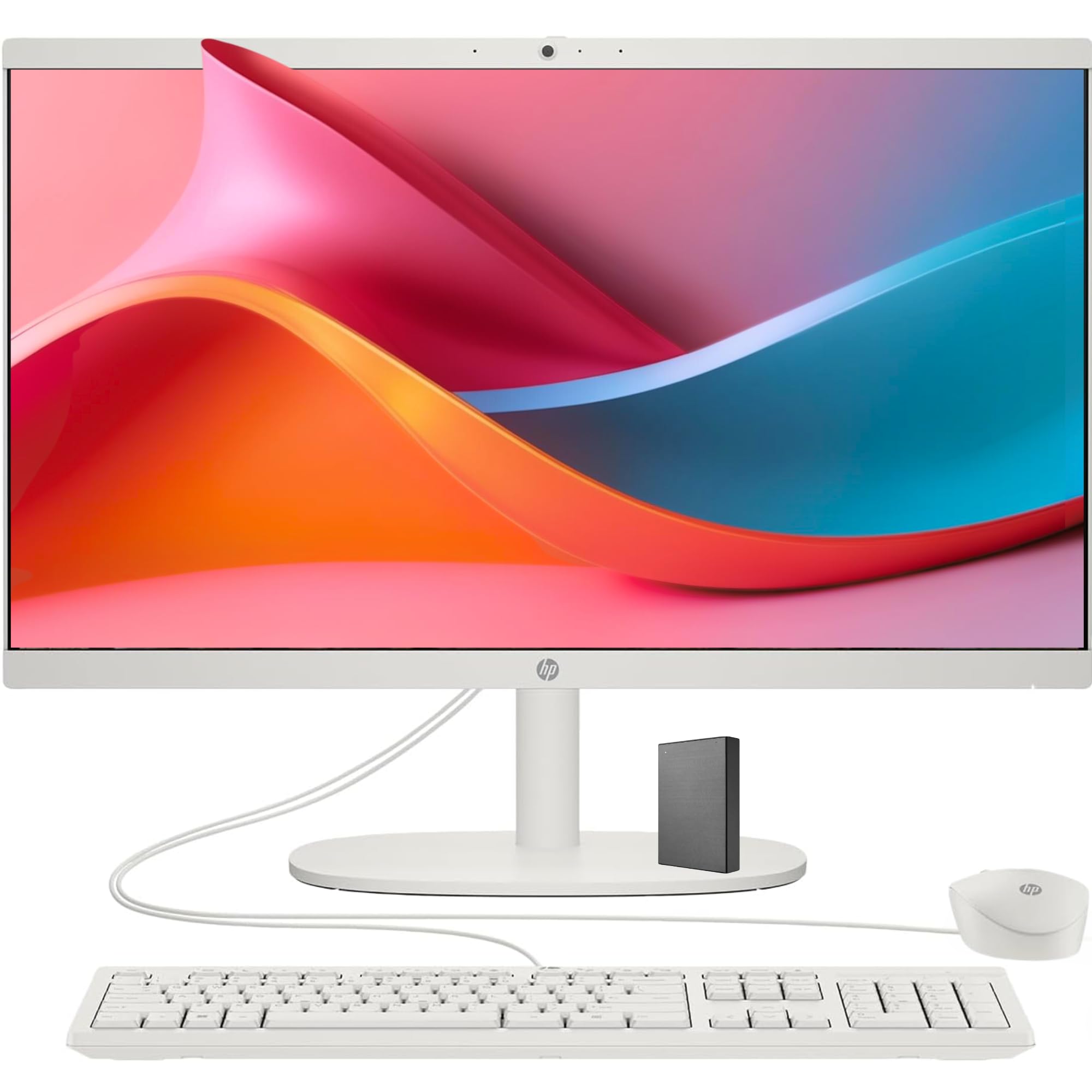
Power Of A Tower: Tackle Your Busiest Days And Save Everything You Love With The Performance Of A Reliable Processor And Abundant Storage. We'Ve Got Your Back: For 80 Years, We'Ve Had Your Back. Thats Why Our Pcs Go Through Over 230 Individual Tests To Ensure Youre Getting A Powerful, Reliable Pc That'S Going To Last. Thoughtfully Designed: A Three-Sided Micro-Edge Display Lets You See More Of Your Screen With A Pop-Up Privacy Camera That Tucks Safely Away When Not In-Use.
⚠️ WARNING (California Proposition 65): This product may contain chemicals known to the State of California to cause cancer, birth defects, or other reproductive harm. For more information, please visit www.P65Warnings.ca.gov.
Frequently Asked Questions
Q: What is the screen size of the HP 22" All-in-One Desktop PC?A: The screen size is twenty-one point five inches. It features a full HD display with a resolution of one thousand nine hundred twenty by one thousand eighty.
Q: What type of processor does the HP All-in-One PC have?A: It is equipped with an Intel Celeron J4025 processor. This processor has a base speed of two point zero gigahertz and can burst up to two point nine gigahertz.
Q: How much RAM and storage does this desktop PC offer?A: The desktop offers sixteen gigabytes of RAM and one terabyte of storage. It includes a five hundred twelve gigabyte SSD and a five hundred twelve gigabyte external storage option.
Q: Is the HP All-in-One PC suitable for online classes?A: Yes, it is ideal for online classes and remote learning. The HP True Vision HD privacy camera ensures clear video quality for virtual meetings.
Q: What operating system comes with the HP All-in-One Desktop PC?A: It comes pre-installed with Windows eleven home. This operating system provides a streamlined user experience and enhanced security features.
Q: How do I set up the HP All-in-One Desktop PC?A: Setting up the PC involves plugging in the power cord and connecting the wired keyboard and mouse. Follow the on-screen instructions to complete the Windows setup.
Q: Can I upgrade the RAM on the HP All-in-One Desktop PC?A: Yes, the RAM can be upgraded up to sixty-four gigabytes. This allows for enhanced multitasking capabilities, making it suitable for demanding applications.
Q: What ports are available on this desktop PC?A: It features multiple ports, including two USB three point zero ports, two USB two point zero ports, one HDMI port, and one RJ-45 Ethernet port.
Q: How can I keep my HP All-in-One Desktop PC clean?A: To clean it, use a soft, lint-free cloth dampened with water or a mild cleaner. Avoid using harsh chemicals that may damage the screen or casing.
Q: Is there a warranty for the HP All-in-One Desktop PC?A: Yes, it typically comes with a one-year limited warranty. This warranty covers manufacturing defects and provides customer support during that period.
Q: What should I do if the desktop PC does not power on?A: If it does not power on, check the power connection and ensure the outlet is functioning. If issues persist, contact customer support for further assistance.
Q: Can I connect external devices to the HP All-in-One PC?A: Yes, you can connect various external devices, such as printers and external hard drives, via the available USB and HDMI ports.
Q: Is the HP All-in-One Desktop PC good for gaming?A: While it is not specifically designed for gaming, it can handle casual games. For high-performance gaming, a dedicated gaming PC is recommended.
Q: What is the weight of the HP All-in-One Desktop PC?A: The weight of this model is approximately twelve kilograms. Its design allows for easy placement in various settings, such as home or office.
Q: Does the HP All-in-One PC have built-in speakers?A: Yes, it comes with built-in speakers. They provide clear sound quality for video calls, music, and other media.