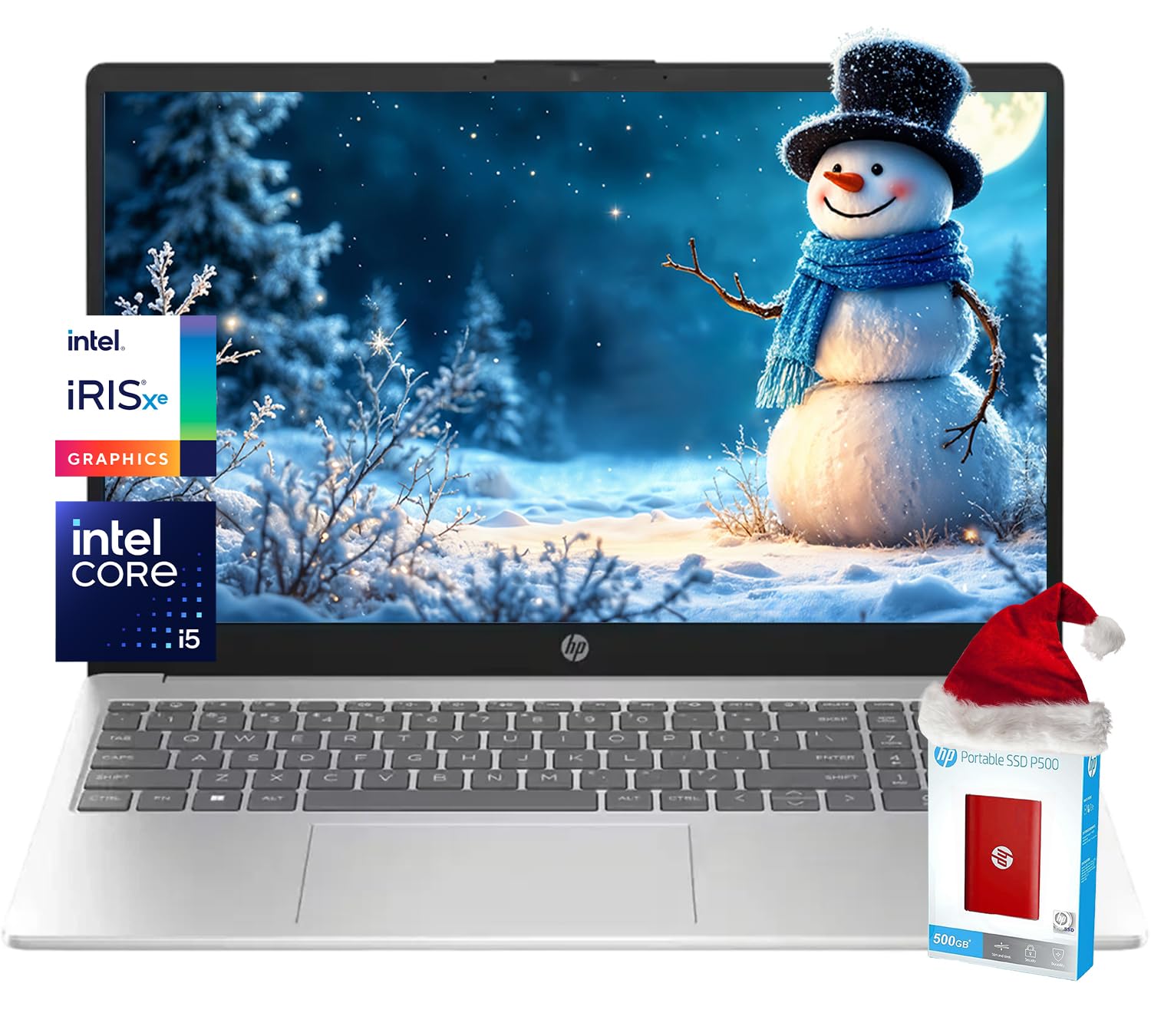
?Processor?12Th Generation Intel Core I5-1235U Processor, Up To 4.40Ghz, 10-Core Processor, 12 Mb Intel L3 Cache ?Graphics?Intel Iris Xe Graphics ?Operating System?Windows 11 Home ?Memory?16Gb Ddr4 Sdram ?Hard Drive?2.5Tb Ssd (2Tb Pcie Ssd Withhp P500 512Gb Portable Ssd) ?Optical Drive?No ?Display?Led, 15.6 Inches, 1366 X 768 (Hd), Touch Screen, 250 Nits Brightness, 45 Percent Color Gamut (Ntsc) ?Connectivity?Wi-Fi 6E And Bluetooth 5.3 Wireless Card ?Audio?Tuned Stereo Speakers, Dual-Speaker ?Keyboard?Us English, Full Size Keyboard, Numeric Keypad ?Built-In Hd Webcam And Microphone?Hp True Vision Hd Camera With Camera Shutter And Microphone Mute. ?Media Drive?Hdmi Cable ?Ports? Usb Type-C (5Gbps Data Transfer) X 1 Usb Type-A (5Gbps) X 2 Hdmi 1.4B For External Displays X 1 Headphone/Microphone Combo Jack X 1 ?Battery?45 Watts, Up To 8 Hours And 45 Minutes Of Video Playback And Up To 10 Hours And 15 Minutes Of Wireless Streaming. ?Color?Natural Silver ?Dimensions L X W X H?14.17 X 0.73 X 9.29 Inches ?Weight?3.52 Lbs
⚠️ WARNING (California Proposition 65): This product may contain chemicals known to the State of California to cause cancer, birth defects, or other reproductive harm. For more information, please visit www.P65Warnings.ca.gov.
Frequently Asked Questions
Q: What is the screen size of the HP 15.6 HD Touchscreen Laptop?A: The screen size is fifteen point six inches. This touchscreen display features a resolution of thirteen sixty-six by seven hundred sixty-eight pixels.
Q: What type of processor does this laptop have?A: It has a twelfth generation Intel Core i5-1235U processor. This processor can reach speeds of up to four point four gigahertz and has ten cores.
Q: How much RAM does this laptop include?A: The laptop includes sixteen gigabytes of DDR4 RAM. This amount of memory supports smooth multitasking and efficient performance.
Q: What is the storage capacity of the HP laptop?A: The total storage capacity is two point five terabytes. It includes a two terabyte PCIe SSD and an additional five hundred twelve gigabyte portable SSD.
Q: What is the weight of the laptop?A: The laptop weighs three point fifty-two pounds. This makes it relatively lightweight and portable for everyday use.
Q: Does this laptop have a built-in optical drive?A: No, this laptop does not have an optical drive. It relies on external solutions for reading or writing CDs and DVDs.
Q: How do I connect to the internet with this laptop?A: You can connect using Wi-Fi six E technology. It also supports Bluetooth five point three for wireless peripherals.
Q: How long does the battery last on this laptop?A: The battery can last up to ten hours and fifteen minutes for wireless streaming. It supports HP Fast Charge to recharge quickly.
Q: What ports are available on the HP laptop?A: The laptop has multiple ports, including one USB Type-C, two USB Type-A, one HDMI port, and a headphone/microphone combo jack.
Q: How should I clean the touchscreen display?A: Use a microfiber cloth slightly dampened with water or a screen-safe cleaner. Avoid using harsh chemicals that could damage the display.
Q: Is there a warranty for the HP laptop?A: Yes, HP typically offers a limited warranty on their laptops. Be sure to check the specific warranty details in your purchase documentation.
Q: What if the laptop doesn't power on?A: If the laptop doesn’t power on, ensure that it's charged and plugged in. If it still doesn’t work, contact HP support for troubleshooting assistance.
Q: Can I upgrade the RAM on this laptop?A: No, the RAM is soldered onto the motherboard and cannot be upgraded. You will need to choose the RAM size that fits your needs at the time of purchase.
Q: Does this laptop come with Windows pre-installed?A: Yes, it comes with Windows eleven pre-installed. This provides immediate access to all features and functionalities upon startup.
Q: Is this laptop suitable for gaming?A: Yes, it can handle light gaming due to the Intel Iris Xe graphics. However, it is not designed for high-performance gaming.
Q: How do I maintain the battery health of the laptop?A: To maintain battery health, avoid letting it fully discharge frequently, and keep the laptop cool during use. Regularly charge it between twenty percent and eighty percent.