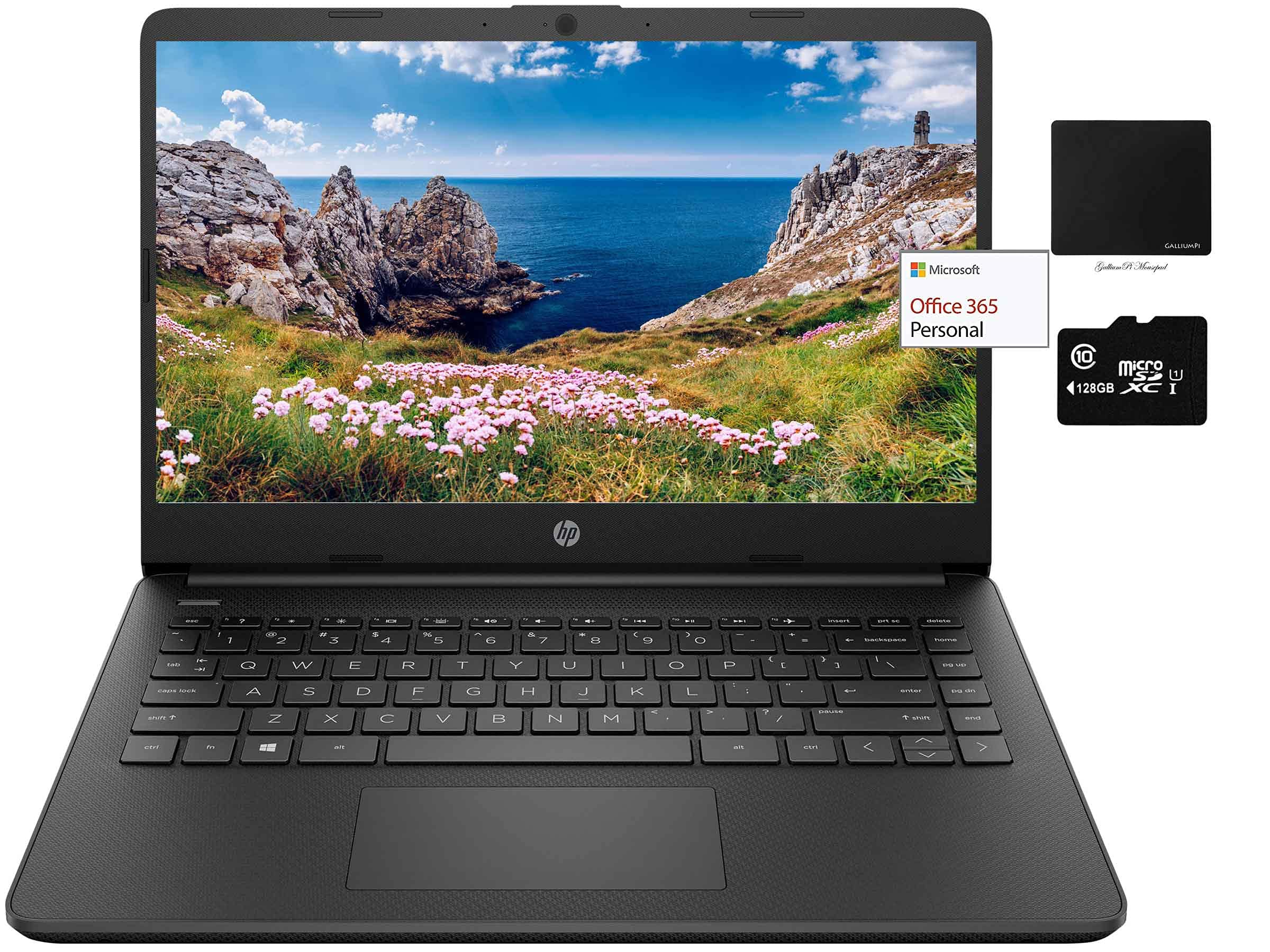
How To Switch S Mode To Windows 10On Your Pc Running Windows 10 In S Mode, Open Settings > Update & Security > Activation.In The Switch To Windows 10 Home Section, Select Go To The Store. (If You Also See An ''Upgrade Your Edition Of Windows'' Section, Be Careful Not To Click The ''Go To The Store'' Link That Appears There.)On The Switch Out Of S Mode (Or Similar) Page That Appears In The Microsoft Store, Select The Get Button. After You See A Confirmation Message On The Page, You'Ll Be Able To Install Apps From Outside Of The Microsoft Store.We Sell Computers With Upgraded Configurations. If The Computer Has Modifications (Listed Above), The Manufacturer Box Is Opened For Test And Inspection, And Upgrades To Achieve The Specifications As Advertised.Office 365 For One Year: Get Full Access To Microsoft Excel, Word, Powerpoint, Onenote, Access, And 1 Tb Of Onedrive Storage For One Year.Processor:Intel Dual-Core Celeron N4020 (1.1 Ghz Base Frequency, Up To 2.8 Ghz Burst Frequency, 4 Mb L2 Cache)Display:14.0-Inch Diagonal, Hd (1366 X 768), Micro-Edge, Brightview, 220 Nits, 45% Ntscstorage:64Gb Emmc Flash Memory, And 128Gb Sd Cardmemory:16Gb Ddr4 Ramgraphics:Intel Uhd Graphics 600Operating System:Windows 10 Swireless Connectivity:Bluetooth, Wifikeyboard:Non-Backlit, Full-Sizeaudio:Hd Audio, Dual Stereo Speakerscamera:720P Hd Webcamports:1X Usb 3.1 (Type-C) 5Gbps2X Usb 3.1 (Type-A) 5Gbps1X Hdmi 1.4B1X Headphone/Microphone Combo1X Multi-Format Sd Media Card Readerbattery:3-Cell, 41 Whweight:3.24 Lbdimensions:12.76 X 8.86 X 0.71 Inchescolorjet Blackbundle With:Galliumpi Mousepad
⚠️ WARNING (California Proposition 65): This product may contain chemicals known to the State of California to cause cancer, birth defects, or other reproductive harm. For more information, please visit www.P65Warnings.ca.gov.
Frequently Asked Questions
Q: What are the dimensions of the HP 14" Thin Light Laptop?A: The dimensions are twelve point seventy-six inches wide, eight point eighty-six inches deep, and zero point seventy-one inches high.
Q: What is the weight of this laptop?A: The weight of the HP 14" Thin Light Laptop is three point twenty-four pounds.
Q: What type of display does this laptop have?A: The laptop features a fourteen inch diagonal HD display with a resolution of thirteen sixty-six by seven hundred sixty-eight pixels.
Q: What is the storage capacity of this laptop?A: This laptop has a total storage capacity of one hundred ninety-two gigabytes, consisting of sixty-four gigabytes of eMMC flash memory and an additional one hundred twenty-eight gigabyte micro SD card.
Q: What processor does this laptop use?A: The laptop is powered by an Intel Dual-Core Celeron N4020 processor, with a base frequency of one point one gigahertz and a burst frequency of up to two point eight gigahertz.
Q: How do I switch from Windows 10 S mode?A: To switch from Windows 10 S mode, go to Settings, then Update & Security, and select Activation to access the option to switch.
Q: Can I use this laptop for gaming?A: While this laptop can handle casual gaming, it is not optimized for high-performance gaming due to its Intel UHD Graphics 600.
Q: Is Office 365 included with the laptop?A: Yes, the laptop comes with a one-year subscription to Office 365, providing access to applications like Word, Excel, and PowerPoint.
Q: How do I connect to WiFi with this laptop?A: You can connect to WiFi by clicking on the network icon in the taskbar, selecting your network, and entering the password.
Q: What ports are available on this laptop?A: The laptop includes one USB Type-C port, two USB Type-A ports, one HDMI port, and a headphone/microphone combo jack.
Q: How do I maintain the battery health?A: To maintain battery health, avoid letting the battery fully discharge frequently and keep it updated with the latest software.
Q: How do I clean the laptop screen?A: Use a soft microfiber cloth slightly dampened with water to gently wipe the screen, avoiding harsh chemicals.
Q: What should I do if the laptop does not turn on?A: If the laptop does not turn on, check if it's charged; if not, connect it to the charger and wait a few minutes before trying again.
Q: Is the keyboard backlit?A: No, the keyboard on this laptop is non-backlit.
Q: What is the warranty on this laptop?A: The laptop typically comes with a one-year limited warranty covering manufacturing defects.
Q: What is the color of the laptop?A: The laptop is available in a sleek jet black color.