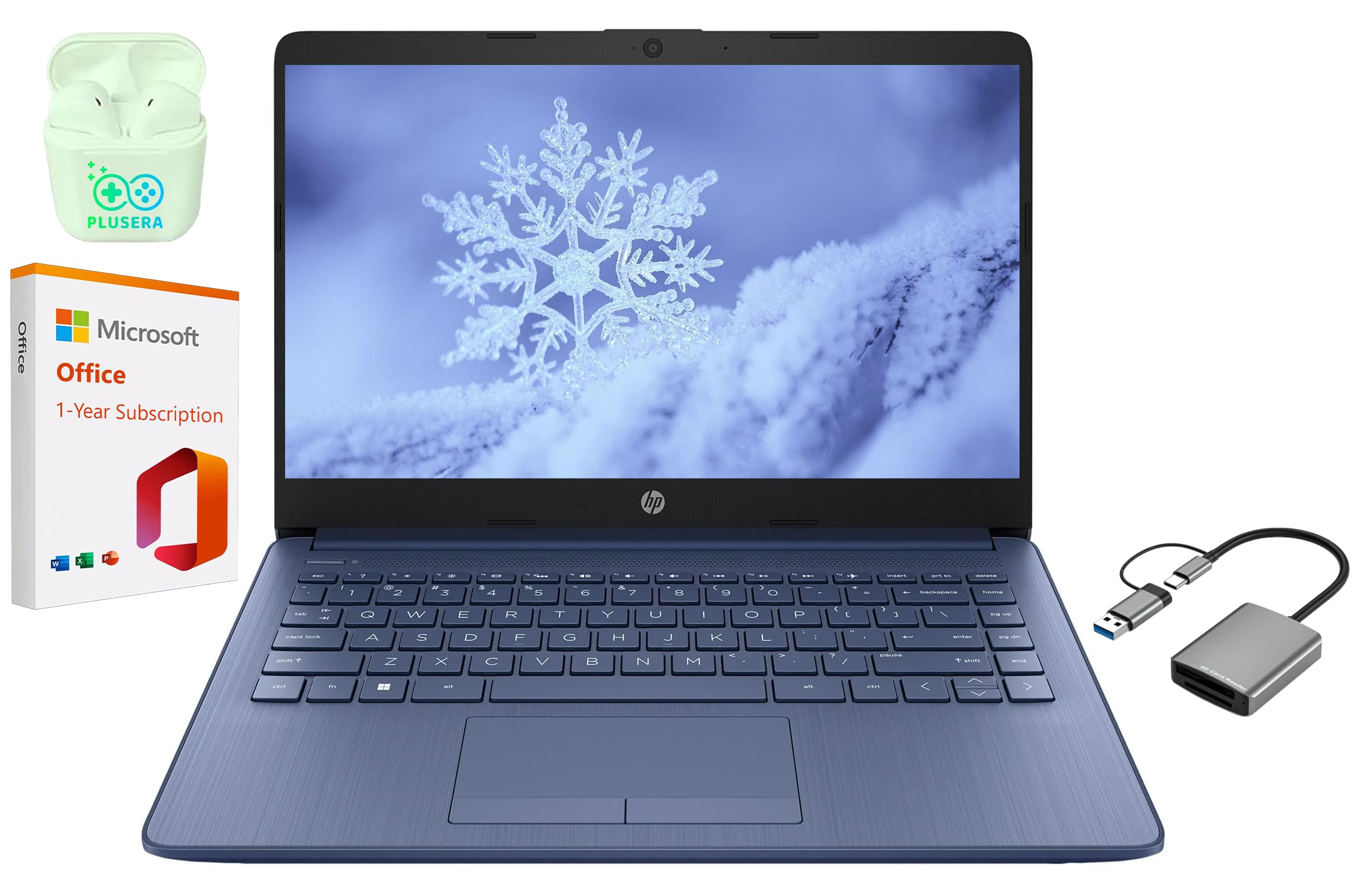
This Laptop Is Equipped With The Powerful Intel Celeron N4120 Processor, Along With Generous Ram And Storage. Enjoy Effortless Multitasking On Its 14'' Hd Led Display With An Integrated Camera. This Laptop Is Designed With Additional Features To Cater To Your Specific Needs. The Extended Battery Life Ensures You Can Stay Focused For Longer Periods. Stay Connected With Ample Ports For All Your Devices. Built To Support Your Workflow, Whether At Home Or On The Go. Experience The Enhanced Security And Performance Of Windows 11 S, With Fast Boot Times And Responsive Operations.
⚠️ WARNING (California Proposition 65): This product may contain chemicals known to the State of California to cause cancer, birth defects, or other reproductive harm. For more information, please visit www.P65Warnings.ca.gov.
Frequently Asked Questions
Q: What are the dimensions of the HP 14 inch laptop?A: The dimensions are fourteen point fourteen inches in length, nine point thirty-one inches in width, and zero point seventy-nine inches in height.
Q: What type of processor does this laptop have?A: This laptop is equipped with an Intel Celeron N4120 processor, featuring four cores and capable of boosting up to two point sixty gigahertz.
Q: How much RAM and storage does the HP 14 laptop have?A: It has eight gigabytes of RAM and sixty-four gigabytes of eMMC storage, ensuring smooth multitasking and fast performance.
Q: What is the screen resolution of this laptop?A: The HP 14 laptop features a fourteen inch HD display with a resolution of thirteen sixty by seven hundred sixty-eight pixels.
Q: How do I set up the HP 14 laptop for the first time?A: To set it up, power on the laptop, follow the on-screen instructions to select your language, and connect to Wi-Fi to complete the setup.
Q: Is the HP 14 laptop suitable for gaming?A: No, this laptop is not designed for gaming; it is optimized for business tasks, productivity, and casual use.
Q: How can I maintain the battery life of the HP 14 laptop?A: To maintain battery life, avoid extreme temperatures, close unused applications, and disable Bluetooth when not in use.
Q: What is the warranty policy for the HP 14 laptop?A: This laptop typically comes with a one-year limited warranty covering manufacturing defects and hardware issues.
Q: Can I upgrade the RAM or storage in this laptop?A: No, the RAM and storage are not user-upgradable in the HP 14 as they are soldered onto the motherboard.
Q: What ports are available on the HP 14 laptop?A: The laptop includes one USB-C three point zero port, two USB-A three point zero ports, one HDMI port, and one headphone/microphone combo jack.
Q: Is this laptop suitable for students?A: Yes, the HP 14 laptop is an excellent choice for students, offering portability, decent performance, and included Microsoft Office 365.
Q: What operating system does the HP 14 laptop run on?A: It runs on Windows eleven S, which is designed for security and performance.
Q: How do I clean the HP 14 laptop's screen?A: To clean the screen, use a microfiber cloth slightly dampened with water or a screen-safe cleaner, avoiding harsh chemicals.
Q: What should I do if my HP 14 laptop won't turn on?A: If it won't turn on, check the power connection, try a different outlet, and hold down the power button for ten seconds.
Q: Does the HP 14 laptop have Bluetooth capability?A: Yes, the HP 14 laptop is equipped with Bluetooth, allowing you to connect wireless devices.
Q: What is the battery life of the HP 14 laptop?A: The battery life can last up to eleven hours and thirty minutes on a full charge, depending on usage.