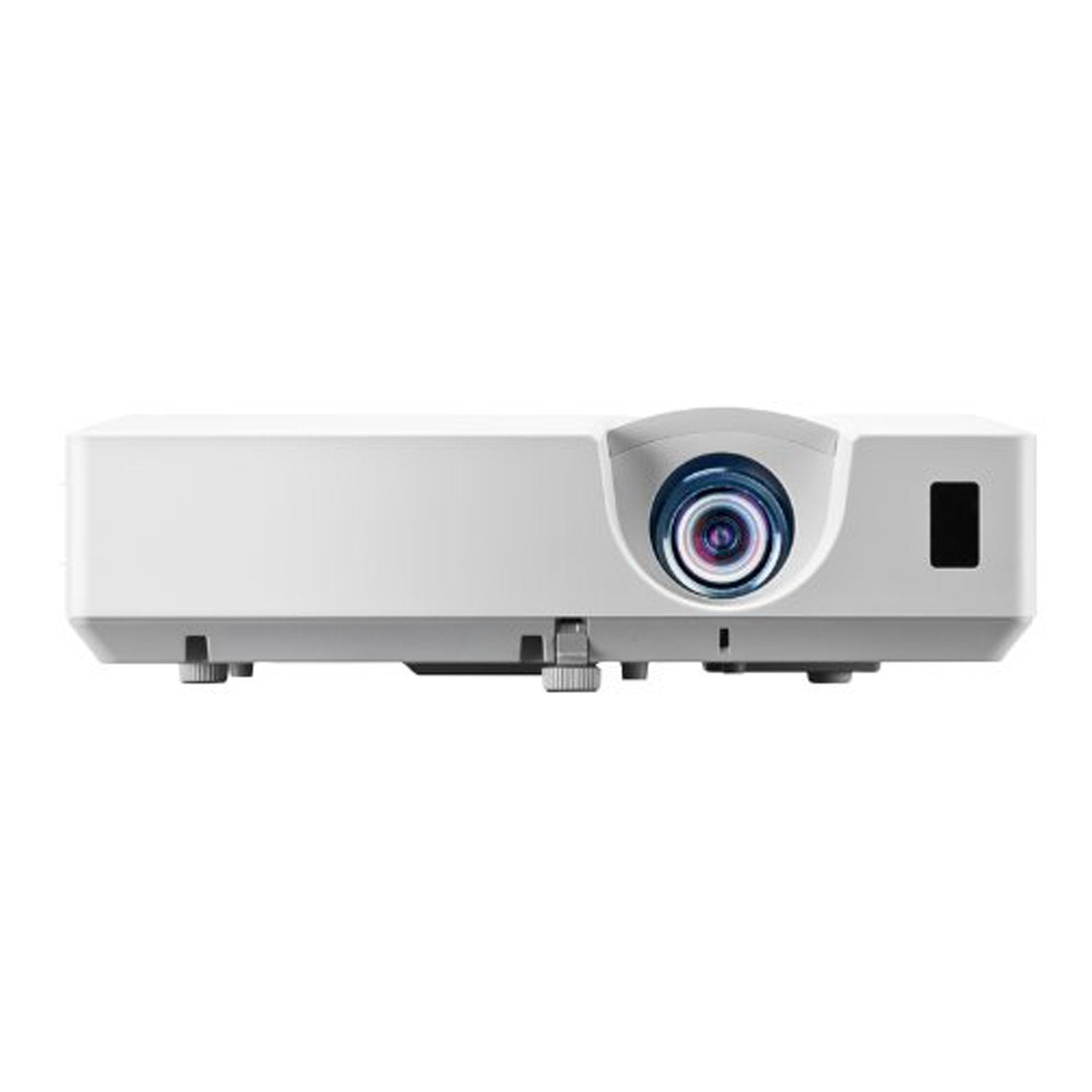
From The Classroom To The Conference Room, Hitachi'S Cp-X3030Wn Lcd Projector Combines Superior Image Clarity, High Quality Value, And Long-Life Reliability. Bright, Vivid Colors With Razor-Sharp Text And Bold Graphics Will Truly Enhance Any Lesson Or Meeting And Make It More Memorable. For Greater Installation Convenience, The Cp-X3030Wn Has A Cloning Function Which Enables You To Copy Configuration Settings From One Projector To Others Of The Same Model Via Usb Memory. The Cp-X3030Wn Also Includes Our Ios Application Projector Quick Connection App Which Offers Simple Control Options Including Sending Photo And Document Files And Web Site Contents To The Projector. Plus, Hitachi'S Intelligent Eco Mode With Imagecare Combines Optimal Picture Performance With Maximum Energy Savings For A Lower Total Cost Of Ownership. For Added Peace Of Mind, Hitachi'S Cp-X3030Wn Is Also Backed By A Generous Warranty And Our World-Class Service And Support Programs.
⚠️ WARNING (California Proposition 65): This product may contain chemicals known to the State of California to cause cancer, birth defects, or other reproductive harm. For more information, please visit www.P65Warnings.ca.gov.
Frequently Asked Questions
Q: What are the dimensions of the Hitachi LCD Projector?A: The dimensions are fourteen point seventy-six inches in length, twelve point six inches in width, and one point eighteen inches in height. This compact size makes it easy to transport and install.
Q: What is the resolution of the Hitachi LCD Projector?A: The projector offers a resolution of seven hundred twenty p, which is suitable for high-definition content. This ensures clear and vibrant images for presentations and videos.
Q: What is the brightness level of the projector?A: The brightness level is three thousand two hundred lumens. This high brightness allows for clear images even in well-lit environments.
Q: How do I connect the Hitachi projector to my device?A: You can connect the projector using HDMI, USB, or VGA input options. Simply plug in your device to the corresponding port for a quick setup.
Q: Is this projector suitable for home use?A: Yes, this projector is suitable for both home and office use. Its versatility allows it to perform well in various settings, from classrooms to living rooms.
Q: Can I control the projector remotely?A: Yes, you can control the projector remotely using the Projector Quick Connection App on iOS devices. This app makes it easy to send files and manage the projector.
Q: How do I maintain the Hitachi projector?A: To maintain the projector, ensure it is cleaned regularly and stored in a cool, dry place. Use a soft cloth to clean the lens and housing.
Q: What warranty does the projector come with?A: The projector comes with a three-year warranty. This warranty covers any manufacturing defects and provides peace of mind for users.
Q: Can I use the projector for outdoor events?A: Yes, the projector can be used for outdoor events, provided there is adequate ambient light control. A darker environment will yield better image quality.
Q: What is the energy efficiency of the Hitachi projector?A: The projector features an Intelligent Eco Mode, which optimizes image performance while reducing energy consumption. This helps lower the total cost of ownership.
Q: What video formats does the projector support?A: The projector supports various video formats including NTSC, PAL, and SECAM. This compatibility allows for versatile media playback.
Q: What is the weight of the Hitachi projector?A: The projector weighs approximately five pounds. This lightweight design makes it easy to carry and set up for presentations.
Q: How do I troubleshoot common setup issues?A: If you encounter setup issues, check all connections and ensure the correct input source is selected. Refer to the user manual for detailed troubleshooting steps.
Q: Can I use the projector with a laptop?A: Yes, you can easily connect the projector to a laptop using an HDMI or VGA cable. This allows for seamless presentations and screen sharing.
Q: What type of bulb does the projector use?A: The projector uses a three hundred thirty-watt bulb. Ensure to replace it as needed to maintain optimal brightness and performance.
Q: Is the projector compatible with Macs?A: Yes, the projector is compatible with Mac computers. You can connect via HDMI or USB for easy use with your Mac.