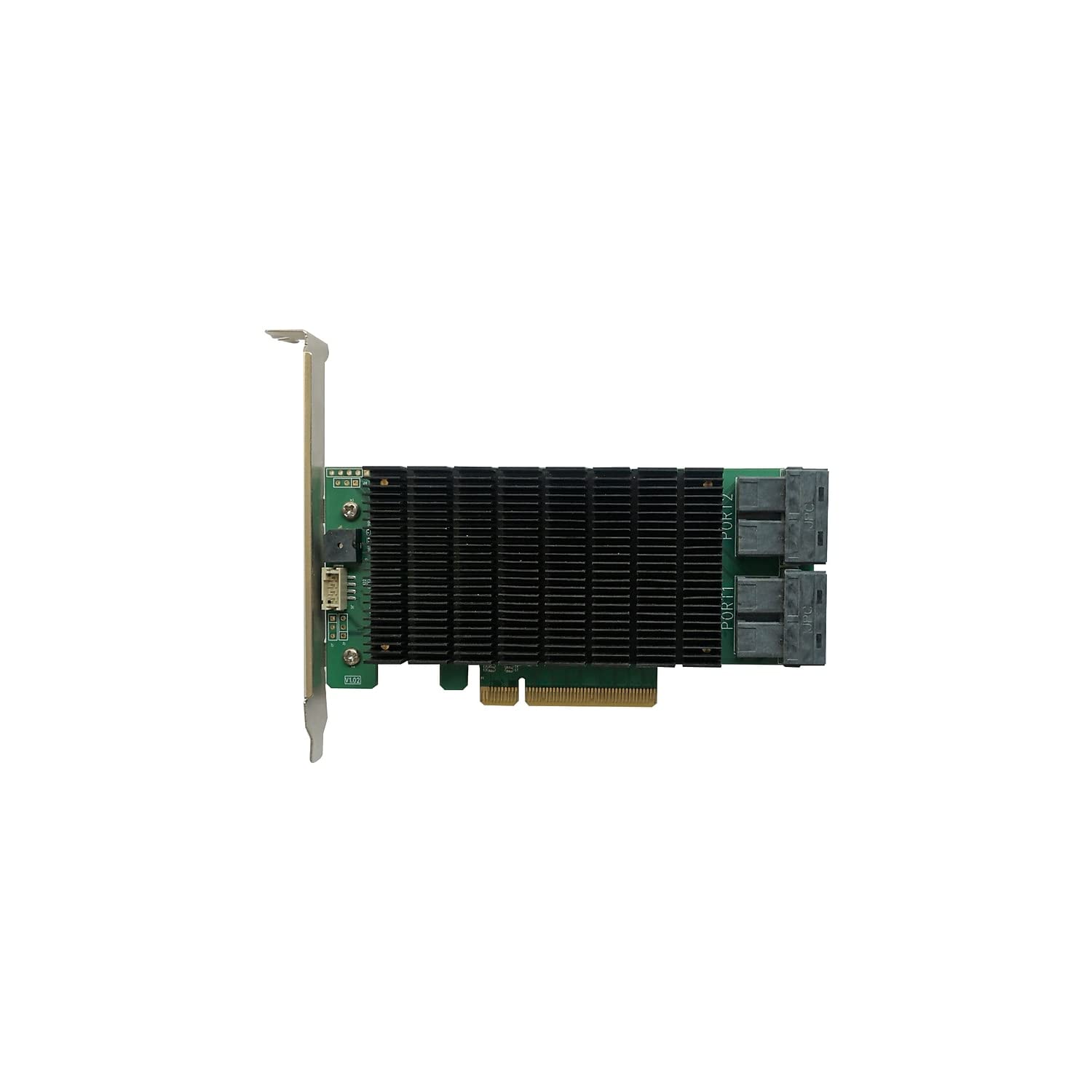
Rocketraid 2840C (Rr2840C) Raid Controllers Deliver Professional Grade Raid Storage & Management Features At A Fraction Of The Cost Of Conventional Host Raid Solutions. Each Adapter Is Powered By Our Industry Proven Raid Technology, Superior Gen 3.0 Pcie Transfer Bandwidth, And Are Capable Of Supporting Up To 16 6Gb/S Enterprise Or Nas Class Sas/Sata Hard Disk Drives (Spindle Drives), In One Or More Raid 0, 1, 5, 6, 10, 50 And Jbod Configurations. Comprehensive Raid & Storage Management Suite: When It Comes To Maintaining Critical Storage Configurations, Each Customer Has Specific Needs And Preferences. Rocketraid 2840C Controllers Provide 3 Management Interfaces: Bios Level Menus, A Command Line Interface, And A Web-Based Gui. The Web-Based Management Interface (Webgui) Is A Simple, Intuitive Web-Based Management Tool And Is Ideal For Customers Who Are New To Raid Technology. The Cli (Command Line Interface) Is A Powerful, Text-Only Management Interface Designed For Advanced Users And Professional Administrators. The Cli And Webgui Interfaces Provides A Wide Range Of Preemptive Monitoring And Maintenance Features That Enable Administrators To Easily Check The Status Of Each Individual Drive And Schedule Verification Sessions To Ensure The Health Of Hosted Raid Configurations. Seamlessly Upgrade Raid Storage - Customers Are Free To Expand Or Convert Raid Storage Configurations As Needed To Keep On Top Of The Evolving Demands Of The Storage Application, Without Sacrificing Existing Data. Online Capacity Expansion (Oce) Allows Administrators To Add New Drives To Existing Arrays In Order To Expand Available Capacity. Online Raid Level Migration (Orlm) Allows Administrators To Convert One Raid Level To Another In Order To Tune Storage Configurations For Maximum Performance Or Data Security. Arrays Created With Rocketraid 2840C Adapters Are Future-Proof; Online Raid Roaming Allows Customers To Move Existing Raid Arrays To Other Rr2840C Raid Controllers, In Addition To All Future Highpoint Raid Products.
⚠️ WARNING (California Proposition 65): This product may contain chemicals known to the State of California to cause cancer, birth defects, or other reproductive harm. For more information, please visit www.P65Warnings.ca.gov.
Frequently Asked Questions
Q: What are the dimensions of the HighPoint Technologies RocketRAID 2840C?A: The dimensions of the RocketRAID 2840C are five point six three inches in length, two point seven two inches in width, and zero point seven one inches in height.
Q: What type of interface does the RocketRAID 2840C use?A: The RocketRAID 2840C uses a PCIe three point zero x eight host interface for high-speed connectivity.
Q: How many ports does the RocketRAID 2840C have?A: The RocketRAID 2840C features sixteen six gigabits per second SAS/SATA ports, with four SFF-8643 ports.
Q: What RAID levels are supported by the RocketRAID 2840C?A: The RocketRAID 2840C supports RAID levels zero, one, five, six, ten, fifty, and JBOD.
Q: Is the RocketRAID 2840C compatible with multiple operating systems?A: Yes, the RocketRAID 2840C is compatible with Windows, macOS, and Linux operating systems.
Q: How do I install the RocketRAID 2840C?A: To install the RocketRAID 2840C, insert it into a compatible PCIe slot on your motherboard and follow the software installation instructions.
Q: Can I expand the RAID storage with the RocketRAID 2840C?A: Yes, the RocketRAID 2840C allows for Online Capacity Expansion, enabling you to add new drives without losing existing data.
Q: How do I manage the RocketRAID 2840C?A: You can manage the RocketRAID 2840C using three interfaces: BIOS level menus, a command line interface, and a web-based GUI.
Q: What features help ensure the health of the RAID configurations?A: The RocketRAID 2840C provides preemptive monitoring and maintenance features, allowing administrators to check drive status and schedule verification sessions.
Q: Is it easy to convert RAID levels with the RocketRAID 2840C?A: Yes, the RocketRAID 2840C supports Online RAID Level Migration, making it easy to convert between different RAID levels.
Q: What if my RocketRAID 2840C arrives damaged?A: If your RocketRAID 2840C arrives damaged, contact customer support for assistance with returns or exchanges.
Q: Is there a warranty for the RocketRAID 2840C?A: Yes, the RocketRAID 2840C typically comes with a manufacturer warranty; please check the product documentation for specific details.
Q: How do I ensure the RocketRAID 2840C stays in good condition?A: To keep the RocketRAID 2840C in good condition, ensure proper ventilation, avoid physical damage, and periodically check for firmware updates.
Q: Can I use the RocketRAID 2840C for NAS storage?A: Yes, the RocketRAID 2840C is designed to support up to sixteen Enterprise or NAS class six gigabits per second SAS/SATA hard disk drives.
Q: How does the RocketRAID 2840C compare to traditional host RAID solutions?A: The RocketRAID 2840C offers professional-grade RAID storage and management features at a fraction of the cost of conventional host RAID solutions.