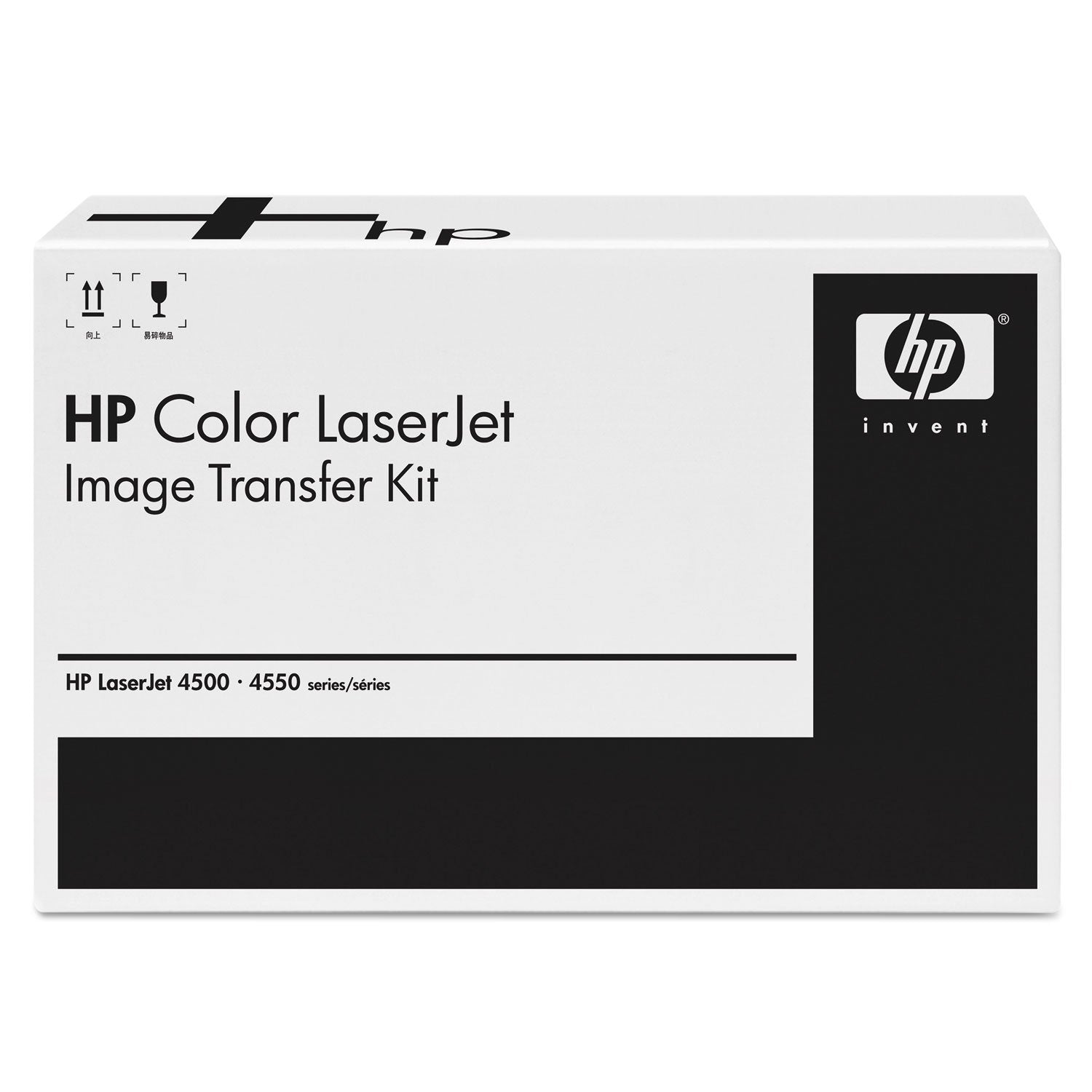
Descriptionproduct Descriptionhp Color Laserjet 4700, 4730, Cm4730, Cp4005 Electrostatic Transfer Belt (Etb) Assembly. Hp Genuine Replacement Parts Are Parts That Have Been Tested Extensively To Meet Hps Quality And Compatibility Standards And Are Guaranteed To Function Correctly In Your Hp Printer.From The Manufacturerengineered To Provide Consistently Outstanding Results. Smooth Performance Produces Satisfaction With Every Page. Reliable And Dependable. Device Types: N/A; Oem/Compatible: Oem; Page-Yield: 120000; Supply Type: Image Transfer Kit.
⚠️ WARNING (California Proposition 65): This product may contain chemicals known to the State of California to cause cancer, birth defects, or other reproductive harm. For more information, please visit www.P65Warnings.ca.gov.
Frequently Asked Questions
Q: What are the dimensions of the HP Q7504A Transfer Belt?A: The dimensions are eighteen point twenty-five inches in length, nine point five inches in width, and nineteen point five inches in height. This size ensures compatibility with various HP Color LaserJet printers.
Q: What is the page yield of the HP Q7504A Transfer Belt?A: The page yield is one hundred twenty thousand pages. This high yield means fewer replacements and consistent print quality over time.
Q: Is the HP Q7504A a genuine OEM product?A: Yes, the HP Q7504A is a genuine OEM product. It has been tested to meet HP's quality and compatibility standards.
Q: How do I install the HP Q7504A Transfer Belt?A: To install, open your printer, remove the old transfer belt, and carefully insert the new HP Q7504A Transfer Belt. Ensure it clicks into place for proper functioning.
Q: Can I use the HP Q7504A with printers other than specified models?A: No, the HP Q7504A is specifically designed for HP Color LaserJet models 4700, 4730, CM4730, and CP4005. Using it with other models may lead to performance issues.
Q: How often should I replace the HP Q7504A Transfer Belt?A: You should replace the transfer belt every one hundred twenty thousand pages. Regular replacement helps maintain print quality and prevents printer damage.
Q: What is the best way to clean the HP Q7504A Transfer Belt?A: To clean the transfer belt, use a soft, lint-free cloth and avoid any abrasive materials. Regular cleaning can extend the belt's lifespan and ensure optimal print quality.
Q: Does the HP Q7504A have any hazardous materials?A: No, the HP Q7504A does not contain any hazardous materials. It is designed to be safe for use in compatible printers.
Q: How should I store the HP Q7504A Transfer Belt?A: Store the transfer belt in a cool, dry place away from direct sunlight. Proper storage helps maintain its condition and functionality.
Q: How does the HP Q7504A compare to other transfer belts?A: The HP Q7504A is engineered for reliability and quality, making it superior to many generic transfer belts. Its OEM status ensures compatibility and performance.
Q: Is the HP Q7504A Transfer Belt suitable for high volume printing?A: Yes, the HP Q7504A Transfer Belt is ideal for high volume printing. Its one hundred twenty thousand page yield supports extensive printing needs.
Q: What should I do if my HP Q7504A Transfer Belt arrives damaged?A: If the transfer belt arrives damaged, contact the seller immediately for a replacement or return. Always check the product upon delivery.
Q: Does the HP Q7504A come with a warranty?A: Yes, the HP Q7504A typically comes with a manufacturer's warranty. Check the packaging or product details for specific terms.
Q: What if my printer shows an error after installing the HP Q7504A?A: If an error occurs after installation, ensure that the transfer belt is properly seated. If issues persist, consult the printer's manual or contact support.
Q: Is the HP Q7504A Transfer Belt easy to replace?A: Yes, the HP Q7504A Transfer Belt is designed for easy replacement. Follow the manufacturer's instructions for a hassle-free installation.