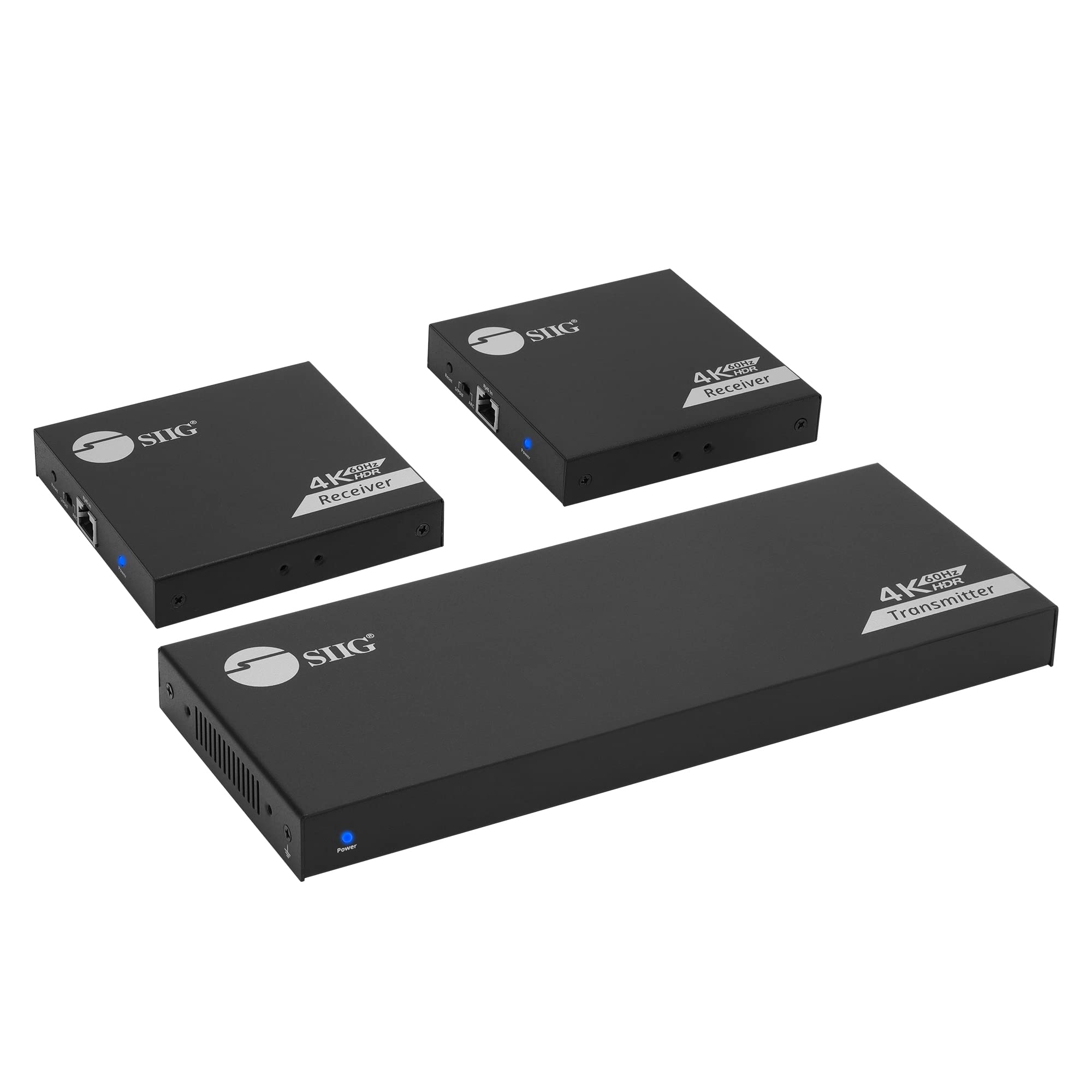
Hdmi 1X2 Extender/Splitter, Extends 4K@60Hz Hdmi Signal To 2 Displays Up To 230Ft (70M) Over Cat6/7 Cable, Hdmi Loopout, Ir Control, Arc, Rs-232, Near Zero Latency, Metal Housing, Wall Mount Design
⚠️ WARNING (California Proposition 65): This product may contain chemicals known to the State of California to cause cancer, birth defects, or other reproductive harm. For more information, please visit www.P65Warnings.ca.gov.
Frequently Asked Questions
Q: What is the maximum distance this HDMI splitter can extend the signal?A: This HDMI splitter can extend the signal up to two hundred thirty feet. It uses a single Cat6 or Cat7 cable to maintain high-quality audio and video.
Q: What resolutions does this HDMI splitter support?A: This HDMI splitter supports up to four thousand by two thousand six hundred forty pixels at sixty hertz. It is also compatible with HDR and HDCP two point two.
Q: What are the dimensions of the HDMI splitter?A: The dimensions of the HDMI splitter are four point zero nine inches in length, ten point four three inches in width, and zero point nine one inches in height.
Q: How many HDMI displays can this splitter connect to?A: This splitter can connect to two HDMI displays simultaneously. It allows you to send content from one HDMI source to two different areas.
Q: Is this HDMI splitter easy to install?A: Yes, this HDMI splitter is designed for easy installation. It is plug-and-play, meaning you can start using it without any software or driver requirements.
Q: What types of devices can I connect to this HDMI splitter?A: You can connect devices like PCs, gaming consoles, Blu-ray players, and cable boxes. It is versatile enough for use in homes, offices, schools, and churches.
Q: How do I extract audio from this HDMI splitter?A: You can extract audio using the built-in audio switch. It allows you to select audio output from the HDMI input or the ARC from a connected TV.
Q: Is there a warranty on this HDMI splitter?A: Yes, this HDMI splitter comes with a two-year warranty. SIIG also provides email support for any issues you may encounter.
Q: What is EDID management and how does it work?A: EDID management is a feature that allows you to control the display resolution output. It ensures the best image quality for your connected devices.
Q: Can this splitter be used with older HDMI devices?A: Yes, this splitter is backward compatible. It can work with older HDMI devices as long as they meet the necessary specifications.
Q: How should I clean and maintain this HDMI splitter?A: To clean the HDMI splitter, use a soft, dry cloth. Avoid using any liquid cleaning agents to prevent damage to the unit.
Q: What if my HDMI splitter arrives damaged?A: If your HDMI splitter arrives damaged, you should contact SIIG's customer support immediately. They will assist you with return or replacement options.
Q: Does this HDMI splitter support HDR video?A: Yes, this HDMI splitter supports HDR video. It enhances the visual quality for compatible devices, providing a better viewing experience.
Q: Can I use this HDMI splitter for gaming?A: Yes, this HDMI splitter is suitable for gaming. It supports up to four thousand by two thousand six hundred forty pixels at sixty hertz, ensuring smooth gameplay.
Q: What should I do if I experience signal loss?A: If you experience signal loss, check all cable connections and ensure they are secure. If the problem persists, consider using a shorter cable or contacting support.