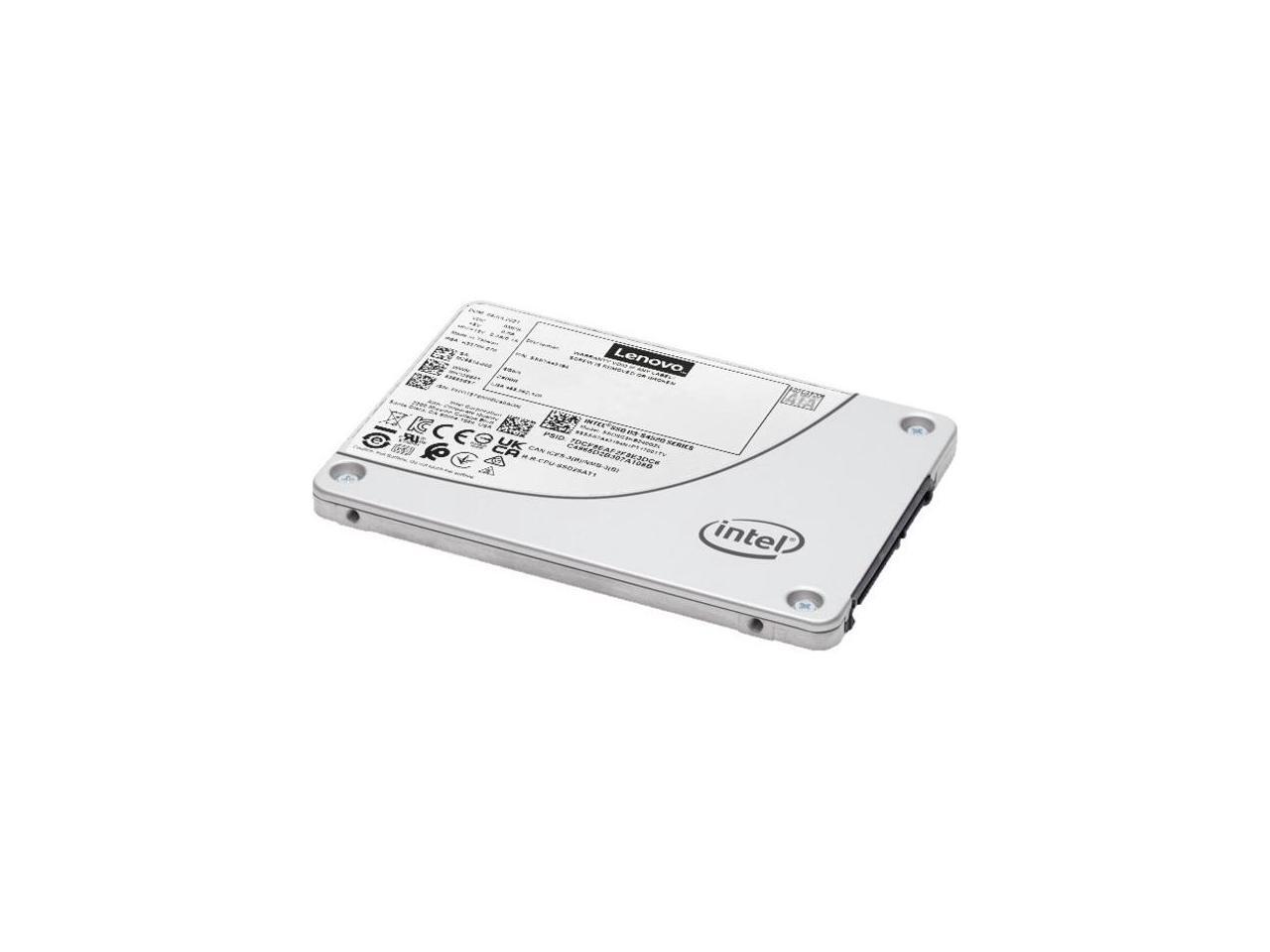
Lenovo S4520 192 Tb Solid State Drive - 25 Internal - Sata (Sata600) - Read Intensive - Server, Storage System Device Supported - 25 Dwpd - 901120 Tb Tbw - 550 Mbs Maximum Read Transfer Ra
⚠️ WARNING (California Proposition 65): This product may contain chemicals known to the State of California to cause cancer, birth defects, or other reproductive harm. For more information, please visit www.P65Warnings.ca.gov.
Frequently Asked Questions
Q: What is the storage capacity of the LENOVO ThinkSystem SSD?A: The LENOVO ThinkSystem SSD has a storage capacity of one point ninety-two terabytes. This allows for ample space to store large amounts of data and applications.
Q: What type of interface does the LENOVO ThinkSystem SSD use?A: The LENOVO ThinkSystem SSD uses a Serial ATA interface. This ensures compatibility with a wide range of devices and systems.
Q: What is the physical size of the LENOVO ThinkSystem SSD?A: The physical size of the LENOVO ThinkSystem SSD is two point five inches. This standard size fits easily into most internal component slots.
Q: How do I install the LENOVO ThinkSystem SSD?A: You can install the LENOVO ThinkSystem SSD by connecting it to your computer's internal SATA port. Make sure to secure it properly and format it for your operating system.
Q: Is the LENOVO ThinkSystem SSD suitable for gaming?A: Yes, the LENOVO ThinkSystem SSD is suitable for gaming. Its high speed allows for quick loading times, enhancing the gaming experience.
Q: Can I use the LENOVO ThinkSystem SSD for data backup?A: Yes, you can use the LENOVO ThinkSystem SSD for data backup. Its large storage capacity makes it ideal for storing important files and data.
Q: How should I store my LENOVO ThinkSystem SSD?A: Store your LENOVO ThinkSystem SSD in a cool, dry place to prevent damage. Avoid exposing it to extreme temperatures or moisture.
Q: Does the LENOVO ThinkSystem SSD require any special maintenance?A: No, the LENOVO ThinkSystem SSD does not require special maintenance. Regular data management and ensuring proper ventilation are sufficient.
Q: Is the LENOVO ThinkSystem SSD safe to use?A: Yes, the LENOVO ThinkSystem SSD is safe to use. It features auto-grounding for safety against electrical hazards.
Q: What warranty does the LENOVO ThinkSystem SSD come with?A: The LENOVO ThinkSystem SSD typically comes with a limited warranty. Always check the specific product details for warranty information.
Q: What if the LENOVO ThinkSystem SSD arrives damaged?A: If the LENOVO ThinkSystem SSD arrives damaged, contact the seller immediately for return or exchange options. Most sellers have a return policy for such cases.
Q: Can I return the LENOVO ThinkSystem SSD if I don't need it?A: Yes, you can usually return the LENOVO ThinkSystem SSD if you don't need it. Check the return policy of the seller for specific conditions.
Q: How does the LENOVO ThinkSystem SSD compare to traditional hard drives?A: The LENOVO ThinkSystem SSD is faster than traditional hard drives. It offers quicker data access and improved performance for demanding applications.
Q: Is the LENOVO ThinkSystem SSD compatible with older systems?A: Yes, the LENOVO ThinkSystem SSD is compatible with many older systems that support SATA connections. Ensure your system meets the necessary requirements.
Q: What makes the LENOVO ThinkSystem SSD a good choice for professionals?A: The LENOVO ThinkSystem SSD is a good choice for professionals due to its reliability and performance. It can handle intensive tasks and large files efficiently.