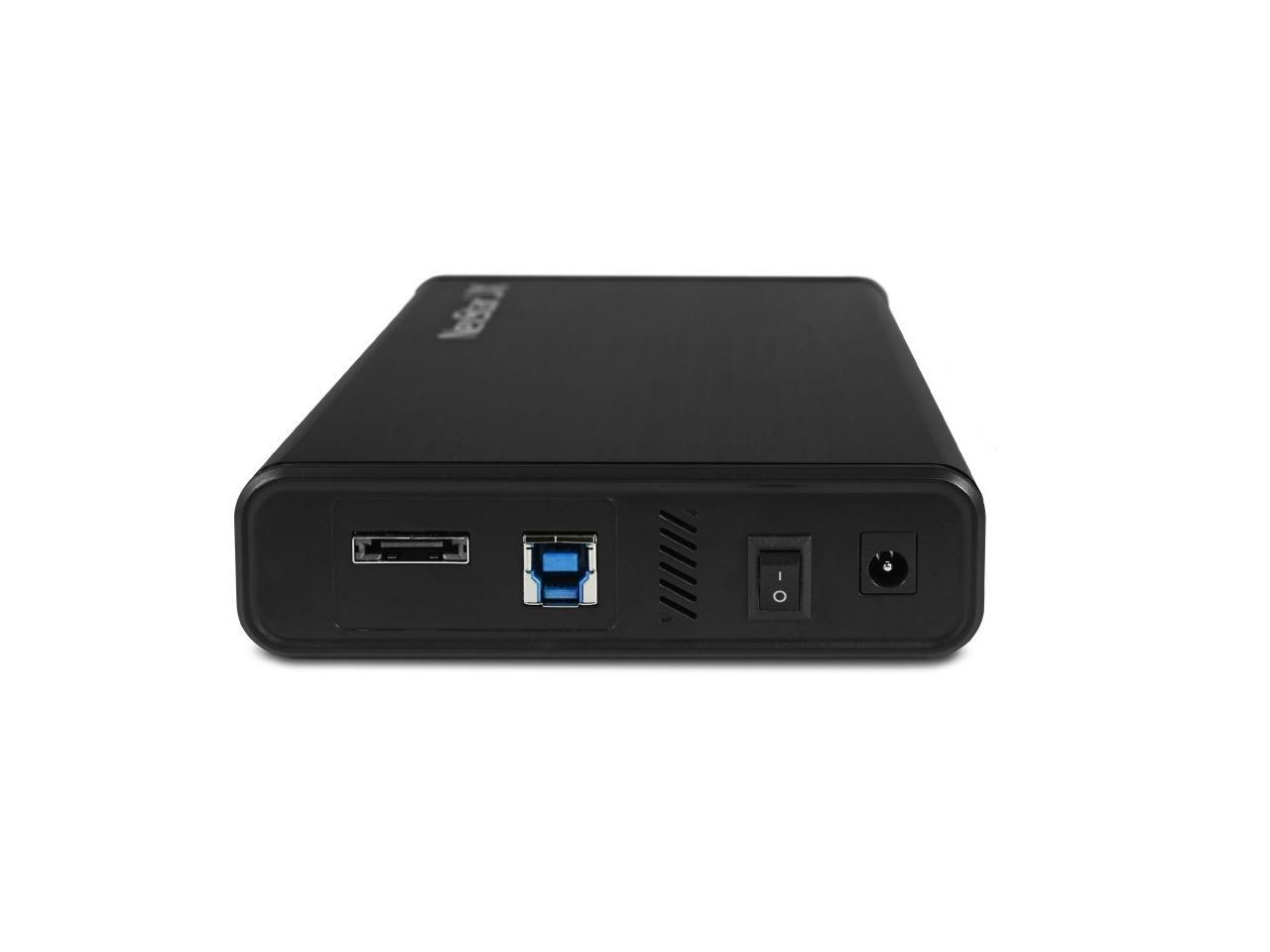
Vantec Nexstar Jx Usb 32 Gen1X1, 35 Or 25Sata Iii Hddssd Drive Enclosure With Esata - Aluminum Casing, Abs Plastic - Black Nst-358Su3-Bk
⚠️ WARNING (California Proposition 65): This product may contain chemicals known to the State of California to cause cancer, birth defects, or other reproductive harm. For more information, please visit www.P65Warnings.ca.gov.
Frequently Asked Questions
Q: What is the size of the Vantec NexStar JX enclosure?A: The Vantec NexStar JX enclosure measures seven point eight seven inches in length, four point seven six inches in width, and one point three four inches in height.
Q: What materials are used in the Vantec NexStar JX?A: The Vantec NexStar JX enclosure is made of aluminum, which helps in effectively dissipating heat from the hard drive.
Q: What is the maximum data transfer speed of this enclosure?A: The maximum data transfer speed of the Vantec NexStar JX is six gigabits per second for eSATA and five gigabits per second with USB three point two Gen one.
Q: How do I install a hard drive into the Vantec NexStar JX?A: To install a hard drive, simply open the enclosure, insert your SATA three point five inch or two point five inch HDD or SSD, and close the enclosure securely.
Q: Is the Vantec NexStar JX compatible with all operating systems?A: Yes, the Vantec NexStar JX is compatible with Windows operating systems, including Windows ten and eleven, as well as Mac OS without needing additional drivers.
Q: Can I use the Vantec NexStar JX with a gaming console?A: Yes, the Vantec NexStar JX can be used with gaming consoles that support USB or eSATA connections for additional storage.
Q: How do I clean the Vantec NexStar JX enclosure?A: To clean the Vantec NexStar JX, wipe the exterior with a soft, dry cloth. Avoid using water or cleaning solutions directly on the device.
Q: Is the Vantec NexStar JX safe to use for data storage?A: Yes, the Vantec NexStar JX is safe for data storage, featuring aluminum casing that helps regulate temperature and prevent overheating.
Q: How should I store the Vantec NexStar JX when not in use?A: When not in use, store the Vantec NexStar JX in a cool, dry place, preferably in its original packaging to protect it from dust and physical damage.
Q: What if the Vantec NexStar JX doesn't recognize my hard drive?A: If the Vantec NexStar JX does not recognize your hard drive, ensure that the drive is properly connected, and check if it is formatted correctly for your operating system.
Q: Does the Vantec NexStar JX come with a warranty?A: Yes, the Vantec NexStar JX typically comes with a limited warranty, which may vary based on the retailer, so it's best to check the warranty details at the time of purchase.
Q: Can I hot-swap drives with the Vantec NexStar JX?A: Yes, the Vantec NexStar JX supports hot-swapping, allowing you to connect and disconnect drives without rebooting your system, provided your system supports this feature.
Q: What type of power supply does the Vantec NexStar JX require?A: The Vantec NexStar JX is powered through the USB or eSATA connection, eliminating the need for an external power supply.
Q: Is the Vantec NexStar JX suitable for backup purposes?A: Yes, the Vantec NexStar JX is suitable for backup purposes, supporting fast data transfer rates and easy connectivity to various devices.
Q: What colors does the Vantec NexStar JX come in?A: The Vantec NexStar JX is available in black, providing a sleek and modern look that fits well with any setup.