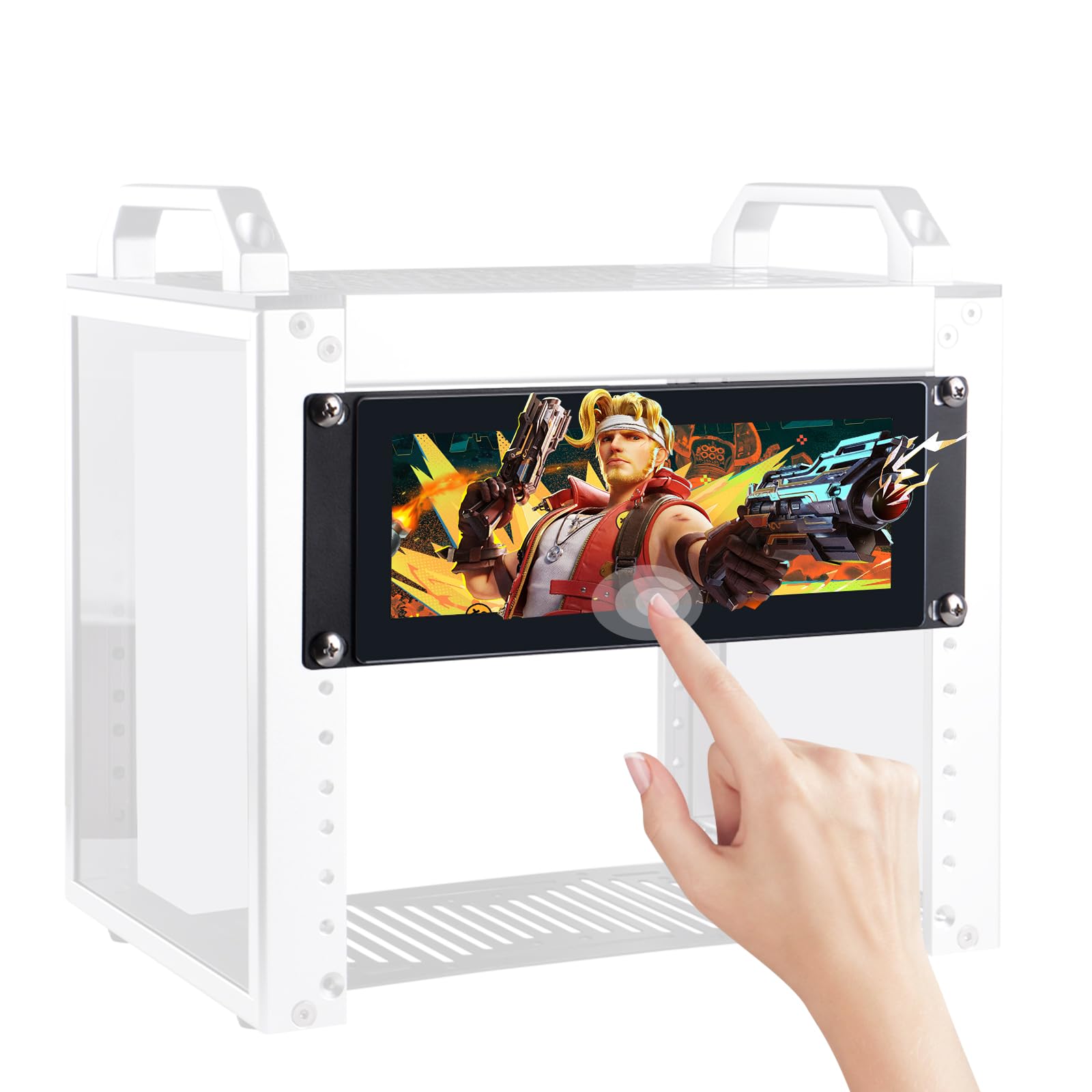
The GeeekPi 7.84 inch 1280x400 LCD Touch Screen Monitor is a specialized display designed for efficient server management in data centers and network cabinets. This compact, 2U rack mount monitor offers a combination of high-resolution visuals and user-friendly touch functionality, making it an ideal choice for users seeking reliable performance in server environments.
This monitor features a 7.84-inch LCD with a resolution of 1280x400, ensuring sharp and clear visuals for monitoring server performance. Its rack-mountable design is optimized for 10-inch server racks, allowing for seamless integration into existing setups. The user-friendly capacitive touchscreen interface reduces the need for external input devices, streamlining operation and enhancing user experience. Built with durability in mind, this monitor is engineered to perform efficiently with low power consumption, making it a practical choice for long-term use in demanding environments.
Key Features:
High-Resolution Touch Display: Enjoy clear visuals with a 1280×400 resolution on the 7.84-inch LCD screen.
2U Rack-Mountable Design: Fits perfectly into 10-inch server racks, optimizing space in data centers.
Compatibility: Specifically designed for DeskPi RackMate T0/T1/T2/T0 Plus/T1 Plus Server Cabinets.
User-Friendly Touch Interface: Capacitive touchscreen allows for intuitive navigation and control.
Durable Construction: Built for reliability in server environments, ensuring long-lasting performance.
Low Power Consumption: Efficient energy use contributes to reduced operational costs.
The GeeekPi 7.84 inch 1280x400 LCD Touch Screen Monitor is an excellent choice for IT professionals, data center operators, and network administrators who require a dependable and efficient solution for server monitoring and management. Its compact design, combined with high-resolution visuals and robust touch functionality, makes it a valuable asset in any server cabinet setup.
⚠️ WARNING (California Proposition 65): This product may contain chemicals known to the State of California to cause cancer, birth defects, or other reproductive harm. For more information, please visit www.P65Warnings.ca.gov.
Frequently Asked Questions
Q: What is the screen size of the GeeekPi monitor?A: The screen size is seven point eight four inches. This allows for a compact design while still providing a clear and functional display.
Q: What is the resolution of this monitor?A: The resolution is one thousand two hundred eighty by four hundred pixels. This high resolution ensures sharp visuals for server management.
Q: What are the dimensions of the monitor?A: The monitor measures zero point nine eight inches in height, eight point four six inches in width, and three point three nine inches in depth. These dimensions make it suitable for various rack installations.
Q: What type of display technology does the monitor use?A: The monitor uses an LCD display technology. This allows for vibrant visuals and a responsive touch interface.
Q: Is the GeeekPi monitor compatible with other systems?A: Yes, it is specifically designed for the DeskPi RackMate series. This ensures seamless integration with the T0, T1, T2, T0 Plus, and T1 Plus server cabinets.
Q: How do I install the monitor in a server rack?A: Installation is straightforward due to its two-unit rack-mountable design. Simply slide the monitor into an available slot in your ten-inch server rack.
Q: Can this monitor be used for other applications?A: Yes, while it is optimized for server management, its touch interface can be utilized for various computing tasks. It is versatile for different environments.
Q: Is there a touch interface on the monitor?A: Yes, the monitor has a user-friendly capacitive touch interface. This feature allows for intuitive operation, minimizing the need for external input devices.
Q: How do I care for the GeeekPi monitor?A: To care for the monitor, wipe it with a soft, dry cloth. Avoid using abrasive cleaners that could damage the screen.
Q: Is this monitor energy efficient?A: Yes, it has low power consumption. This makes it an efficient choice for long-term use in server environments.
Q: What should I do if the monitor arrives damaged?A: If the monitor arrives damaged, contact customer support immediately for assistance with returns or exchanges. They will guide you through the process.
Q: Does the monitor come with a warranty?A: Yes, the monitor typically comes with a manufacturer's warranty. Check the packaging for specific details regarding coverage and duration.
Q: Can I use this monitor with my existing server cabinet?A: Yes, as long as your server cabinet is compatible with ten-inch racks, you can use this monitor without any issues.
Q: What are the best practices for storing this monitor?A: Store the monitor in a cool, dry place, away from direct sunlight or excessive heat. This will help maintain its longevity and performance.
Q: How do I adjust the settings on the monitor?A: Settings can be adjusted directly via the touch interface. Simply tap on the screen to access various options for brightness and contrast.