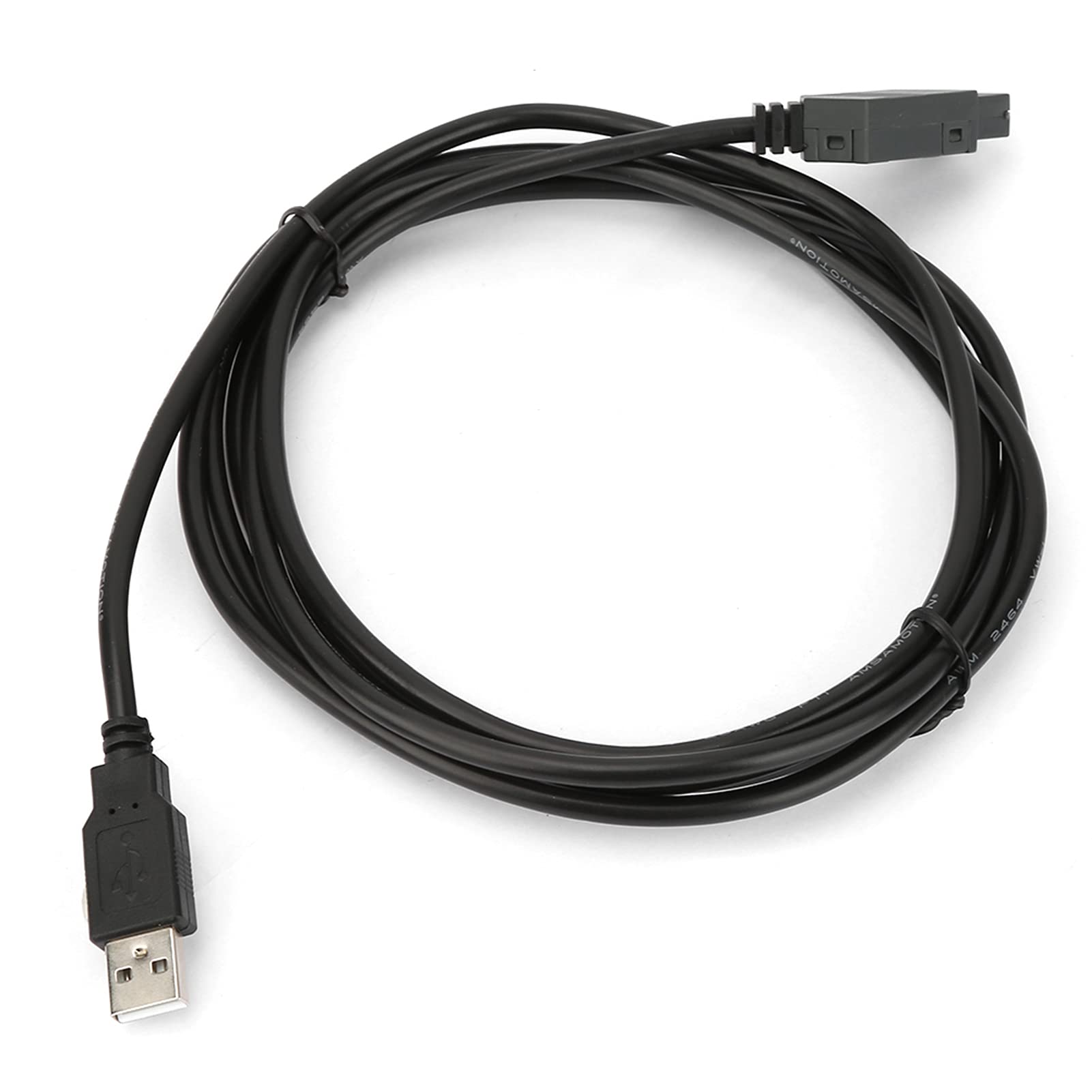
Specification:Condition: 100% Brand Newmodel: Usb-Cablejacket Material: Pvccore Material: Bare Copper Wirelength(Each Roll): Approx. 2.5Mweight: Approx. 169G / 6.0Oz Package List:1 * Programming Cablenote:Random Shipment Of New And Old .
⚠️ WARNING (California Proposition 65): This product may contain chemicals known to the State of California to cause cancer, birth defects, or other reproductive harm. For more information, please visit www.P65Warnings.ca.gov.
Frequently Asked Questions
Q: What is the length of the Garosa Programming Cable?A: The Garosa Programming Cable is approximately two point five meters long. This length is ideal for connecting devices without being too restrictive.
Q: What materials are used in the Garosa Programming Cable?A: The cable is made from bare copper wire and features a PVC jacket. These materials ensure durability and effective signal transmission.
Q: What is the weight of the Garosa Programming Cable?A: The cable weighs about one hundred sixty-nine grams. This lightweight design makes it easy to transport and use.
Q: How do I use the Garosa Programming Cable?A: To use the Garosa Programming Cable, simply connect it to your Siemens LOGO device and the compatible USB port. Ensure the software is installed for proper functionality.
Q: Is the Garosa Programming Cable compatible with Windows 8 or 10?A: No, the Garosa Programming Cable does not support Windows eight or ten. It is only compatible with earlier versions of Windows.
Q: Can I use this cable for other devices?A: This cable is specifically designed for Siemens LOGO devices. Using it with other devices may not work as intended.
Q: How should I store the Garosa Programming Cable?A: Store the cable in a cool, dry place away from direct sunlight. This will help prevent damage and prolong its lifespan.
Q: Is the Garosa Programming Cable safe to use?A: Yes, the cable is safe to use as it is made with high-quality materials. However, ensure compatibility with your device to avoid issues.
Q: How do I clean the Garosa Programming Cable?A: To clean the cable, wipe it with a damp cloth. Avoid using harsh chemicals as they may damage the PVC jacket.
Q: What should I do if the cable doesn't work?A: If the cable doesn't work, first check the connections and ensure the software is compatible. If issues persist, consider seeking technical support.
Q: Does the Garosa Programming Cable come with a warranty?A: Yes, the cable typically comes with a manufacturer's warranty. Check the packaging or contact the manufacturer for specific warranty details.
Q: What is included in the package with the Garosa Programming Cable?A: The package includes one programming cable and one CD. The CD contains the necessary software and drivers for installation.
Q: Can I use the Garosa Programming Cable for industrial purposes?A: Yes, the cable is designed for industrial applications, particularly with Siemens LOGO series devices. It is suitable for various programming tasks.
Q: Is there a risk of damaging my device when using this cable?A: Yes, improper use may cause damage. Always ensure that the cable is compatible with your device to avoid any potential harm.
Q: What should I do if the cable arrives damaged?A: If the cable arrives damaged, contact the seller or manufacturer immediately for a return or replacement. Be sure to keep the original packaging for any claims.