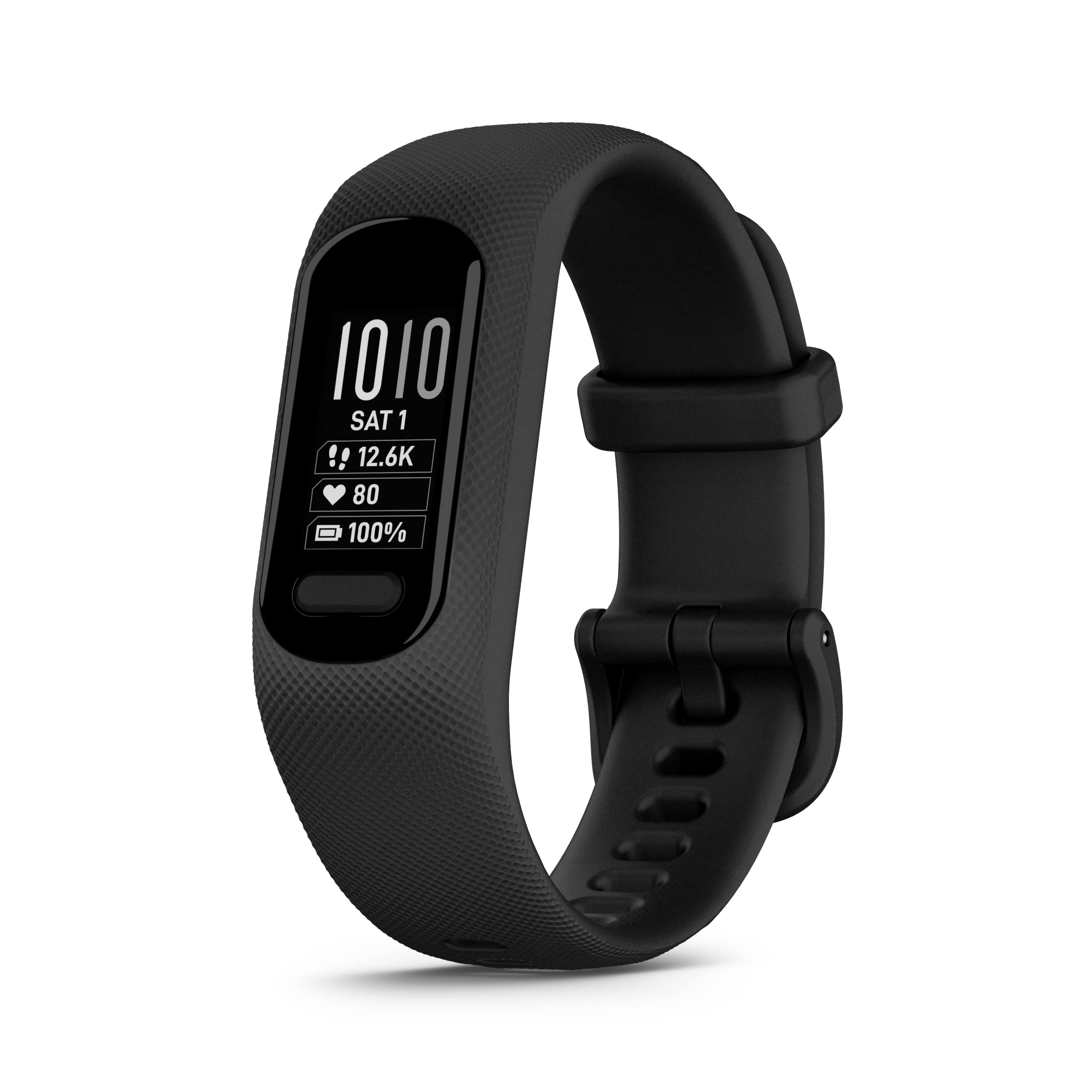
Descriptiontake Charge Of Your Health With V Vosmart 5. This Easy-To-Use, Comfortable Fitness Tracker Comes Loaded With Features To Track Your Activity All Day And Sleep Stages All Night Once Setup Through The Garmin Connect App (This Device Is Intended To Give An Estimate Of Your Activity And Metrics). Wrist-Based Heart Rate, Stress Tracking, Body Battery Energy Monitoring And More Help You Stay Informed While Smart Notifications From Your Paired Smartphone Keep You Connected. Stay Active With Built-In Sports Apps That Include Profiles For Walking, Running, Yoga, Cardio And More. Plus, When Connected To Your Smartphone, Incident Detection (During Select Outdoor Activities) And Assistance Features Send A Message With Your Live Location To Emergency Contacts For Greater Peace Of Mind (Requires Setup And Your Smartphone To Be In An Area With Network Coverage Where Data Connectivity Is Available). With Up To 7 Days Of Battery Life, V Vosmart 5 Gives You An Uninterrupted Picture Of Your Health And Can Go Wherever Your Busy Schedule Takes You.
⚠️ WARNING (California Proposition 65): This product may contain chemicals known to the State of California to cause cancer, birth defects, or other reproductive harm. For more information, please visit www.P65Warnings.ca.gov.
Frequently Asked Questions
Q: What is the size of the Garmin vívosmart 5 fitness tracker?A: The Garmin vívosmart 5 has dimensions of zero point eight inches in thickness, ten inches in width, and zero point four inches in height.
Q: What material is the Garmin vívosmart 5 made of?A: The Garmin vívosmart 5 features a durable design, but specific materials are not disclosed. It is designed for comfort and longevity.
Q: Does the Garmin vívosmart 5 contain any hazardous materials?A: Yes, the Garmin vívosmart 5 contains lithium ion batteries, which are considered hazardous materials.
Q: How do I set up my Garmin vívosmart 5 fitness tracker?A: To set up your Garmin vívosmart 5, download the Garmin Connect app on your smartphone and follow the on-screen instructions.
Q: Is the Garmin vívosmart 5 suitable for swimming?A: Yes, the Garmin vívosmart 5 is safe for swimming and showering, making it versatile for various activities.
Q: How do I track my sleep with the Garmin vívosmart 5?A: The Garmin vívosmart 5 monitors your sleep by tracking your movement and heart rate during the night, providing insights via the Garmin Connect app.
Q: How do I clean my Garmin vívosmart 5 fitness tracker?A: To clean your Garmin vívosmart 5, use a damp cloth with mild soap to wipe the device, avoiding any harsh chemicals.
Q: What is the battery life of the Garmin vívosmart 5?A: The Garmin vívosmart 5 offers up to seven days of battery life in smartwatch mode, ensuring long-lasting use.
Q: How should I store my Garmin vívosmart 5 when not in use?A: Store your Garmin vívosmart 5 in a cool, dry place away from direct sunlight to maintain its battery life and functionality.
Q: Can I receive notifications on my Garmin vívosmart 5?A: Yes, you can receive smart notifications for incoming calls, text messages, and calendar events when paired with your smartphone.
Q: How does the Garmin vívosmart 5 compare to the vívosmart 4?A: The Garmin vívosmart 5 features a brighter and larger display than the vívosmart 4, making it easier to read notifications and track metrics.
Q: Is the Garmin vívosmart 5 suitable for beginners?A: Yes, the Garmin vívosmart 5 is designed for users of all fitness levels, making it a great choice for beginners and experienced athletes.
Q: What fitness metrics can I track with the Garmin vívosmart 5?A: You can track various fitness metrics including heart rate, calories burned, steps taken, and sleep quality with the Garmin vívosmart 5.
Q: What should I do if my Garmin vívosmart 5 arrives damaged?A: If your Garmin vívosmart 5 arrives damaged, contact customer support immediately to discuss return options and possible replacements.
Q: What if I have trouble connecting my Garmin vívosmart 5 to my smartphone?A: If you experience issues connecting your Garmin vívosmart 5 to your smartphone, ensure Bluetooth is enabled and restart both devices.