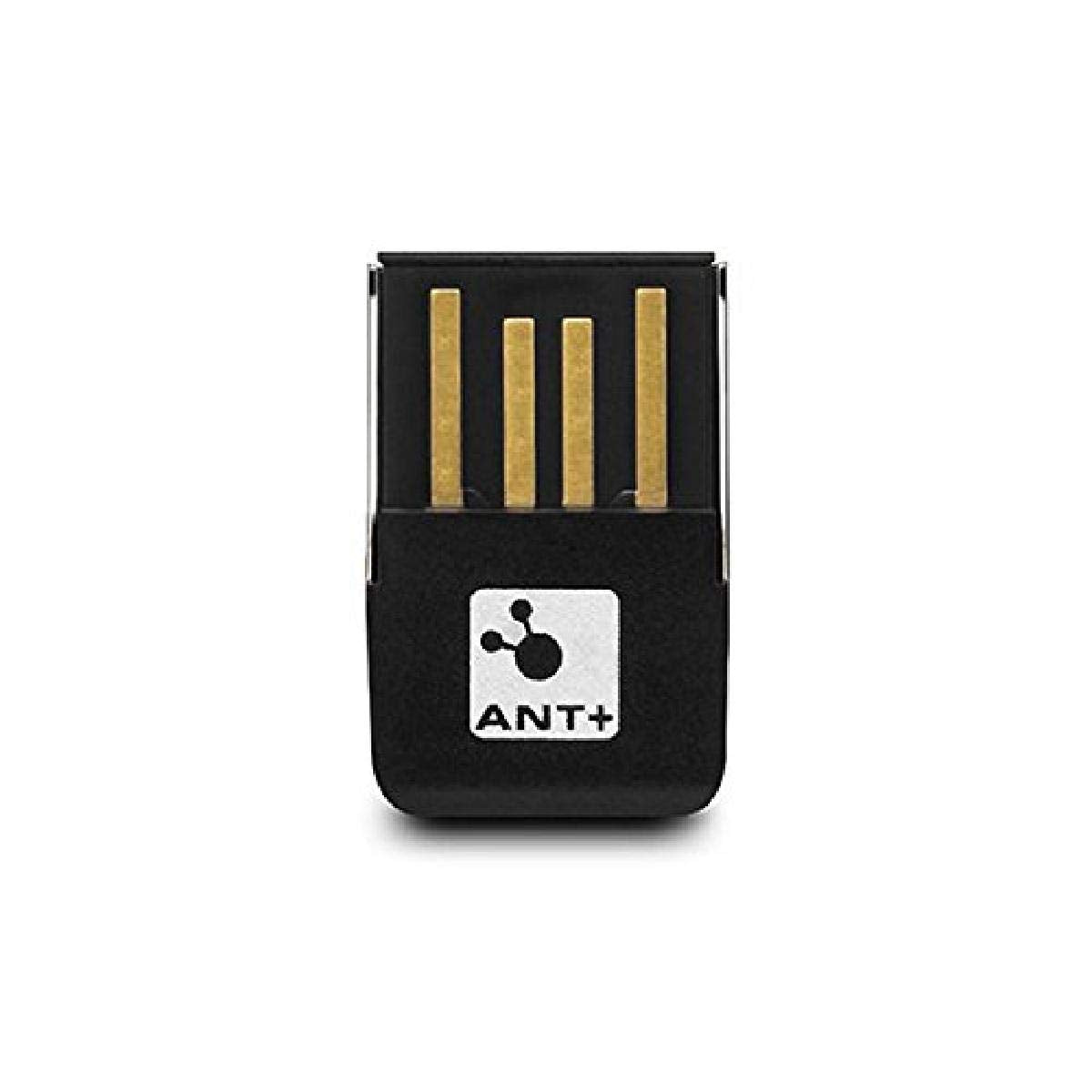
Plug The Ant Stick Into Your Computers Usb Port And It Will Automatically Receive Your Activity Data When Your Compatible Fitness Device Is Within Range. You Can Transfer Your Data Directly To Garmin Connect (A Web-Based Community Of Garmin Users Who Track, Explore And Share Activities) Or Garmin Training Center (Software To Analyze Activities And Create Workouts).
⚠️ WARNING (California Proposition 65): This product may contain chemicals known to the State of California to cause cancer, birth defects, or other reproductive harm. For more information, please visit www.P65Warnings.ca.gov.
Frequently Asked Questions
Q: What are the dimensions of the Garmin USB ANT Stick?A: The Garmin USB ANT Stick measures five inches in length, five inches in width, and one inch in height. This compact size makes it easy to transport and store.
Q: What is the model number of this product?A: The model number of this product is zero one zero dash zero one zero five eight dash zero zero. This identifier ensures compatibility with Garmin fitness devices.
Q: What type of accessory is the Garmin USB ANT Stick?A: The Garmin USB ANT Stick is classified as a wireless phone accessory. It is designed specifically for transferring fitness data wirelessly.
Q: How do I use the Garmin USB ANT Stick?A: To use the Garmin USB ANT Stick, simply plug it into your computer's USB port. It automatically connects with your compatible fitness device to receive activity data.
Q: Is the Garmin USB ANT Stick compatible with all Garmin devices?A: No, the Garmin USB ANT Stick is only compatible with specific Garmin fitness devices. Ensure your device supports ANT technology for seamless data transfer.
Q: Can I use the Garmin USB ANT Stick to transfer data to Garmin Connect?A: Yes, the Garmin USB ANT Stick allows you to transfer your activity data directly to Garmin Connect. This platform lets you track, explore, and share your fitness activities.
Q: How do I keep the Garmin USB ANT Stick in good condition?A: To maintain the Garmin USB ANT Stick, avoid exposing it to moisture and extreme temperatures. Store it in a dry place when not in use to prevent damage.
Q: Is the Garmin USB ANT Stick easy to install?A: Yes, the Garmin USB ANT Stick is very easy to install. Just plug it into your computer, and it automatically recognizes compatible devices without any additional setup.
Q: Does the Garmin USB ANT Stick require any batteries?A: No, the Garmin USB ANT Stick does not require batteries. It is powered through the USB connection to your computer.
Q: What if my Garmin USB ANT Stick arrives damaged?A: If your Garmin USB ANT Stick arrives damaged, you can initiate a return or exchange. Contact customer support for assistance with the return process.
Q: Can I use the Garmin USB ANT Stick with multiple devices?A: Yes, you can use the Garmin USB ANT Stick with multiple compatible devices. It can connect and transfer data as long as each device is within range.
Q: Is the Garmin USB ANT Stick safe for use with my computer?A: Yes, the Garmin USB ANT Stick is safe for use with your computer. It complies with standard USB safety protocols for electronic accessories.
Q: How does the Garmin USB ANT Stick receive data?A: The Garmin USB ANT Stick receives data automatically when your compatible fitness device is within range. This wireless connection simplifies data transfer.
Q: What should I do if my Garmin USB ANT Stick isn’t recognized by my computer?A: If your Garmin USB ANT Stick isn’t recognized, try disconnecting and reconnecting it. Ensure your device drivers are up to date and check the USB port.
Q: Where can I find support for my Garmin USB ANT Stick?A: Support for the Garmin USB ANT Stick can be found on the Garmin website. They provide resources for troubleshooting, installation, and customer service.