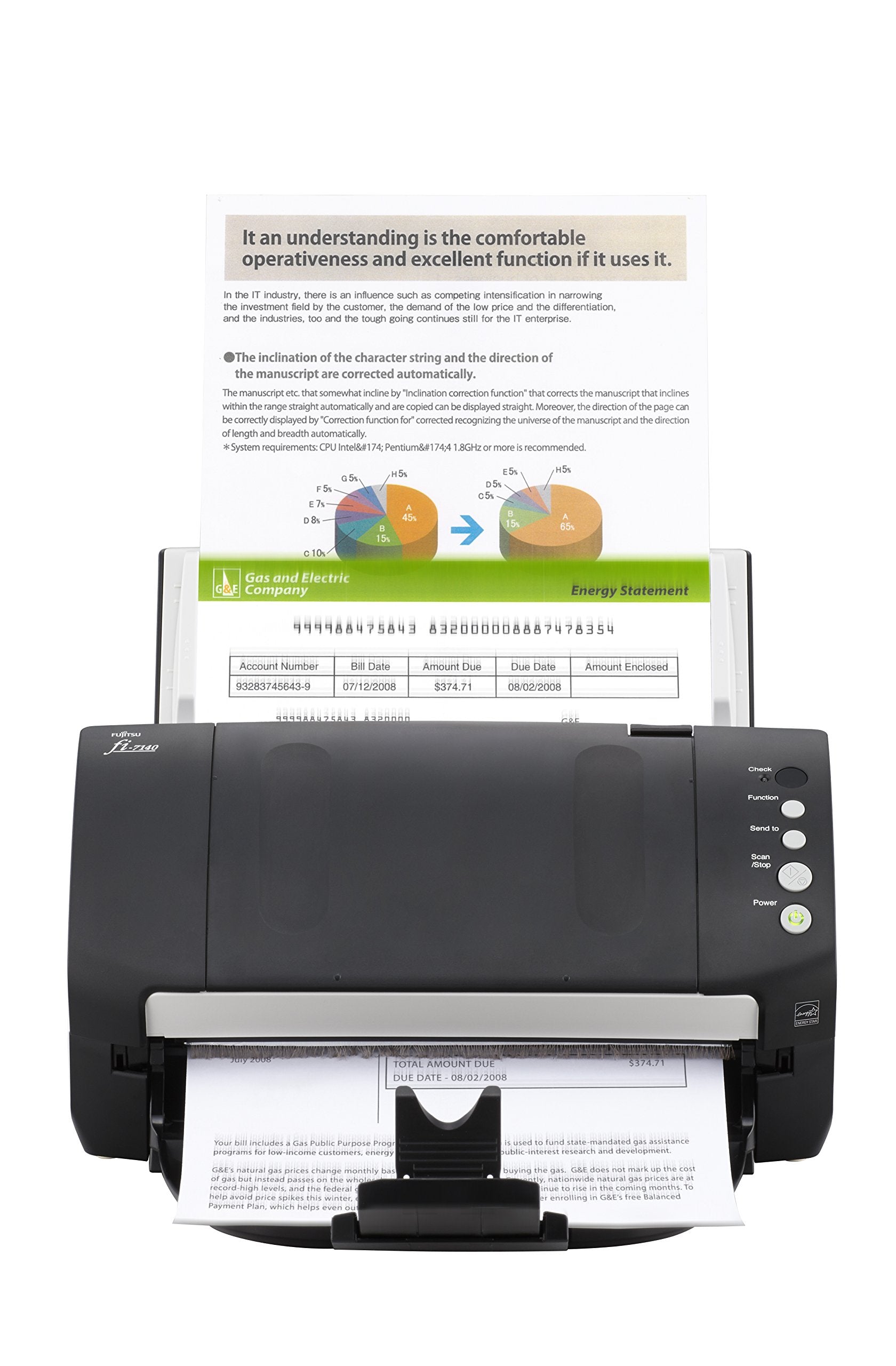
Fi-7140 - 600 X 600Dpi, 216 X 355. 6 Mm, Ccd, White Led, 36W, Usb 2. 0, 4. 2Kg
⚠️ WARNING (California Proposition 65): This product may contain chemicals known to the State of California to cause cancer, birth defects, or other reproductive harm. For more information, please visit www.P65Warnings.ca.gov.
Frequently Asked Questions
Q: What are the dimensions of the Fujitsu FI-7140 Document Scanner?A: The Fujitsu FI-7140 Document Scanner measures eleven point eight one inches in length, six point six nine inches in width, and six point four two inches in height. These compact dimensions make it suitable for various office setups.
Q: What is the resolution of the Fujitsu FI-7140 Document Scanner?A: The resolution of the Fujitsu FI-7140 Document Scanner is six hundred by six hundred dots per inch. This high resolution ensures that scanned documents retain clarity and detail.
Q: What type of scanning technology does the Fujitsu FI-7140 use?A: The Fujitsu FI-7140 uses a CCD scanning technology combined with White LED lighting. This allows for efficient and high-quality scanning of documents.
Q: How do I set up the Fujitsu FI-7140 Document Scanner?A: To set up the Fujitsu FI-7140, connect it to your computer using the USB two point zero cable provided. Install the necessary drivers from the Fujitsu website for optimal performance.
Q: Is the Fujitsu FI-7140 suitable for beginner users?A: Yes, the Fujitsu FI-7140 is suitable for beginner users. Its simple setup and user-friendly interface make it easy for anyone to start scanning documents right away.
Q: Can the Fujitsu FI-7140 scan different types of documents?A: Yes, the Fujitsu FI-7140 can scan various document types, including receipts, contracts, and photographs. Its versatility makes it ideal for both personal and professional use.
Q: How do I maintain the Fujitsu FI-7140 Document Scanner?A: To maintain the Fujitsu FI-7140, regularly clean the scanner glass and rollers with a soft, lint-free cloth. This helps ensure optimal scanning performance and longevity of the device.
Q: What is the power consumption of the Fujitsu FI-7140?A: The Fujitsu FI-7140 has a power consumption of thirty-six watts. This relatively low power usage is beneficial for energy savings in an office environment.
Q: How should I store the Fujitsu FI-7140 when not in use?A: When not in use, store the Fujitsu FI-7140 in a cool, dry place, away from direct sunlight. Ensure it is unplugged and cover it to prevent dust accumulation.
Q: Is the Fujitsu FI-7140 compatible with both Windows and Mac?A: Yes, the Fujitsu FI-7140 is compatible with both Windows and Mac operating systems. Ensure you download the appropriate drivers for your specific OS to use the scanner.
Q: How do I troubleshoot common issues with the Fujitsu FI-7140?A: For common issues with the Fujitsu FI-7140, check the USB connection and ensure the scanner is powered on. If problems persist, consult the user manual or contact customer support.
Q: What warranty does the Fujitsu FI-7140 come with?A: The Fujitsu FI-7140 typically comes with a standard warranty of one year. Be sure to check the specific warranty details provided with your purchase for coverage information.
Q: Can I return the Fujitsu FI-7140 if I am not satisfied?A: Yes, you can return the Fujitsu FI-7140 if you are not satisfied, as long as you follow the retailer's return policy. Ensure the scanner is in its original condition for a full refund.
Q: What is the weight of the Fujitsu FI-7140 Document Scanner?A: The Fujitsu FI-7140 weighs four point two kilograms. This lightweight design makes it easy to move and reposition as needed in your workspace.
Q: Is the Fujitsu FI-7140 suitable for high-volume scanning?A: Yes, the Fujitsu FI-7140 is designed for high-volume scanning needs. Its efficient design allows for quick scanning speeds, making it ideal for busy office environments.