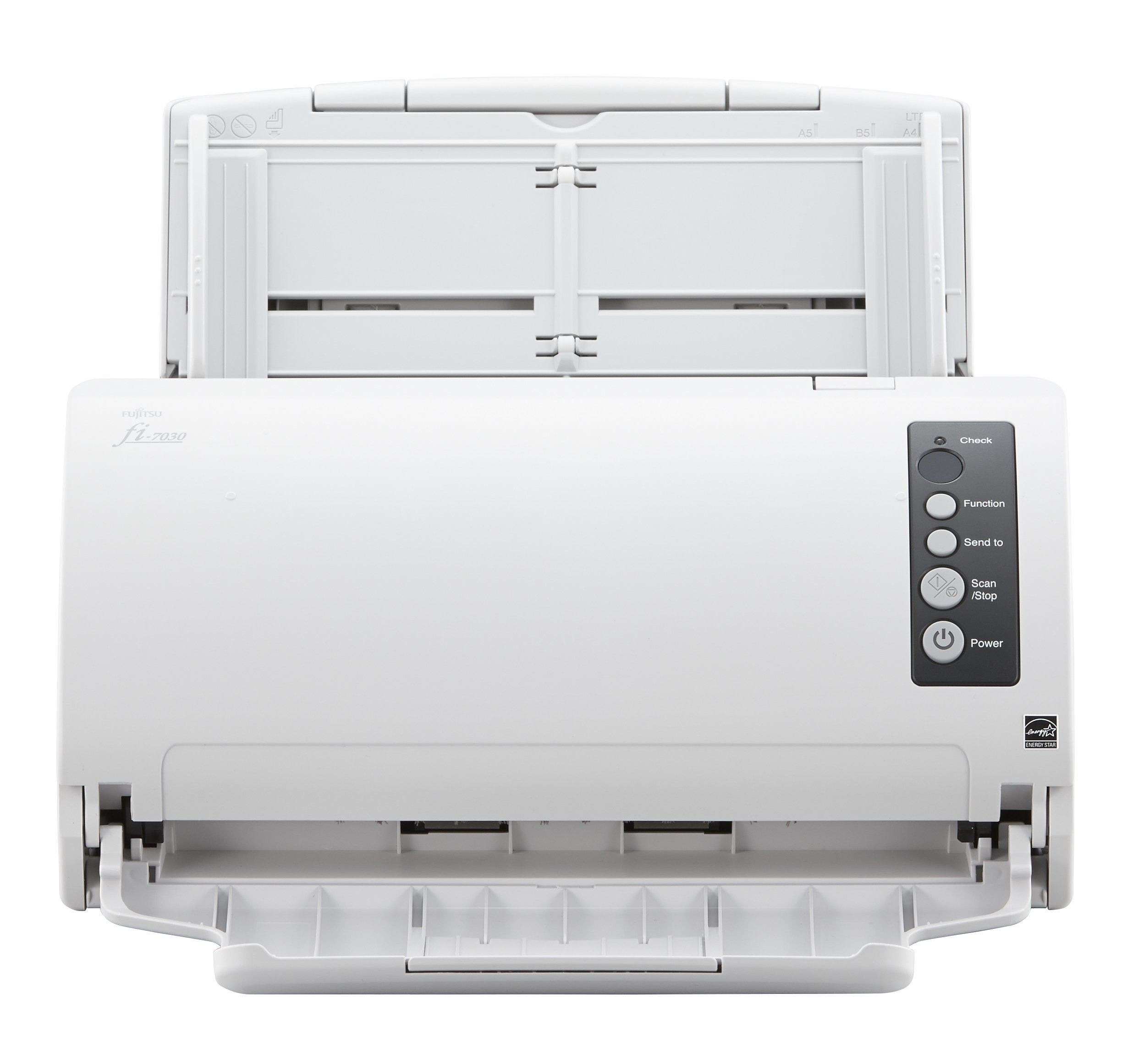
Fi-7030, 216 X 5588 Mm, 600 X 600 Dpi, 1200 X 1200 Dpi, 24 Bit, 8 Bit, 1 Bit
⚠️ WARNING (California Proposition 65): This product may contain chemicals known to the State of California to cause cancer, birth defects, or other reproductive harm. For more information, please visit www.P65Warnings.ca.gov.
Frequently Asked Questions
Q: What are the dimensions of the Fujitsu fi-7030 scanner?A: The dimensions of the Fujitsu fi-7030 scanner are five point seventy-five inches in length, eleven point forty-two inches in width, and five point twelve inches in height.
Q: What is the maximum scanning resolution of the Fujitsu fi-7030?A: The maximum scanning resolution of the Fujitsu fi-7030 is six hundred by six hundred dots per inch.
Q: What type of documents can the Fujitsu fi-7030 scan?A: The Fujitsu fi-7030 can scan various document sizes, including A4 and documents measuring up to two hundred sixteen by five thousand five hundred eighty-eight millimeters.
Q: How do I set up the Fujitsu fi-7030 scanner?A: To set up the Fujitsu fi-7030, connect the power supply, install the driver software on your computer, and connect the scanner via USB.
Q: What is the scanning speed of the Fujitsu fi-7030?A: The Fujitsu fi-7030 scans at a speed of twenty-seven pages per minute in full speed mode and can scan fifty-four images per minute.
Q: Is the Fujitsu fi-7030 suitable for personal use?A: Yes, the Fujitsu fi-7030 is designed for personal use and is ideal for home offices and small businesses.
Q: How do I clean the Fujitsu fi-7030 scanner?A: To clean the Fujitsu fi-7030, use a soft, lint-free cloth to wipe the exterior and a cleaning sheet to clean the scanner rollers.
Q: What maintenance does the Fujitsu fi-7030 require?A: The Fujitsu fi-7030 requires regular cleaning of the rollers and occasionally replacing the scanning pads to ensure optimal performance.
Q: Can I use the Fujitsu fi-7030 to scan photos?A: Yes, the Fujitsu fi-7030 is capable of scanning photos, but ensure that they are flat and free of any adhesive.
Q: How does the Fujitsu fi-7030 compare to other scanners?A: The Fujitsu fi-7030 offers a high scanning speed and resolution, making it suitable for both personal and professional document management compared to other models.
Q: Is the Fujitsu fi-7030 a good choice for high-volume scanning?A: Yes, the Fujitsu fi-7030 is an excellent choice for high-volume scanning due to its fast scanning speed and automatic document feeder.
Q: What should I do if the Fujitsu fi-7030 scanner jams?A: If the Fujitsu fi-7030 scanner jams, gently remove the paper, check for any obstructions, and ensure the paper is loaded correctly in the feeder.
Q: What is the warranty period for the Fujitsu fi-7030?A: The Fujitsu fi-7030 typically comes with a one-year limited warranty, which covers defects in materials and workmanship.
Q: Can I return the Fujitsu fi-7030 if I'm not satisfied?A: Yes, you can return the Fujitsu fi-7030 within the specified return period if you are not satisfied with your purchase.
Q: What software is compatible with the Fujitsu fi-7030?A: The Fujitsu fi-7030 is compatible with various software applications for document management, including Adobe Acrobat and scanning software from Fujitsu.