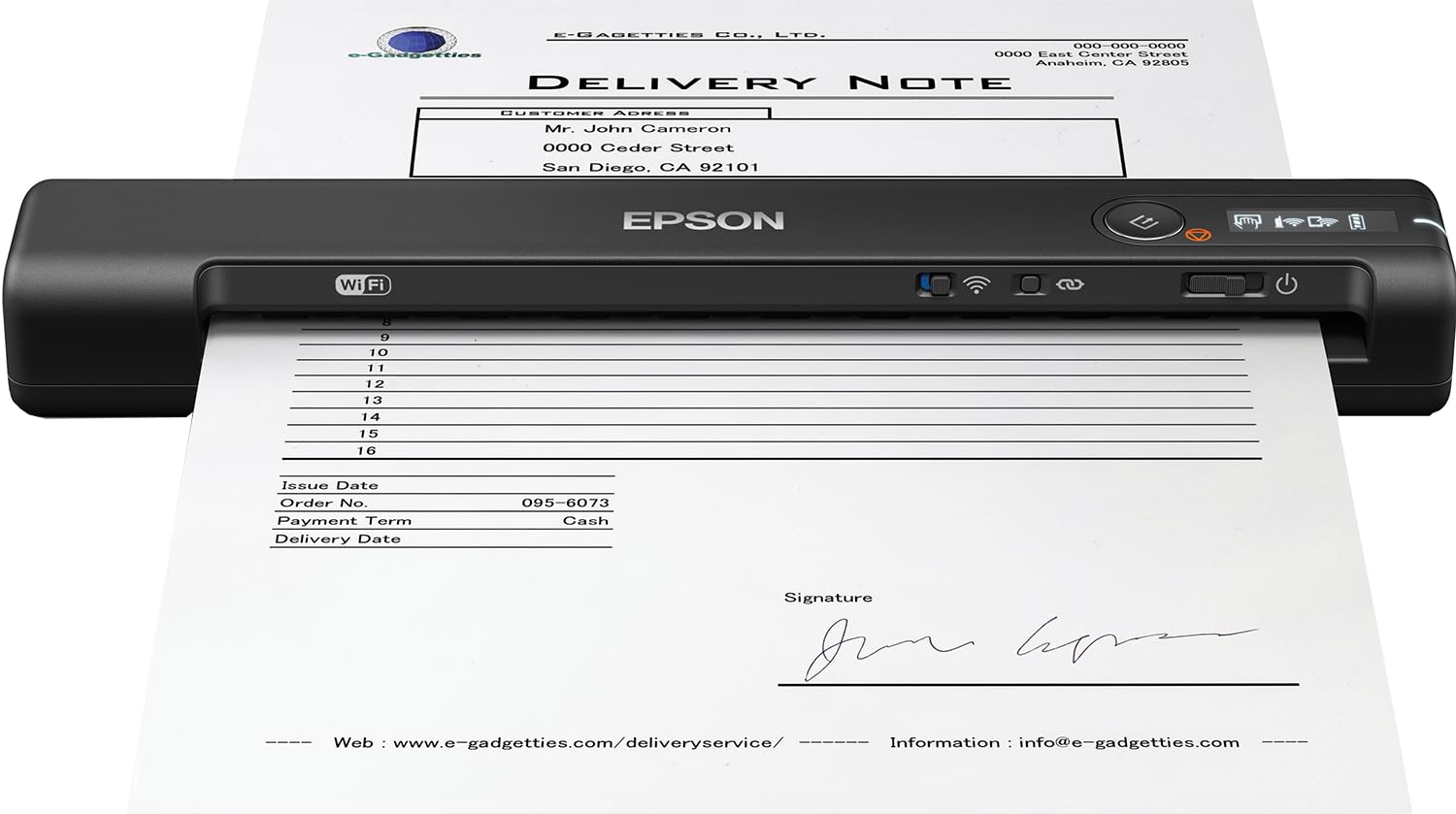
The Epson portable scanner is a versatile device designed for scanning, reviewing, and saving documents, receipts, and ID cards, whether at the office or on the go. Its lightweight design and built-in Wi-Fi connectivity make it an ideal choice for professionals who need to manage their paperwork efficiently.
This scanner delivers impressive performance with a maximum resolution of up to 1200 dpi (600 dpi optical), ensuring that text and images are captured with clarity. With a scanning speed of just 4 seconds per page, it enhances productivity, allowing users to quickly digitize essential documents. The scanner’s compact size makes it easy to carry, making it suitable for travel or remote work.
Key Features:
Lightweight and portable design for easy transport.
Built-in Wi-Fi for seamless file transfer to computers, mobile devices, and the Cloud.
High-resolution scanning of up to 1200 dpi for crisp text and images.
Fast scanning speed of one page in just 4 seconds.
Supports various document sizes, including ID cards and receipts up to 8-1/2" x 72".
LCD screen for monitoring wireless status and battery level.
Includes Nuance OCR software for creating searchable PDFs and editable Word and Excel files.
This Epson scanner is perfect for professionals, students, and anyone who needs to digitize documents quickly and efficiently. Its combination of portability, high-quality scanning, and user-friendly features makes it a valuable tool for managing paperwork in today’s fast-paced environment. The scanner is backed by a 1-year limited warranty, providing peace of mind with your purchase.
⚠️ WARNING (California Proposition 65): This product may contain chemicals known to the State of California to cause cancer, birth defects, or other reproductive harm. For more information, please visit www.P65Warnings.ca.gov.
Frequently Asked Questions
Q: What are the dimensions of the Epson WorkForce ES-60W scanner?A: The dimensions are one point eighty-five inches in height, ten point seventy-one inches in width, and one point thirty-four inches in depth.
Q: What is the maximum scanning resolution of this scanner?A: The maximum scanning resolution is twelve hundred dots per inch, providing clear and crisp text and images.
Q: What type of connectivity does the Epson WorkForce ES-60W offer?A: It offers wireless-N connectivity, which includes support for eight zero two point eleven b, g, and n standards.
Q: How do I use the Epson WorkForce ES-60W scanner?A: To use it, power on the scanner, connect to Wi-Fi, and use the Epson DocumentScan App to scan documents to your mobile device.
Q: Can the scanner handle different document types?A: Yes, it can scan ID cards, receipts, and documents up to eight and a half inches by seventy-two inches in size.
Q: How quickly can this scanner scan documents?A: It can scan a single page in just four seconds, making it efficient for quick tasks.
Q: What is the best way to maintain the Epson WorkForce ES-60W scanner?A: Keep it clean and store it in a dry place, away from direct sunlight, to maintain its performance.
Q: Are there any safety concerns with the Epson WorkForce ES-60W scanner?A: Yes, it contains lithium-ion batteries, which should be handled according to the manufacturer's safety guidelines.
Q: How should I store the scanner when not in use?A: Store the scanner in a protective case or in its original packaging to prevent damage.
Q: Is the Epson WorkForce ES-60W scanner suitable for home use?A: Yes, its portable design makes it ideal for both home and office use.
Q: How does this scanner compare to other portable scanners?A: It offers higher resolution and faster scanning speeds compared to many other portable scanners in the market.
Q: Can I create searchable PDF files with this scanner?A: Yes, the included Nuance OCR software enables you to create searchable PDF files.
Q: What if my Epson WorkForce ES-60W scanner arrives damaged?A: If it arrives damaged, contact the manufacturer or retailer for return or exchange options.
Q: What is the warranty period for the Epson WorkForce ES-60W scanner?A: It is backed by a one-year limited warranty from the manufacturer.
Q: What do I do if I have trouble connecting the scanner to Wi-Fi?A: Check your Wi-Fi settings, ensure the scanner is powered on, and refer to the user manual for troubleshooting steps.