The Startech Dp2Vgdvhd 11.16'' Displayport To Vga/Dvi-D/Hdmi Adapter Converter Provides A Loss-Less Connection With Pc With Its 20-Pin Male Displayport And 25-Pin Female Dvi-D, 19-Pin Female Hdmi And 15-Pin Female Vga High Density D-Sub Connectors. Convert Digital Displayport Video Input To Vga With The Startech Dp Adapter. Connect Your Source To Your Output Device Via The 20-Pin Male Displayport And 25-Pin Female Dvi-D, 19-Pin Female Hdmi And 15-Pin Female Vga High Density D-Sub Connectors Of This Displayport To Dvi Adapter. It Comes With A Reliable Conductor That Offers Uninterrupted Signal Transfer With Low Loss From The Input Device. Displayport To Vga Adapter To Link Your Video Devices For Smooth Transfer Of Video Signals. For A Seamless Connection With Pc. Length: 11.16''. Comes With A 2-Year Limited Warranty.
⚠️ WARNING (California Proposition 65): This product may contain chemicals known to the State of California to cause cancer, birth defects, or other reproductive harm. For more information, please visit www.P65Warnings.ca.gov.
Frequently Asked Questions
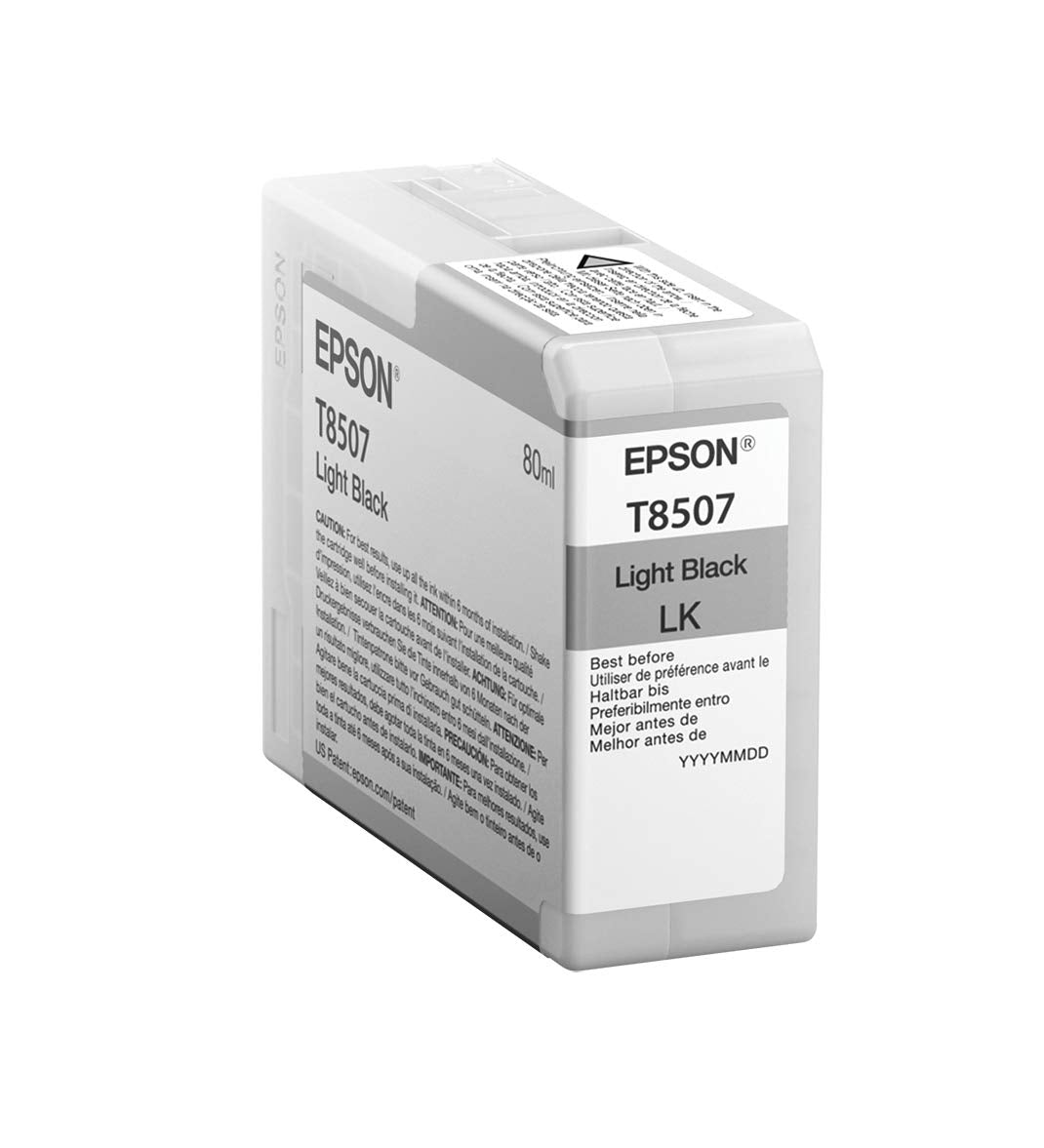
Q: What is the size of the Epson T850 UltraChrome HD Light Black ink cartridge?A: The Epson T850 UltraChrome HD Light Black ink cartridge measures eight and one-half inches by fourteen inches. It is designed for high-capacity usage with nine cartridges included.
Q: What materials are used in the Epson T850700 ink cartridge?A: The Epson T850700 ink cartridge is primarily made of plastic. This material choice ensures durability and efficient ink storage.
Q: What are the package dimensions for the Epson T850700 ink cartridges?A: The package dimensions are nine point nine zero six centimeters in height, three point five five six centimeters in length, and eight point one two eight centimeters in width. This compact size makes it easy to store.
Q: How do I install the Epson T850700 ink cartridge?A: To install the Epson T850700 ink cartridge, open your printer's ink compartment, remove the old cartridge, and insert the new one until it clicks into place. Make sure to follow your printer's specific instructions for best results.
Q: Is the Epson T850700 ink cartridge suitable for all Epson printers?A: No, the Epson T850700 ink cartridge is specifically designed for select Epson printers that support UltraChrome HD technology. Always check your printer model compatibility before purchasing.
Q: Can I use the Epson T850700 ink cartridge for photo printing?A: Yes, the Epson T850700 ink cartridge is ideal for photo printing. Its UltraChrome HD formula delivers vivid colors and superior black density, enhancing print quality.
Q: How should I store the Epson T850700 ink cartridges?A: Store the Epson T850700 ink cartridges in a cool, dry place, away from direct sunlight. Keeping them in their original packaging helps maintain ink quality.
Q: Is the Epson T850700 ink cartridge hazardous?A: No, the Epson T850700 ink cartridge is not classified as hazardous material. However, it is recommended to follow standard precautions when handling ink cartridges.
Q: What is the weight of the Epson T850700 ink cartridge package?A: The package weight of the Epson T850700 ink cartridges is zero point one five nine kilograms. This lightweight design makes it easy to handle and install.
Q: What makes the Epson UltraChrome HD inks special?A: Epson UltraChrome HD inks are known for their vibrant colors and improved print longevity. They provide superior black density, making them perfect for professional-grade prints.
Q: Can I return the Epson T850700 ink cartridge if it's damaged?A: Yes, you can return the Epson T850700 ink cartridge if it arrives damaged. Check the retailer's return policy for specific instructions on returns.
Q: How long does the ink last in the Epson T850700 cartridges?A: The lifespan of the ink in the Epson T850700 cartridges depends on usage. However, they are designed as high-capacity cartridges, offering more prints than standard cartridges.
Q: Are there any specific cleaning instructions for the Epson T850700 ink cartridge?A: There are no specific cleaning instructions for the Epson T850700 ink cartridge itself. However, it is important to clean your printer regularly to ensure optimal performance.
Q: Can I mix different Epson ink cartridges in my printer?A: No, it is not recommended to mix different Epson ink cartridges in your printer. Always use cartridges that are compatible with your specific printer model.
Q: What should I do if the ink is running low?A: If the ink is running low, replace the Epson T850700 cartridge with a new one. Regularly checking ink levels can help avoid running out during important print jobs.